

I tested several major cloud platforms and narrowed the options down to the best services that let you deploy websites and applications for free or at very low cost. Kamatera is my top choice due to its configurable cloud hosting service. HostArmada ranks second for its affordable entry-level shared cloud hosting plan that works well for simple websites. For fast deployments that don’t require a credit card, there’s Cloudways.
This list includes a mix of free trials, time- and resource-limited free tiers, and always-free hosting plans. This allows you to choose based on your project’s duration and resource requirements. Read on to find out which free or nearly-free cloud host is the best fit for your needs.
Which Free Cloud Hosting Provider Should I Go For?
- For lightweight sites or web apps. HostArmada’s shared cloud hosting is suitable for quickly launching a secure site for a limited time, with coverage from its 45-day money‑back guarantee.
- For beginners. Hostinger’s managed cloud hosting handles server setup and updates, letting you focus on building your app. You can test the service risk‑free using its 30‑day money‑back guarantee.
- For hosting game servers. Kamatera lets you configure a virtual machine within set credit and resource limits, making it suitable for short‑term use. You can also use Amazon EC2 for up to six months at no cost, provided player numbers and usage remain limited.
- For students and personal use. Affordable shared cloud hosting works well for short‑term needs, with 45‑day coverage from HostArmada or 30 days of full server control via Kamatera. For longer use, Render offers a free Hobby plan and limited always‑free compute services.
- For automatic usage limits. Cloudways’ 3‑day free trial requires no credit card and enforces strict resource caps, preventing unexpected plan upgrades once limits are reached.
What We Look For in the Best Free Cloud Hosting Services
To put together this list of the best free cloud hosting services, I focused on the following features:
- Free trials and money-back guarantees. In addition to free tiers, I looked for hosts that offer generous free trials and money-back guarantees so you can test out their services without risk. What differentiates these services from the rest is that these trials come with enough resources to realistically test the service.
- Reliability and uptime. It’s easy to give away cloud hosting like candy, but that doesn’t mean you’ll get the best performance out of it. These hosting providers provide the most cutting-edge infrastructure with reliable redundant servers, which translates to high uptime and loading speeds of less than 2 seconds.
- Multiple deployment locations. Almost all services on this list provide multiple deployment options on their free or cheap offers, ensuring that you’ll always have a nearby location promptly serving your visitors.
- Scalability. With subpar hosting, your website may slow down or crash once you get more traffic. With the cloud hosting providers on this list, your website or app will have enough capacity to handle more visitors.
- Developer-friendly features. To develop the best websites or apps in the least amount of time, you need a service that makes things easier. All the services on this list are developer-oriented, but a couple really go the extra mile in offering streamlined developer tools.
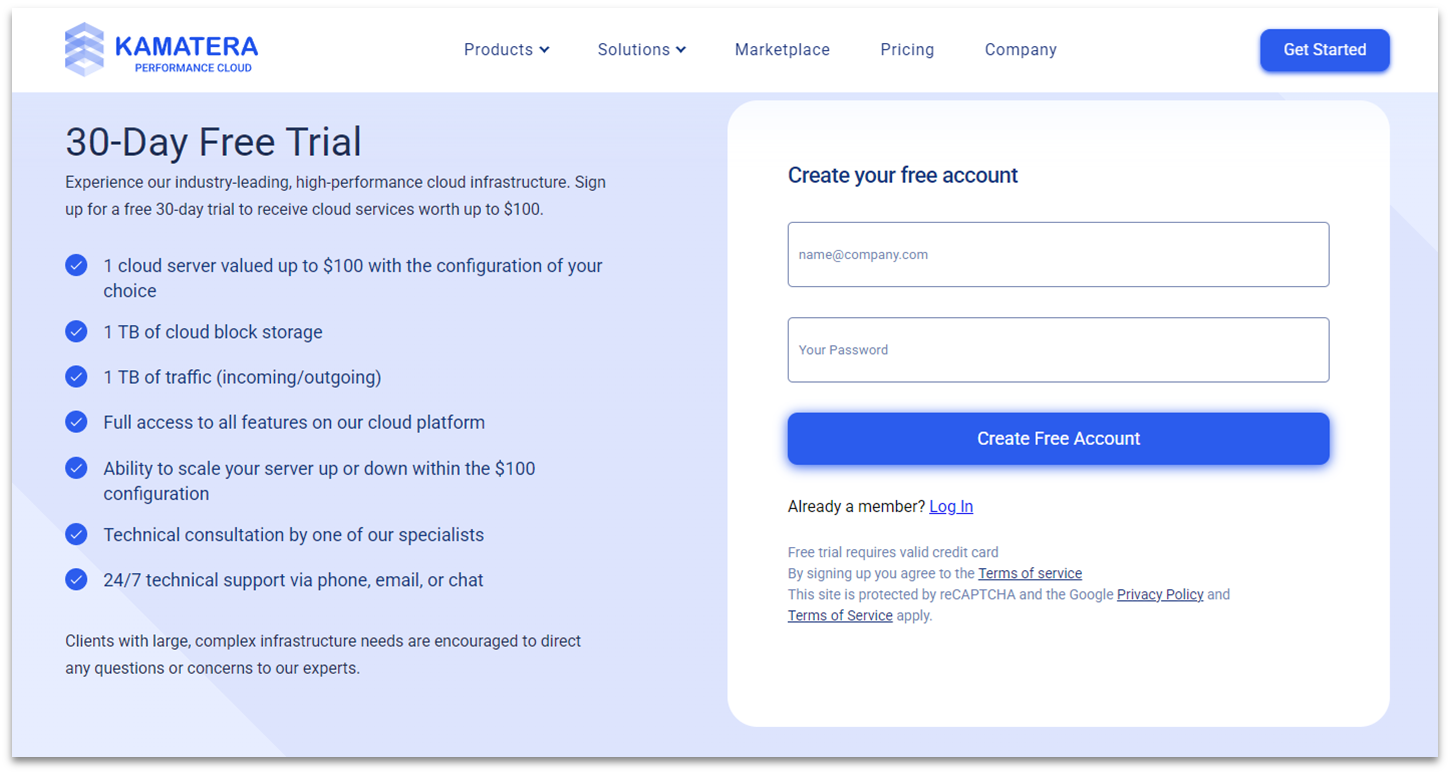
Kamatera’s 30-day free trial lets you build and scale a custom virtual machine (VM) with up to $100 worth of resources. While you’ll get a fixed (but generous!) 1 TB of cloud block storage and outgoing traffic, you can scale all other resources within the $100 limit. There’s even a handy calculator to see if this will give you enough to try before you get started.
At no point during my trial did Kamatera skimp on performance. Thanks to its enterprise-grade cloud network covering 24 locations, our tests revealed loading times of a single second and perfect uptime. You can even speed test each location before you commit to make sure you’re picking the right one for your project.
| Best For | Not For |
|---|---|
| ✅ Developers who need full root access and a customizable VM ✅ Resource-heavy applications ✅ Hosting game servers like Minecraft |
❌ Beginners who may need reliable support and simple hosting options |
Pros
- Rapid setup. It takes less than a minute to set up a new virtual machine. Just go straight to the sidebar in Kamatera’s dashboard and go to My Cloud to create a new server.
- Optional preinstalled OS. To save some time, you can preinstall your operating system of choice on Kamatera’s cloud instances. Options include various Linux distributions and multiple versions of Windows Server. You can also request cPanel or Plesk as OS add-ons.
- Free static IP. Every server comes with a free public static IP. You can also add up to 4 IPs to your plan for an extra fee.
- Cheap automatic backup solution. For a small added fee, your server’s storage will be automatically backed up every day and stored in an off-site storage array to further protect against data loss.
Cons
- Hard-to-navigate control panel. Kamatera’s control panel is generally straightforward, but some users feel it looks outdated and can occasionally lag. Cloudways is a better alternative if you’re a beginner looking for a more modern, intuitive interface.
- Complex setup. Although Kamatera is marketed as plug-and-play, that’s mostly true for experienced developers who already know what to configure. Beginners may find the initial setup challenging due to the range of configuration options involved.
See our in-depth Kamatera review for more performance details.
| Free cloud hosting period | 30 days with $100 resource credits |
|---|---|
| Uptime guarantee | 99.95% |
| Free technical support | 24/7 technical support via phone and email |
| Starting price | $4.00 |
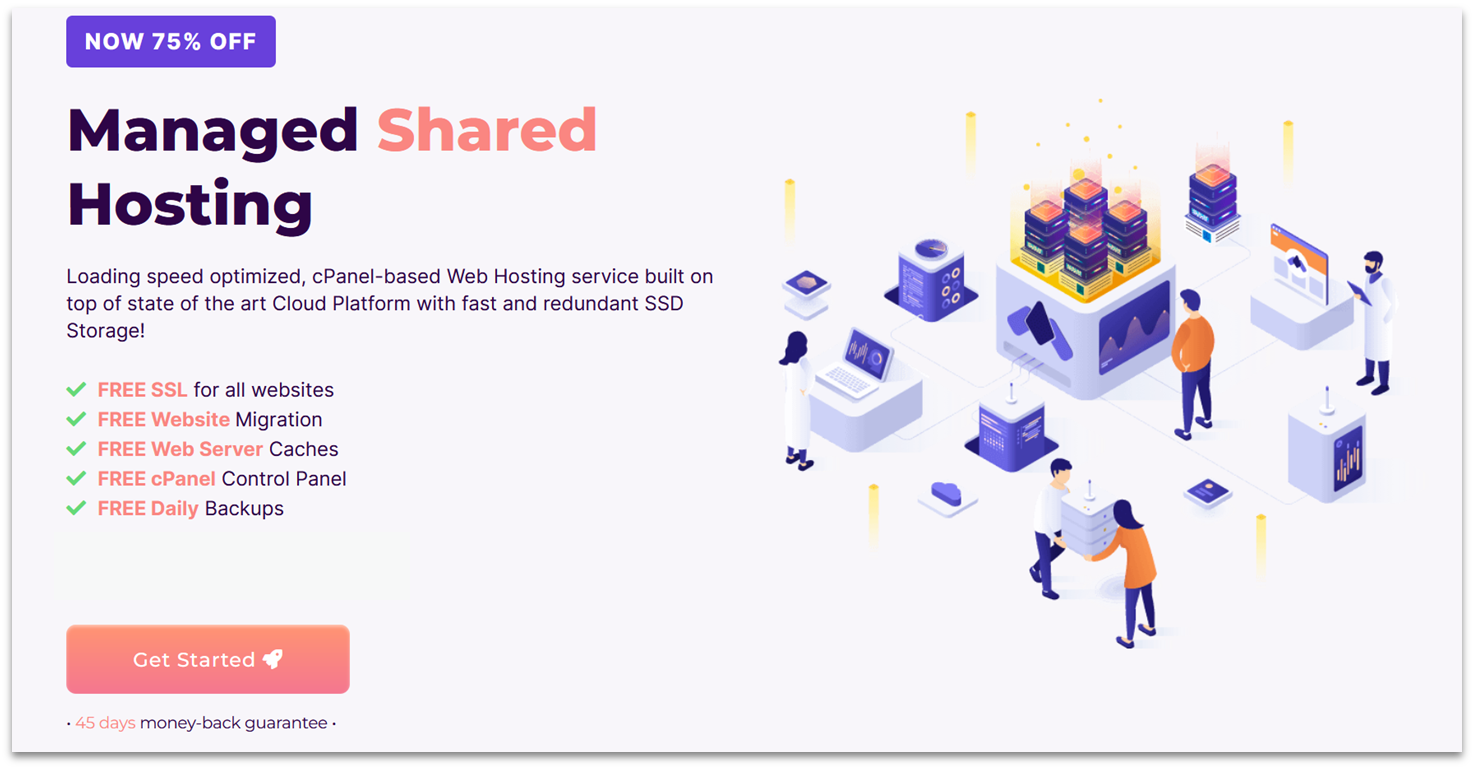
HostArmada offers a generous 45 days to use its shared cloud hosting risk-free. Its shared service bundles development and security features, which can be useful if you’re testing lightweight websites or apps that need security.
Not only does it have a long trial period, but it’s also one of the most affordable cloud hosting providers by far, with plans starting at $1.49. For the low price, you get exceptionally good performance for shared hosting. For example, HostArmada uses NGINX and caches static files on its entry-level Start Dock plan. In our tests, its servers provided consistently fast loading times under 1.5 seconds.
| Best For | Not For |
|---|---|
| ✅ Beginner developers ✅ Students ✅ Hosting small web applications |
❌ Staging a site with a global reach |
Pros
- Free website transfers. HostArmada offers up to 5 free website transfers depending on your chosen shared cloud hosting plan.
- Low server occupancy. Unlike most budget cloud hosts, HostArmada doesn’t overload its servers to ensure reliable performance. It also employs KVM virtualization for additional stability and security.
- Unlimited MySQL databases. HostArmada is one of the few hosts to offer unlimited MySQL databases (subject to fair-use limits) on its low-cost shared cloud hosting plans. This lets you separate projects and make multiple site management easier.
- Free daily backups. HostArmada provides one free backup per day with its starter shared cloud hosting plan, with a 7-day retention period. That number increases if you choose a higher-tier plan.
Cons
- No pre-installed content delivery network (CDN). This was evident during my load time tests outside the US. However, it’s easy to set up Cloudflare CDN – you can even ask customer support to handle the integration for you.
- Lacks website development assistance. HostArmada’s managed shared cloud hosting service only takes care of server tasks like maintenance, updates, and software installations. Although it doesn’t include build assistance, beginners can still opt for a website consultation.
For more on cloud hosting features, see our expert HostArmada review.
| Free cloud hosting period | 45 days (via money-back guarantee) |
|---|---|
| Uptime guarantee | 99.9% |
| Free technical support | 24/7 technical support via live chat, phone, email, and ticket |
| Starting price | $1.49 |
Cloudways stands out by offering customized managed cloud hosting for other cloud platforms, including DigitalOcean, Linode, Vultr, Amazon Web Services (AWS), and Google Cloud. But if you need to deploy a WordPress or WooCommerce site quickly, there’s Cloudways Autonomous. It removes the need to select a cloud provider and server type, so you can get straight to setting up your site.
With the Cloudways Autonomous trial, you’ll get up to 15 GB storage, 50 GB bandwidth, and 10,000 visits, which are enough to test a small niche or digital product store. It also allows you to use Cloudways’ caching and autoscaling features to better handle high customer traffic during load testing, helping you uncover bottlenecks that these optimizations won’t fix.
| Best For | Not For |
|---|---|
| ✅ Developers that need temporary hosting for site/app demos and performance tests ✅ Temporary landing pages (e.g., flash sales) |
❌ Testing an e-commerce site with 100+ product pages ❌ Content-heavy websites |
Pros
- Advanced security. Cloudways uses Cloudflare Enterprise, which has built-in firewall and DDoS protection features to keep your site and server secure.
- Chat and ticketing support. The 3-day trial also comes with beginner-friendly standard support that’s available 24/7. Cloudways also has a well-stocked knowledge base.
- No credit card required. You just need to enter your name, email, persona/industry, and monthly hosting spending to register for the free trial.
- No automatic charges. Cloudways enforces hard resource limits, so once you hit them, the 3-day trial ends right away. This helps you avoid unexpected charges.
Cons
- Short trial period. Unlike other hosting providers like Kamatera and HostArmada, Cloudways runs the trial period for 3 days. This may not be enough time to fully test a site and gather thorough feedback.
- US-only deployment. I highly suggest using Cloudways for temporary demos or performance tests where a US server location is sufficient, as the provider only runs your trial environment on US data centers. If you need to use servers in Asia or Europe, consider using Kamatera instead.
Read our expert Cloudways review to see more features.
| Free cloud hosting period | 3 days |
|---|---|
| Uptime guarantee | 99.99% |
| Free technical support | 24/7 support via ticket and live chat |
| Starting price | $14.00 |

IONOS has a cloud server trial that provides $200 in credit for 30 days. Where it excels is storage – its preconfigured servers (Cloud Cubes) use NVMe SSDs with sizes up to 960 GB. Whether you’re a small business with a content-heavy WordPress site or a freelance developer deploying small applications, you’ll get plenty of room for testing.
Another thing I appreciate about IONOS is how easy it makes it to set up and deploy your server. You can configure your servers and network connections through a drag-and-drop whiteboard interface and instantly add resources as needed.
| Best For | Not For |
|---|---|
| ✅ Small- and medium-sized businesses that need flexible yet plenty of resources ✅ Validating APIs, SDKs, and configuration tools |
❌ Beginners who don’t want to configure server, storage, and network settings |
Pros
- HDD or SSD block storage add-ons. You can easily add up to 23 HDD or SSD block storage to the Cloud Cube’s existing NVMe volume. This is useful for storing large datasets or isolating backups and logs from your main drive.
- 99.99% uptime guarantee. Most competitors only guarantee 99.9% of uptime, but IONOS guarantees near-perfect performance. At this level, you’re guaranteed to have less than 52 minutes of downtime a year.
- ISO certified servers. IONOS’ data centers in the US and Europe have all achieved ISO 27001 certification. If your business manages sensitive data, IONOS’ cloud hosting can help you protect it and minimize the risk of a costly data breach.
- Trial and resource extension on request. If you need more test resources or want to extend your cloud server trial, you can simply send a request to your account manager.
Cons
- Clunky interface. Some users say IONOS’ proprietary control panel feels outdated and cluttered, which can make it harder to navigate until you get used to it. If you prefer using the classic cPanel, you can check out HostArmada.
- Hard-to-reach support. Each IONOS plan provides access to experts via phone, chat, or email, but it’s often a struggle to reach them. On the other hand, if you’re familiar with servers, IONOS provides tons of documentation to help you troubleshoot issues.
To learn more, head over to our comprehensive IONOS review.
| Free cloud hosting period | 30 days with $200 resource credits |
|---|---|
| Uptime guarantee | 99.99% |
| Free technical support | 24/7 support via phone, email, and live chat |
| Starting price | $7.00 |
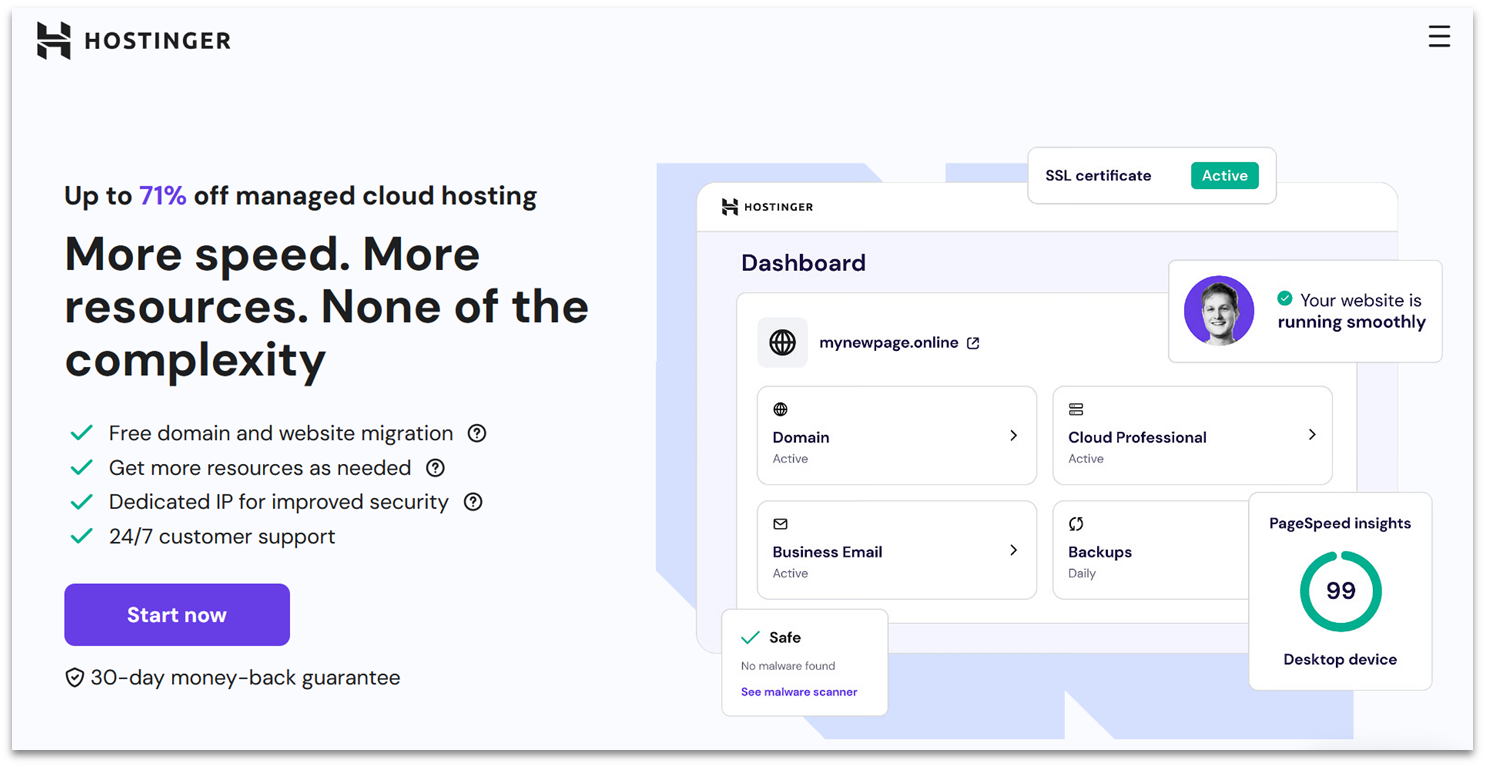
Deploying Node.js projects with Hostinger is fast because the provider supports most frameworks and vibe-coded apps. You just need to import your project from GitHub or upload it as a compressed file. Each cloud hosting plan is fully managed, so it’ll handle all firmware and software updates for you while you focus on building your app.
With a money-back guarantee, you can try Hostinger for 30 days for free. Plus, this free trial grants you access to the full cloud hosting configuration you’ll want to use, with no trial credit or resource limitations. Each cloud hosting plan also includes 3 months of free service and a generous discount on your first term if you sign up for 4 years.
| Best For | Not For |
|---|---|
| ✅ Beginner developers ✅ Hosting web apps built with popular Node.js frameworks (e.g., NestJS, Fastify) |
❌ Developers who need control over cloud server configurations ❌ Deploying more than 10 Node.js web apps |
Pros
- Optimized for WordPress. Each plan includes managed WordPress hosting, which comes with LiteSpeed Cache for WordPress, object caching, auto updates, and a staging tool.
- Free site migration. If you have a WordPress (or another open-source CMS) website, then Hostinger’s team will migrate it to your cloud server for you. Unlike with other hosts, there are no limits to this service.
- Free AI tools. Hostinger’s cloud hosting service comes bundled with several AI tools to help you set up and maintain your website. You’ll get tools for content creation, website building, and even vibe coding credits.
- 24/7 support. You can get in touch with support via live chat and email, and there’s a well-stocked knowledge base with tons of guides to help you get started with your cloud hosting service.
Cons
- Less flexible configuration. Unlike Kamatera, you can’t customize Hostinger’s cloud server OS, control panel, and resources. You can only choose from its three predefined plans.
- Unreliable AI assistant. Hostinger offers many AI tools, but many users find its Kodee AI assistant not helpful for troubleshooting. It often provides generic, canned replies that send users to unrelated help pages.
Our expert Hostinger review covers even more pros and cons.
| Free cloud hosting period | 30 days (via money-back guarantee) |
|---|---|
| Uptime guarantee | 99.9% |
| Free technical support | 24/7 support via live chat and email |
| Starting price | $7.49 |
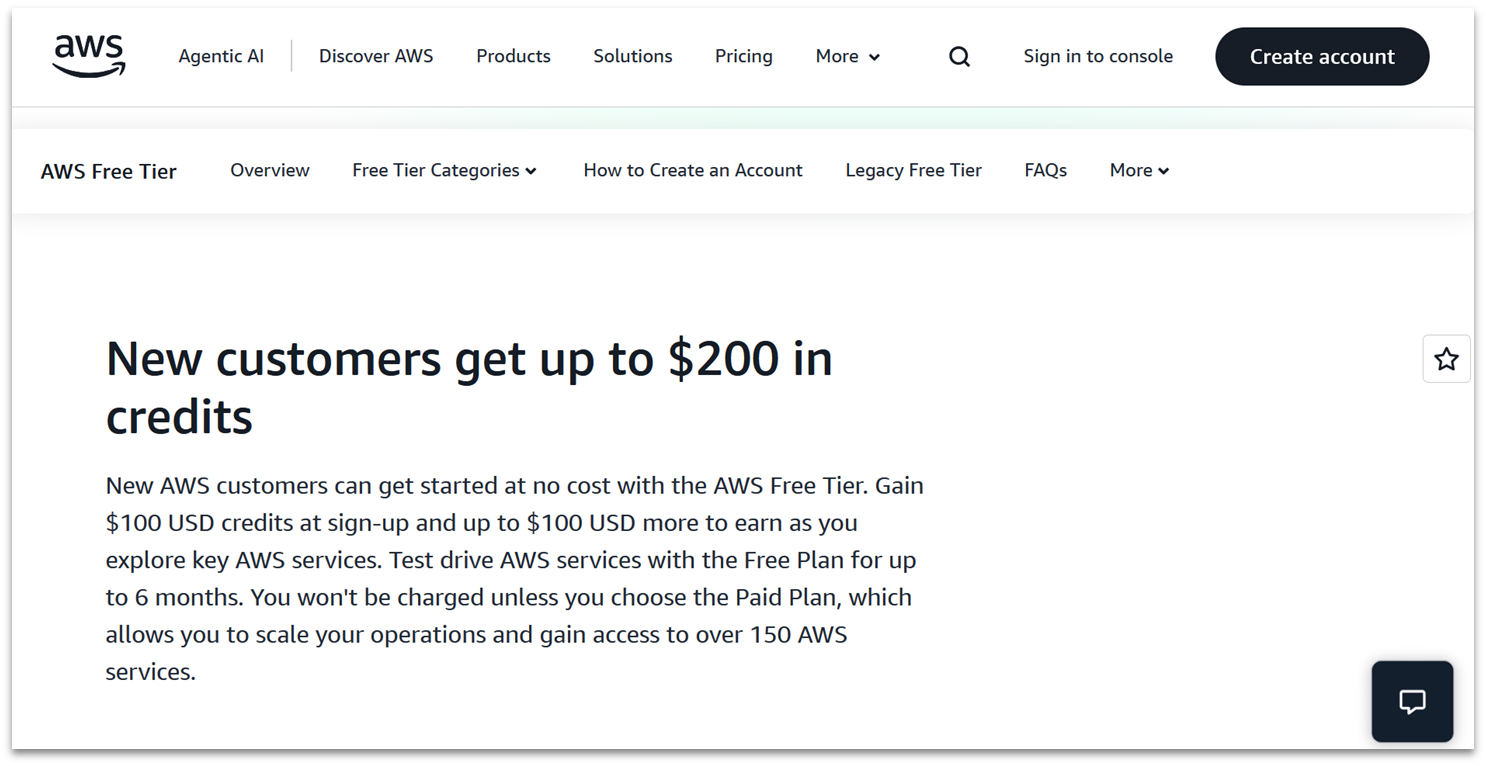
For free cloud hosting, the best fit is AWS’ EC2 service, which you can try for free for up to 6 months or until you’ve used up your Free Tier credits. You’ll get $100 in credit just for signing up, plus up to another $100 if you try to select other AWS services.
With Docker Compose integration for Amazon Elastic Container Service (ECS), you can deploy containerized applications to AWS using familiar Compose files, with support for features like Elastic File System (EFS) volumes and GPU workloads on AWS EC2. You’re only restricted to 750 computing hours per month with select EC2 instances, but this could still be enough time to get a lot of value out of AWS.
| Best For | Not For |
|---|---|
| ✅ Hobbyist developers ✅ Developers using containers to keep dev/prod environments the same |
❌ Beginners |
Pros
- Flexible machine learning (ML) training. AWS EC2 is useful for research-heavy ML training that requires multiple instances with specific frameworks and OS configurations.
- Free storage and database services. You can use AWS credits to get 750 hours per month of a micro Amazon Relational Database Service (RDS) instance (MySQL, PostgreSQL, MariaDB, or Microsoft SQL Server) and 20 GB of SSD storage capacity.
- Easily scalable into high-performance machines. Once you have an active account with AWS, you can always add more computing instances. Just pick an instance size and location and deploy it within minutes.
- Complete control. You can fully configure and manage your virtual EC2 server’s compute power, storage, and networking.
Cons
- Not user-friendly for beginners. EC2 instances are highly customizable, but they place a lot of responsibility on you. The interface isn’t the prettiest, either, so prepare to work overtime to get everything perfectly configured.
- Confusing options. It’s not a straightforward process to find the free service limitations without asking customer support. While the free trial credit does give you some safety net for the pay-as-you-go pricing for overages, I wouldn’t recommend AWS for long-term use unless you have a clear idea of the resources you need.
Want to know more? Check out our in-depth AWS review.
| Free cloud hosting period | Up to 6 months (for AWS EC2) |
|---|---|
| Uptime guarantee | 99.99% |
| Free technical support | Support via documentation and AWS re:Post community |
| Starting price | $5.00 |
7. ScalaHosting: Best for Self-Hosting n8n in the Cloud

With ScalaHosting, if you cancel within the first 30 days, you’ll get all of your money back. Cancel any time after that, and you’ll get a refund for any resources you haven’t used. Its n8n cloud hosting setup already includes the essentials, such as a PostgreSQL database and a Redis queue system, so you can start building workflows with pre-built templates right away.
All ScalaHosting’s self-managed cloud plans include full root access, so developers get complete control over their server’s configuration. If you don’t want to deal with the hassle of managing your own remote server, ScalaHosting also offers completely managed cloud VPS options at affordable monthly rates.
| Best For | Not For |
|---|---|
| ✅ n8n workflow enthusiasts who need server setup and maintenance help ✅ Scalable business sites |
❌ DevOps experts who want full infrastructure control |
Pros
- Lightweight control panel. ScalaHosting’s SPanel offers all the functionality of cPanel, plus real-time security monitoring, outbound spam monitoring, and direct access to 24/7 live chat support.
- 10 Gbps redundant network. Thanks to its 10 Gbps redundant network, ScalaHosting guarantees 99.9% uptime. It will seamlessly redirect heavy traffic during surges.
- Free server backups. ScalaHosting provides free snapshot backups of your server with all its self-managed cloud plans and daily off-site backups on all managed cloud plans.
- One-click installer. To simplify the process of configuring your server, there are over 400 different apps and scripts available through ScalaHosting’s one-click installer. You also get free updates, plus cloning and staging tools.
Cons
- Inconsistent customer support. Live chat was quick to respond, but the agent directed me to ticket support as they couldn’t answer my technical questions. Most hosting providers have a system in place to escalate problems to the appropriate team instead of asking customers to do it themselves, so this was frustrating when I came across issues.
Our full ScalaHosting review has more on user-friendly features.
| Free cloud hosting period | 30 days (via money-back guarantee) |
|---|---|
| Uptime guarantee | 99.9% |
| Free technical support | 24/7 support via ticket, email, and live chat |
| Starting price | $19.95 |
Other Notable Free Cloud Hosts
8. Oracle
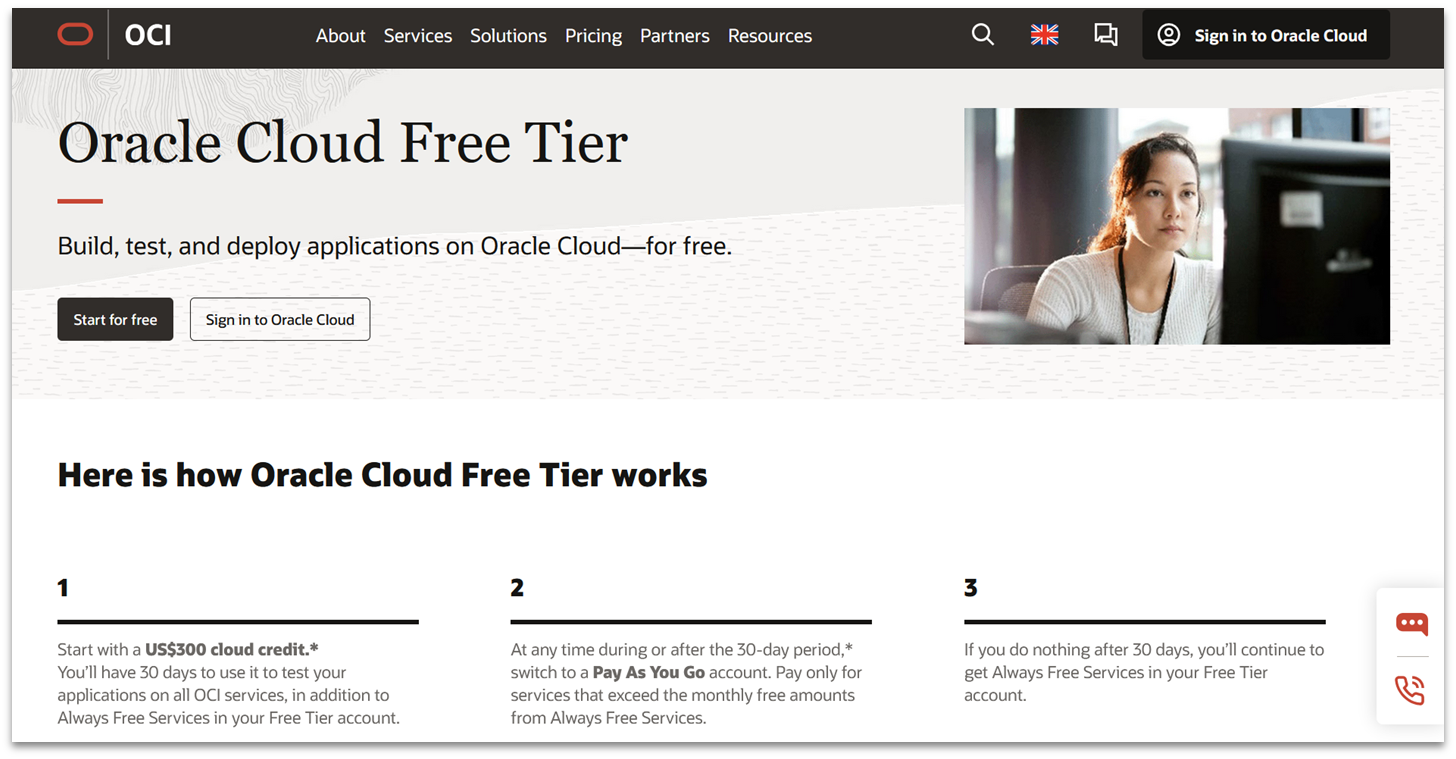
You can trial Oracle’s cloud server for free and get a $300 credit good toward any of its Oracle Cloud Infrastructure (OCI) services. The cloud credit, however, is valid for up to 30 days, so you might need to consider opting for a forever-free service like Oracle’s AMD- or Arm-based Compute Instances for testing websites.
My biggest issue is that Oracle doesn’t offer a service level agreement for its free tier, so you need to back up your project often. Additionally, there’s limited support in the form of forum access, which can be hit or miss. If you’re looking to run a complex long-term project that requires stability, you might be better off with a paid plan or AWS’ free or always-free plans.
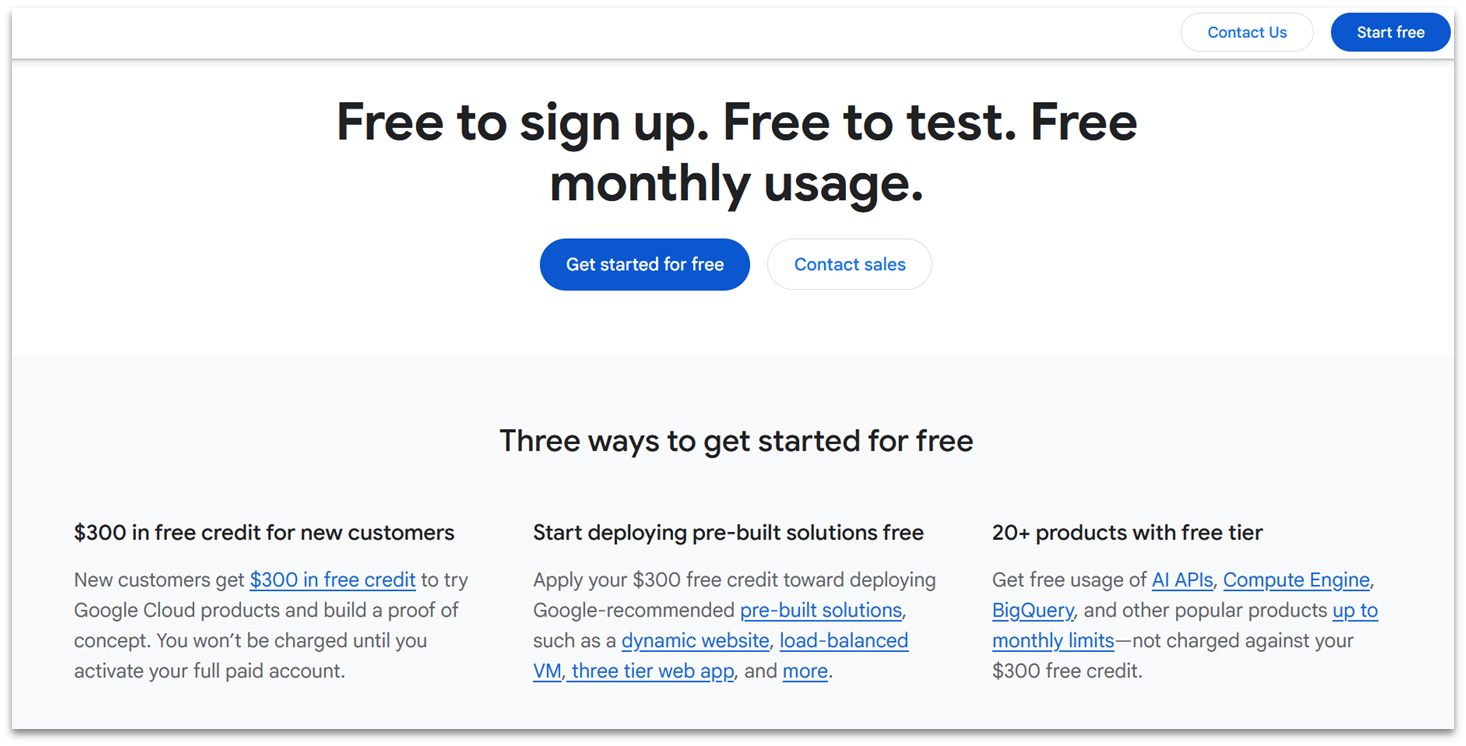
If you know your way around a server, you can have the power and performance of Google on your side with a free e2-micro cloud instance. You’ll receive a total of 30 GB of storage and 1 GB of bandwidth, plus a $300 credit to use over 90 days of testing time.
Unfortunately, there are strings attached to this great free cloud server deal. You can only deploy the e-2 micro in a handful of US data centers (Oregon, Iowa, and South Carolina). Strangely, your free credits can’t be used to increase your resource quota during your trial, nor can they be used on any AI tools. So, your ability to test Google Cloud for free is pretty limited.
Render offers a free PostgreSQL cloud hosting plan, but I can only recommend it for prototyping and lightweight workloads due to limited resources. It also expires after 30 days and doesn’t support backups. However, it can still work well for metadata or configuration storage, as long as you keep connections and resource usage minimal.
Web services may appear completely free, but you need to keep track of your usage carefully. Exceeding Render’s low resource limits, including bandwidth and build pipeline quotas, can result in unexpected charges. I’ve seen a lot of users confused about getting charged out of nowhere.
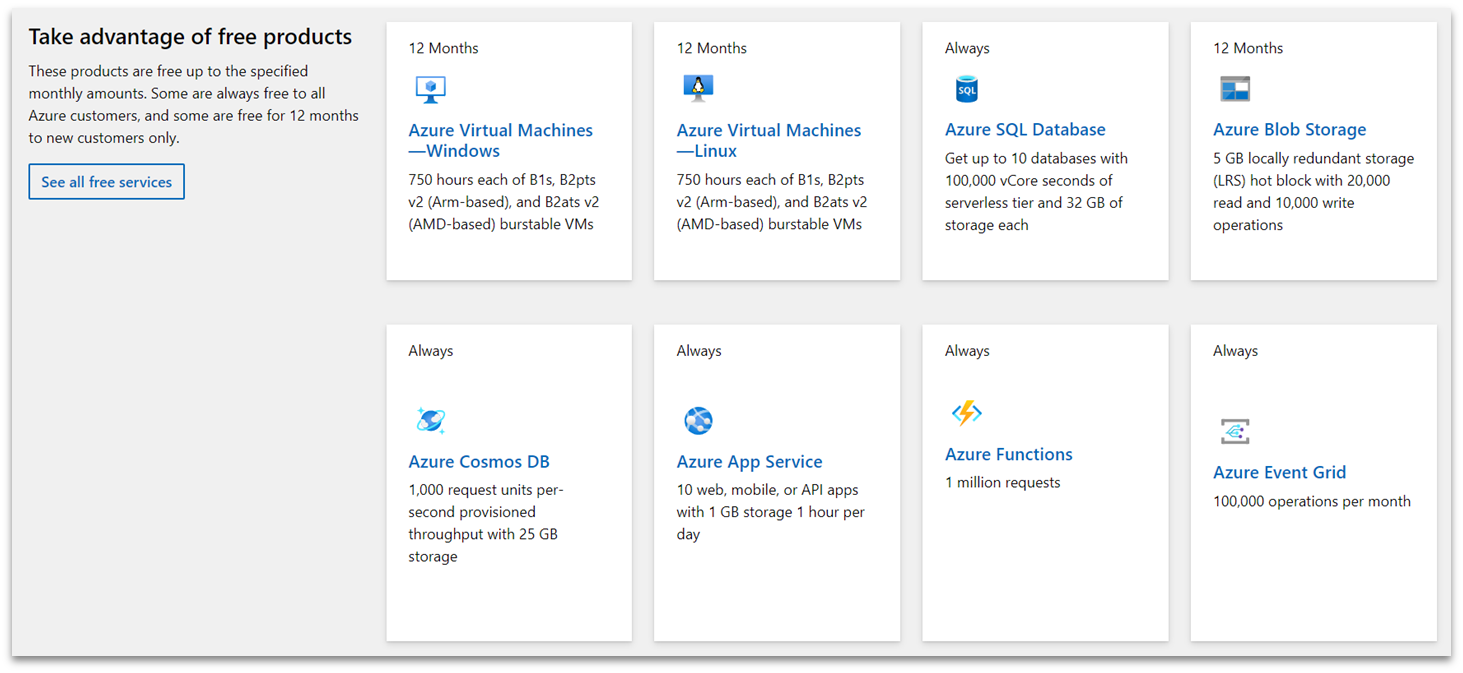
If you’d like to start creating AI projects, you can get a lot of hosting power with Microsoft Azure’s free cloud server setups. They include 12-month to always-free cloud hosting options for building AI tools, such as enterprise-grade bots and ML workflows. If you’re a student, you can also get a free annual $100 hosting credit, which is renewable every year while you’re a student.
The bad news is that Microsoft Azure is slow. Its performance in our tests was well below AWS and Google Cloud. It’s still a decent option given the generous resources it offers, but it’s disappointing that all that great stuff isn’t backed by good performance. Kamatera could be a faster alternative, as it has configurations suitable for running AI/ML apps like AnythingLLM and Ollama.
Plan Before You Test the Best Free Cloud Hosting Services
While all the above options can offer you access to cloud hosting for free (or at an extremely low price), not all of them may fit your project. They’re limited in different ways, and while some providers can scale flexibly, others may have fixed plans that don’t suit your project. Even if you don’t intend to pay right away, always check the fine print to make sure you’re not wasting time testing a cloud provider that won’t work in the long run.
If you’re still not sure which route to take, here are my recommendations:
You can try Kamatera’s cloud instances free for 30 days, with customizable resources up to $100 in value. While it isn’t permanently free, it offers the most reliable and scalable solution on the list, letting you instantly upgrade or downgrade resources to match your exact needs.
If you want top quality without breaking the bank, HostArmada offers reliable shared cloud hosting for shared cloud hosting. You also get a generous 45-day money-back guarantee, so you can try the service for yourself before making any long-term commitments.
Then, if you need a quick WordPress site test, Cloudways is the way to go. It offers managed services so you don’t have to worry about choosing a cloud provider and configurations. You can just concentrate on growing your project.
| Best For | Free cloud hosting period | Customizable resources | Paid plan starting price | ||
|---|---|---|---|---|---|
| Kamatera | Customizable VM hosting for resource-heavy sites, backups, and game servers | 30 days | ✔ | $4.00 | |
| HostArmada | Affordable shared cloud hosting for testing small apps | 45 days (money-back guarantee) | ✘ | $1.49 | |
| Cloudways | Free managed WordPress cloud hosting with no credit card required | 3 days | ✘ | $14.00 | |
| IONOS | Testing large CMS or media-heavy websites | 30 days | ✘ | $7.00 | |
| Hostinger | Beginner Node.js and vibe coding projects | 30 days (money-back guarantee) | ✘ | $7.49 | |
| AWS | Running Docker containers for personal projects | 6 months | ✔ | $5.00 | |
| ScalaHosting | n8n cloud hosting | 30 days (money-back guarantee) | ✔ | $19.95 |