

The best free web hosting with cPanel in 2026 is limited, but a few options stand out. Hostinger is the strongest overall choice with a 30-day money-back guarantee and reliable performance, while GoogieHost is the best fully free option for simple sites. FreeHosting works best for short-term or test projects where basic cPanel access is enough.
In this guide, “free” includes both permanently free plans with limitations and trial-based plans that offer full features for a limited time.
Free web hosting with cPanel can be difficult to find, and in many cases, the options that claim to offer both come with significant limitations. Since cPanel is a paid control panel, most providers can’t include it in a fully free plan without cutting back on performance, storage, or security. That makes it important to look beyond the “free” label and consider what you’re actually getting.
After testing a range of providers, I focused on options that balance cost and usability. Some hosts on this list are completely free, but the most reliable ones tend to be low-cost plans with fewer restrictions and better performance. If you’re running anything beyond a basic project, those “almost free” options are usually the more practical choice.
Which Free cPanel Hosting Should You Choose?
- For a completely free setup: Choose GoogieHost. It’s one of the few providers that offers free cPanel hosting without ads, but it’s best suited to small sites with minimal traffic due to strict resource limits.
- For the best overall reliability: Go with Hostinger. It’s not free, but it offers far better performance, resources, and stability than most free hosts. If you’re building anything beyond a basic project, this is the safest long-term option.
- For testing or short-term projects: Use FreeHosting. It includes more storage than most free hosts and basic cPanel access, but performance and security limitations make it better suited to temporary or experimental use.
- For flexible, low-cost hosting: Consider InterServer. It’s a good middle ground if you want predictable monthly pricing and unlimited resources, especially for US-based sites.
- If you need full control over your setup: Look at Kamatera. Its pay-as-you-go cloud model gives you complete flexibility, but it’s better suited to experienced users comfortable managing servers.
- If you want an eco-friendly option: GreenGeeks offers reliable performance with renewable energy credits, though it’s a paid service and not as budget-focused as others on this list.
What We Look For in the Best Free Web Hosting With cPanel
To find the best free web hosting services with cPanel, I focused on features that any excellent free hosting provider should have.
- cPanel options. All hosts on this list either offer cPanel by default or have the option to add cPanel. Since most hosts don’t offer cPanel for free, we also looked for hosts with free alternatives that closely resembled cPanel.
- High inode limits. A lot of free hosts advertise tons of storage space only to surprise you with low inode limits (a maximum amount of locations, like files, folders, and emails, which can be hosted on your account).
- Free or extremely affordable plans. Hosting shouldn’t break the bank, so I looked for services offering free plans, free trials, or truly affordable options. This ensures you can start your online presence without significant upfront costs.
- Excellent performance. A fast-loading website improves user experience and your search engine ranking. I focused on hosts that offer great uptime and page loading speeds, ensuring your visitors have a smooth browsing experience.

GoogieHost is one of the few providers that offers genuinely free hosting with cPanel, without requiring upgrades or trial periods. GoogieHost’s free plan includes 1 GB of SSD storage and 100 GB of bandwidth, which is enough to get a simple site online. You also get a free SSL certificate, so even basic projects meet standard security expectations.
It also includes a few tools that make setup and management easier. GoogieHost’s no-code website builder and built-in WordPress manager help you get started quickly, even if you don’t have much experience. Cloudflare integration is included as well, adding an extra layer of protection against common threats like DDoS attacks.
| Best For | Not For |
|---|---|
| ✅ Students and beginners learning hosting ✅ Static portfolios or simple sites ✅ Basic landing pages or test projects |
❌ Long-term or growing blogs ❌ Large or media-heavy websites ❌ Professional business sites |
Pros
- Completely free hosting with cPanel. You don’t need to pay or rely on a trial to access basic cPanel functionality.
- No ads on your website. This helps maintain a cleaner, more professional appearance.
- Unlimited subdomains. You can run multiple small projects under a single account.
- Free SSL certificate. Your site meets basic security requirements without extra setup.
- Cloudflare protection. Adds a layer of security against common threats like DDoS attacks.
Cons
- Very limited storage and resources. With only 1 GB of storage, it’s only suitable for small sites.
- Inconsistent performance. Load times and uptime may vary depending on server demand.
- Not suitable for scaling. Resource limits make it difficult to grow beyond basic use cases.
Check out our in-depth review of GoogieHost for more information.
| Free hosting | ✔ |
|---|---|
| Free SSL | ✔ |
| Free domain | ✘ |
| Starting price | $0 |
2. FreeHosting: Best for Free cPanel Hosting With Basic Features
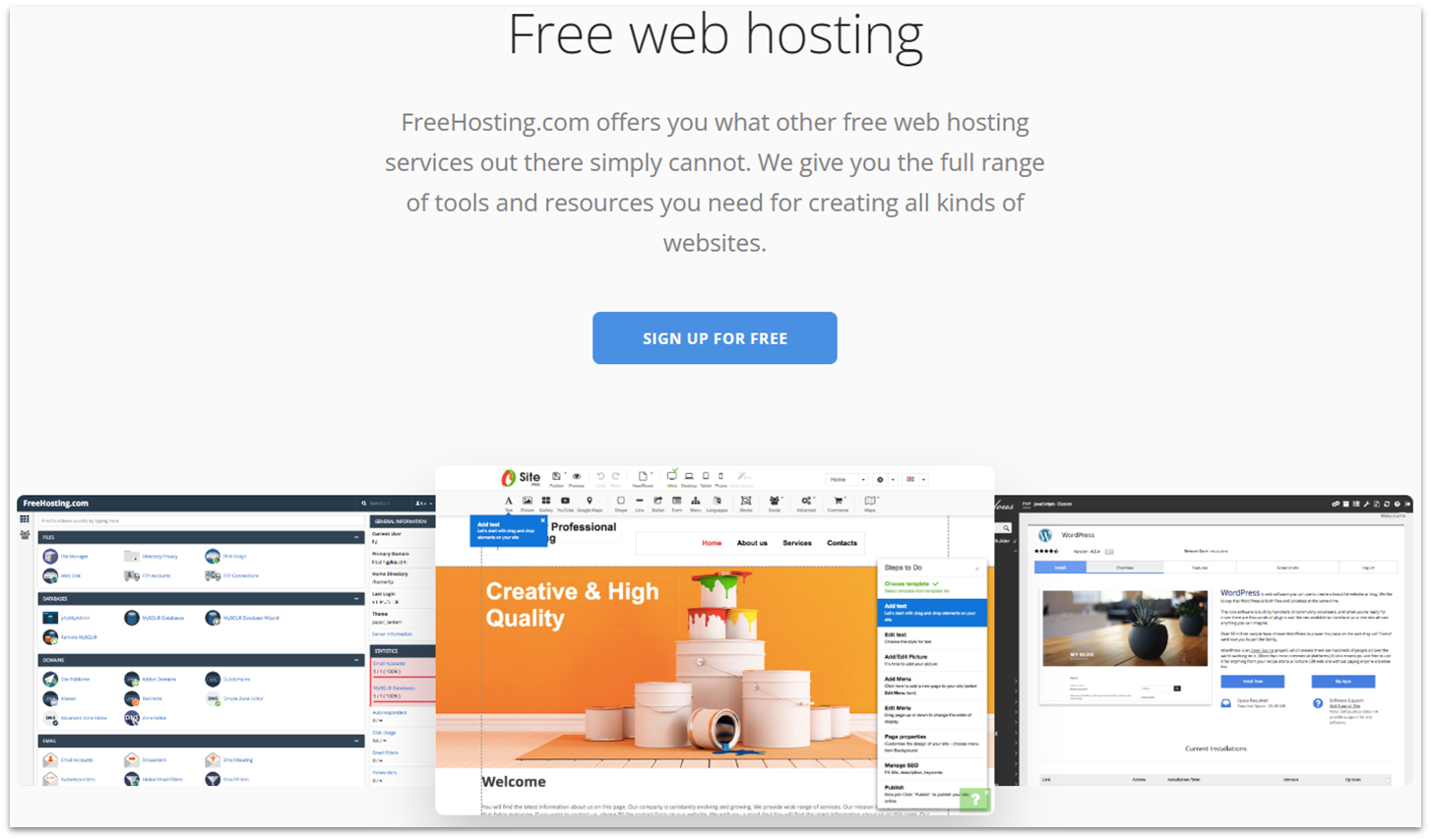
FreeHosting offers a completely free plan with more included resources than most free hosts. FreeHosting gives you 10 GB of SSD storage, one email account, and one MySQL database, which is enough to run a basic website. While it advertises cPanel hosting, access may depend on a separate licence, so it’s worth double-checking what’s included before you get started.
The trade-off is in the limitations. You’ll need to register your domain separately, ads may appear on your site, and SSL isn’t included for free. Performance is also limited, which makes it unsuitable for production websites or anything that depends on fast load times. That said, FreeHosting works well as a simple testing environment or a way to get familiar with cPanel without spending money.
| Best For | Not For |
|---|---|
| ✅ Learning how cPanel and hosting work ✅ Testing setups or proof-of-concept sites ✅ Basic static sites with minimal traffic |
❌ Production or business websites ❌ Websites handling sensitive data ❌ Content-heavy or media-rich sites |
Pros
- Completely free hosting plan. You can run a basic website without paying for hosting itself.
- 10 GB of SSD storage. This is higher than many free hosts and enough for simple sites or test projects.
- Includes an email account and MySQL database. This allows you to run more functional sites beyond static pages.
- cPanel support is available. You can use cPanel, although access may depend on additional licensing.
Cons
- cPanel may require a separate license. It’s not always included by default and may add extra cost.
- No free SSL included. You’ll need to pay to enable HTTPS.
- Requires external domain registration. A domain is not included with the hosting plan.
Our full review of FreeHosting has more on features and support.
| Free hosting | ✔ |
|---|---|
| Free SSL | ✘ |
| Free domain | ✘ |
| Starting price | $0 |
Starting at $2.50 per month, InterServer is one of the few hosts that doesn’t lock you into long-term pricing. You pay the same monthly rate whether you stay for one month or a year, which makes it a good option if you don’t want to commit upfront or you’re only hosting a site short term.
In our testing, InterServer performed reliably within the US, with stable speeds and no major uptime issues. Its shared plans also come with unlimited storage, bandwidth, and email accounts, which remove many of the usual restrictions you see at this price. InterServer supports both cPanel and DirectAdmin, with DirectAdmin as the default and cPanel available as an alternative depending on the plan.
| Best For | Not For |
|---|---|
| ✅ US-based business or professional sites ✅ Projects with defined timelines or short-term needs ✅ Sites that benefit from unlimited resources |
❌ Websites targeting audiences outside the US ❌ Users looking for built-in site builders or extras ❌ Users who need highly responsive support |
Pros
- Fixed monthly pricing. You pay the same rate regardless of contract length, with no discounts tied to long-term commitments.
- Shared plans include unlimited resources. Storage, bandwidth, and email accounts are not capped, which removes common usage limits.
- Free SSL certificates are included. This ensures basic site security without additional cost.
- Free website migration is available. You can transfer an existing site without needing to handle the process yourself.
- Performance is reliable within the US. Testing showed stable speeds and uptime for US-based traffic.
Cons
- Data centers are limited to the US. Performance may be slower for audiences located further away.
- cPanel is not included by default. Shared plans use DirectAdmin unless you choose a specific cPanel option.
- Fewer built-in tools are included. It lacks extras like proprietary builders or integrated features offered by some competitors.
For more on performance, read our in-depth InterServer review.
| Free hosting | ✘ |
|---|---|
| Free SSL | ✔ |
| Free domain | ✘ |
| Starting price | $2.50 |

TL;DR: Not free, but a low-cost VPS option that lets you run cPanel with excellent performance and full control.
Hostinger isn’t a free hosting provider, that’s why it’s not part of the main list, but it’s still the strongest option on this page. Most free hosts with cPanel come with serious trade-offs, from limited resources to poor performance, which can cost you more in the long run. Hostinger avoids these issues with VPS plans that offer more power, including high inode limits and dedicated resources. Its VPS hosting also makes it easy to run cPanel with full control over your setup.
Hostinger’s entry plan includes 1 vCPU, 4 GB of RAM, and 50 GB of NVMe storage, which is enough for a small or growing site. If you choose an AlmaLinux image, you can install cPanel in a single click, though you’ll need to provide your own licenses. Shared hosting is more affordable, but it uses hPanel instead of cPanel, which still covers the same core features in a more user-friendly way. Every plan also comes with a 30-day money-back guarantee, so you can test it risk-free.
| Best For | Not For |
|---|---|
| ✅ Affordable VPS hosting with cPanel ✅ Growing sites that need flexibility and control ✅ Projects that need consistent performance |
❌ Users looking for completely free hosting ❌ Beginners who want a fully managed setup ❌ Users who don’t want to manage licenses |
Pros
- Strong performance for the price. VPS plans deliver stable speeds and reliable uptime, even on entry-level configurations.
- Full root access with VPS hosting. You have complete control over server setup, security, and installed software.
- Quick cPanel installation on supported images. Setup takes only a few clicks using options like AlmaLinux once licensing is in place.
- Global data center coverage. This helps reduce latency and maintain consistent performance for international visitors.
- Weekly automated backups. Built-in backups help protect your data without manual setup.
Cons
- cPanel is not included for free. You’ll need to purchase a separate license to use it.
- Shared hosting does not include cPanel. These plans use hPanel instead.
- VPS requires technical setup. It may not be suitable if you’re unfamiliar with server management.
Take a look at our Hostinger review to learn more about its various plans.
| Free hosting | ✘ |
|---|---|
| Free SSL | ✔ (included with shared hosting, a free Let’s Encrypt SSL can be manually installed on VPS) |
| Free domain | ✔ (only with shared and cloud hosting) |
| Starting price | $4.99 |
4. Hosting.com: Best for Budget Hosting Plans With Free cPanel

Hosting.com includes cPanel with all shared hosting plans, which simplifies setup since there’s no need to configure or license it separately. Hosting.com also lets you add additional cPanel licences if needed, which is useful for managing multiple environments. While it doesn’t offer a free plan, the 30-day money-back guarantee allows you to test the service without a long-term commitment.
If you plan to scale, cPanel is also available on managed VPS and dedicated plans, so you won’t need to switch providers as your site grows. Hosting.com also includes built-in security features such as automatic updates, security patches, and malware protection. Overall, it offers a straightforward setup, particularly if you want a solution that works out of the box with minimal configuration.
| Best For | Not For |
|---|---|
| ✅ Sites that need strong built-in security ✅ High-traffic blogs or growing sites ✅ Users who want cPanel included by default |
❌ Users who need multiple websites on one WordPress plan ❌ Long-term low-budget projects |
Pros
- cPanel included on all shared hosting plans. This removes the need for separate setup or licensing.
- Add multiple cPanel licences. This is useful if you’re managing multiple sites or environments.
- Built-in security features are included. Plans come with automatic updates, security patches, and malware protection.
- 30-day money-back guarantee. This lets you test the service without committing long term.
Cons
- No free plan. You’ll need to pay upfront, even for entry-level hosting.
- Prices increase after the initial term. Renewal rates are higher than the introductory pricing.
- WordPress plans are limited to one website. This may be restrictive if you want to host multiple sites on a single plan.
To learn more about Turbo plans, see our expert Hosting.com review.
| Free hosting | ✘ |
|---|---|
| Free SSL | ✔ |
| Free domain | ✘ |
| Starting price | $1.99 |
5. Kamatera: Best for Customizable cPanel Cloud Hosting and Usage-Based Pricing
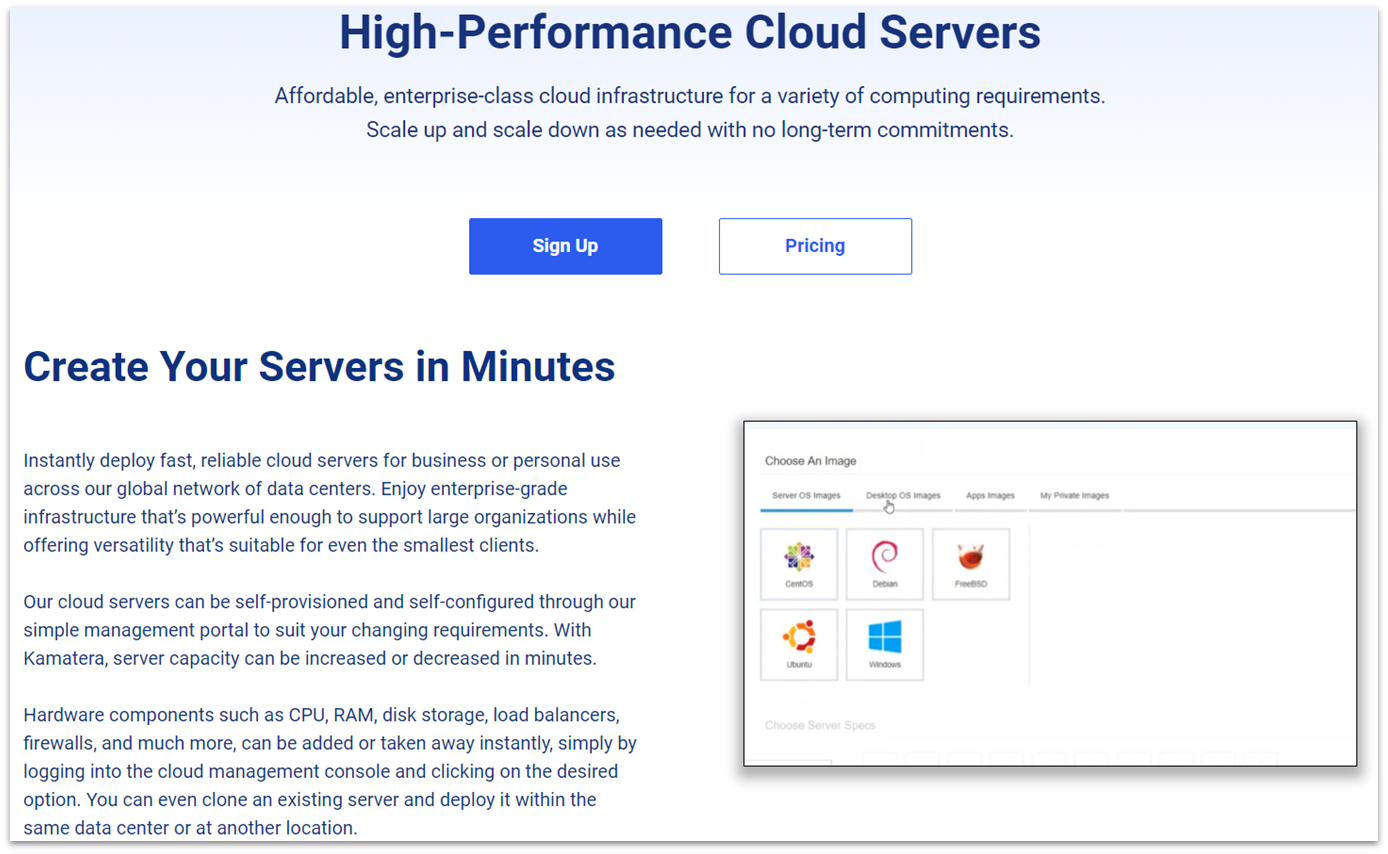
Kamatera uses a pay-as-you-go pricing model, so you only pay for the resources you actually use rather than committing to a fixed plan. You can adjust CPU, RAM, and storage independently, which makes it a good fit for projects with variable resource needs. It supports a wide range of server configurations, including setups that allow you to run cPanel, though this typically requires separate setup and licensing.
Its infrastructure is designed for performance, with global data centers, load balancing, and built-in firewall options. These features help maintain stability and reliability across different regions and workloads. That said, Kamatera’s level of control can feel overwhelming if you’re not used to managing servers, and there’s no simplified, beginner-focused setup.
| Best For | Not For |
|---|---|
| ✅ Users comfortable managing VPS or cloud servers ✅ Projects with fluctuating resource needs ✅ Sites that need global infrastructure |
❌ Beginners with no server experience ❌ Users looking for simple, managed hosting ❌ Managed WordPress or plug-and-play setups |
Pros
- Pay-as-you-go pricing model. You only pay for the resources you use, with no need to commit to a fixed plan.
- Fully customizable server resources. CPU, RAM, and storage can be adjusted independently based on your needs.
- Supports cPanel setups. You can run cPanel on supported configurations with manual setup.
- Global data centers are available. This helps maintain consistent performance across different regions.
- Advanced infrastructure is included. Features like load balancing and firewalls support more complex deployments.
Cons
- cPanel requires separate setup and licensing. It’s not included by default and needs to be configured manually.
- Not beginner-friendly. The level of control can be overwhelming without prior server experience.
- No managed hosting layer is included. There’s no simplified setup for users who want a plug-and-play solution.
Take a look at our in-depth Kamatera review for more.
| Free hosting | ✘ |
|---|---|
| Free SSL | ✔ |
| Free domain | ✘ |
| Starting price | $4.00 |
Other Notable Free Web Hosts With cPanel
6. GreenGeeks

GreenGeeks is a paid host that focuses on environmentally friendly hosting, using renewable energy credits alongside efficient infrastructure. GreenGeeks offers solid performance, including a 99.99% uptime guarantee and LiteSpeed servers for faster loading speeds. Plans typically include 50–150 GB of storage, which is enough for most small to medium sites, but may be limiting for larger projects or content-heavy websites.
Pros
- Environmentally focused hosting. GreenGeeks uses renewable energy credits to offset its energy usage.
- LiteSpeed servers are included. This helps improve loading speeds and overall performance.
- Reliable uptime is provided. GreenGeeks advertises a 99.99% uptime guarantee.
Cons
- No free plan is available. All hosting options require a paid subscription.
- Storage is limited by plan. 50–150 GB may not be enough for larger or content-heavy sites.
- Pricing is higher than some budget hosts. It may not be the most cost-effective option at entry level.
7. DigitalOcean
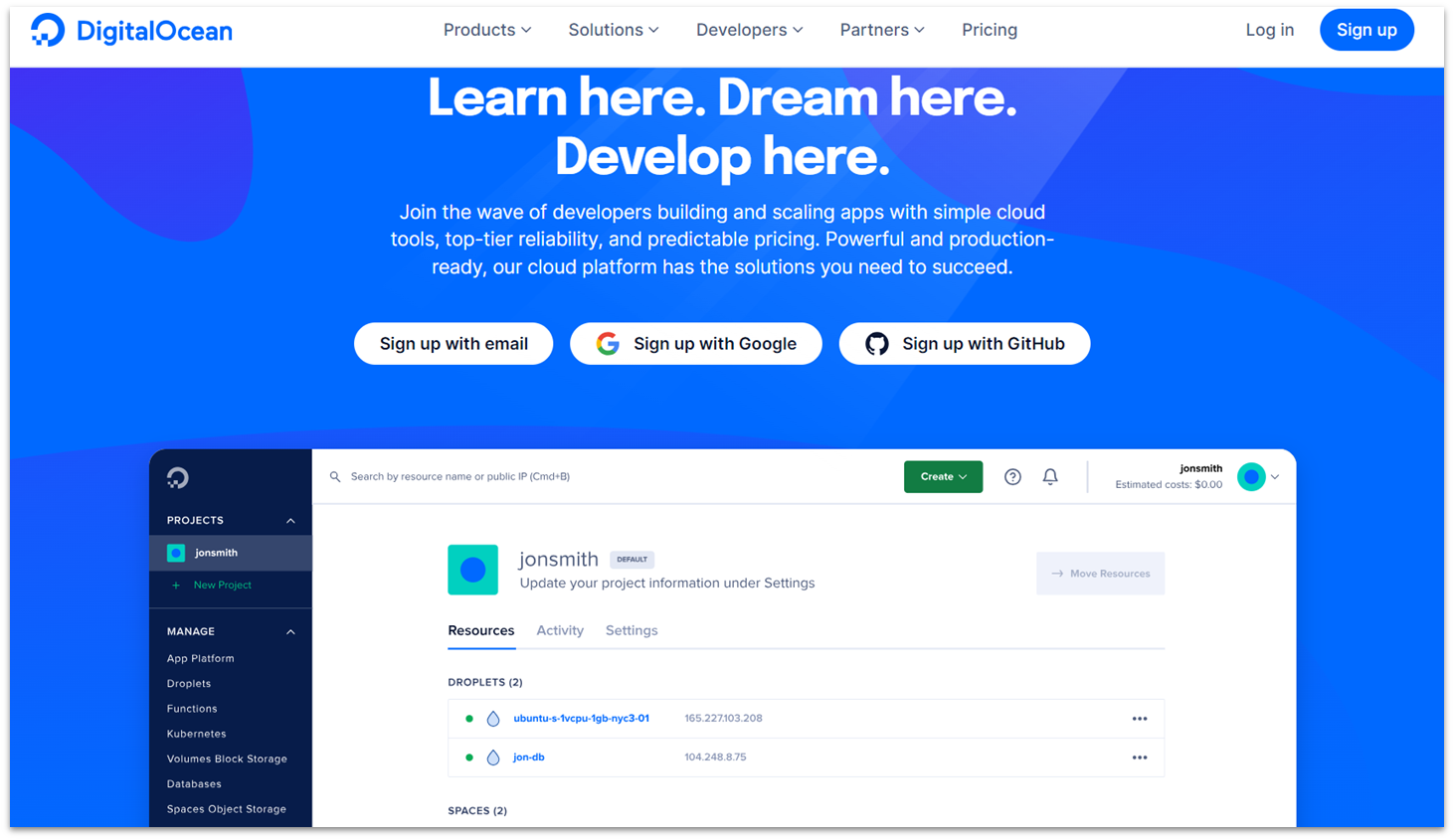
DigitalOcean is a cloud hosting platform designed for developers who want full control over their setup. It supports cPanel through manual installation and offers scalable SSD storage, global data centers, and powerful API integrations. Performance is strong and consistent, but DigitalOcean’s pricing is usage-based and can increase quickly depending on how resources are configured.
Pros
- Highly scalable cloud infrastructure. Resources can be adjusted as needed to support different workloads.
- Performance is strong and consistent. DigitalOcean is known for reliable speeds and stable uptime.
- Advanced tools and API integrations. These make it well-suited for development and custom deployments.
Cons
- Not beginner-friendly. The platform requires technical knowledge to configure and manage.
- cPanel requires manual setup and licensing. It’s not included by default and must be installed separately.
- Costs can increase with usage. Pricing depends on resource consumption, which can add up quickly.
8. ScalaHosting

ScalaHosting offers both shared hosting and VPS plans, with the option to use cPanel or its own SPanel control panel. Its VPS hosting is particularly strong, with customizable configurations and good performance across plans. While it’s flexible and scalable, ScalaHosting’s shared hosting plans are less competitive compared to other budget-focused providers.
Pros
- Flexible VPS hosting with strong performance. Custom configurations allow you to tailor resources to your needs.
- Choice between cPanel and SPanel. You can use cPanel or opt for ScalaHosting’s built-in alternative.
- Scalable resources. Plans can be adjusted as your site grows.
Cons
- No free plan available. All hosting options require payment.
- Shared plans are less competitive. They offer fewer advantages compared to other budget hosts.
- Best features are tied to VPS plans. The strongest performance and flexibility come at a higher price point.
9. InfinityFree
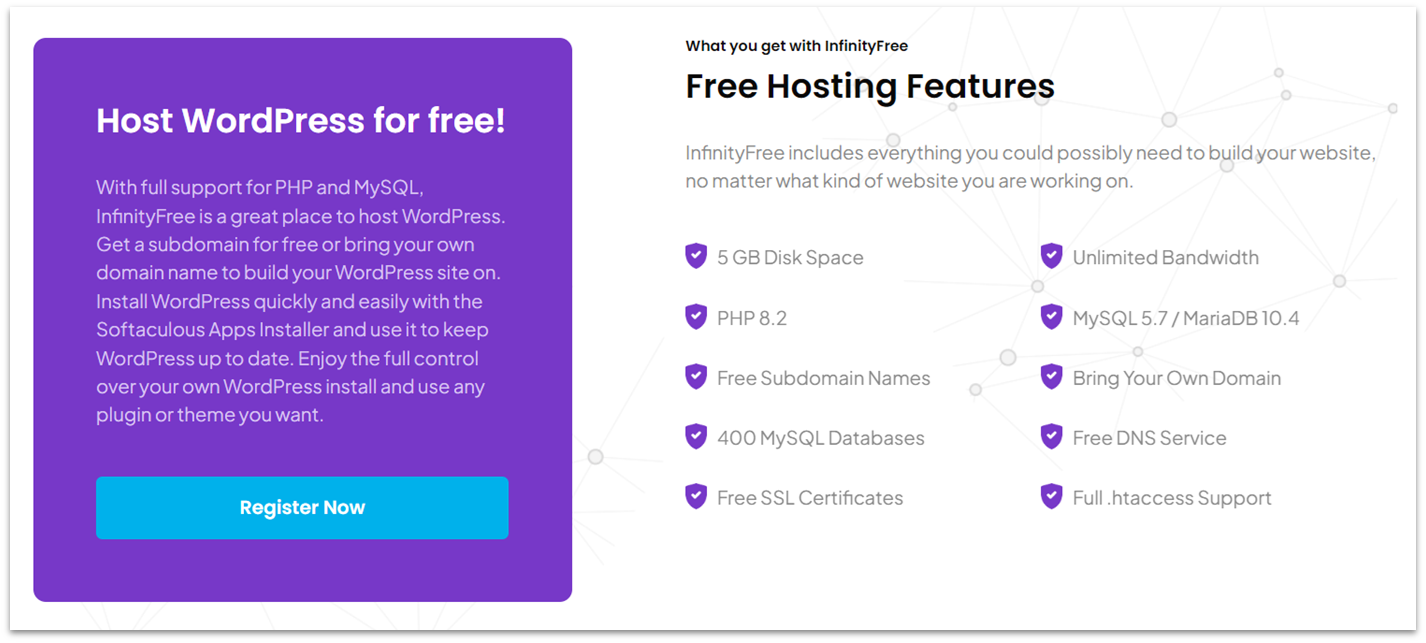
InfinityFree is a fully free hosting provider that includes 5 GB of storage, 400 MySQL databases, and unlimited subdomains, all without ads. InfinityFree is one of the more generous free plans available, but performance is limited and upgrade paths are tied to iFastNet, which may not offer the same value as other paid hosts.
Pros
- Completely free hosting. You can run a website without paying for hosting.
- No ads on your site. This keeps your website looking clean and more professional.
- Generous database and subdomain limits. Includes 400 MySQL databases and unlimited subdomains for flexibility.
Cons
- Limited performance. Load speeds and reliability may not support higher-traffic or complex sites.
- Upgrade options tied to iFastNet. Moving to a paid plan limits your flexibility compared to other providers.
- Migration can be more difficult later. Switching to a different host may require additional effort.
What Are the Best Free Web Hosting Options With cPanel?
While free hosting is often limited, there are some free hosts that do deliver decent quality for small projects. For the most part, good cPanel hosting options require paid plans, but you can still keep costs down with an affordable host. Many even come with money-back guarantee periods, so you can test them without any risk.
My top recommendation is Hostinger. It doesn’t offer a free plan, but its low-cost options come with a 30-day money-back guarantee, 99.9% uptime, and a free domain for the first year. You can get cPanel hosting for extremely discounted pricing when you sign up for a year or more.
If you need a completely-free option and don’t mind low resource limits, GoogieHost is the best fully-free option. It comes with a forever-free plan with no ads, along with a WordPress manager to help you get started.
If you need more resources and don’t mind fewer built-in protections, FreeHosting offers free cPanel hosting. It also comes with one email account and one free MySQL database for slightly more complex projects.
| Free plan | Standout feature | Money-back guarantee period | Starting price | ||
|---|---|---|---|---|---|
| Hostinger | ✘ | Unmanaged cPanel VPS with plenty of resources | 30 days | $4.99 | |
| GoogieHost | ✔ | Ad-free plan with built-in WordPress manager and code-free website builder | ✘ | $0 | |
| FreeHosting | ✔ | Generous free plan with one-time paid add-ons | ✘ | $0 | |
| InterServer | ✘ | Unlimited resources on all plans | 30 days | $2.50 | |
| Hosting.com | ✘ | A variety of hosting options with optimized servers | 30 days | $1.99 | |
| Kamatera | ✘ | Custom-built cloud VPS servers with affordable pay-per-usage billing | 30 days on some plans | $4.00 |