

Most hosting services for students either lack user-friendly design or have frustratingly poor performance. This can be a significant hurdle when you need to focus on your studies and don’t have the time (or money) to deal with hosting issues. Plus, hosting can get expensive fast and even more so if you choose a host with a lot of add-on or hidden costs.
I tried to find the best free hosting options for students that don’t compromise quality. I’ll be honest: most free hosts offer limited storage space, lack of support, and reliability issues. Ironically enough, this means many free hosting services aren’t worth the cost. To account for this, I’ve also included some affordable (but not quite free) options on this list. For a modest price, these hosts can deliver way better performance than you’d get with other free options.
Overall, I found Wix to be the best choice, especially if you need to build a website for free. It offers completely free hosting for sites created with its website builder and offers plenty of options for different types of website projects. Start a free website with Wix or keep reading to discover other notable hosting options for students.
Short on Time? These Are the Best Free Web Hosts for Students in 2026
- Wix – Offers completely free hosting and full creative control over your website’s design.
- Hostinger – Delivers excellent performance and an easy-to-use control panel for a very low price.
- InterServer – Get a free year of hosting with unlimited resources (and renew on a cheap monthly plan).
What We Look for in the Best Free Hosting for Students
I understand that as a student, your needs are likely different from those of the general public. So rather than making big, flashy promises, I focused on what matters most to someone who’s new to hosting.
- Free or affordable plans. I’ve chosen services that offer robust features without a financial burden, allowing you to focus on your projects without worrying about costs.
- Ease of use. A user-friendly interface is essential to get your web hosting up and running. The platforms I recommend are straightforward, making it simple to manage your website even if you’re not technically savvy.
- Mobile optimization tools. Most web traffic occurs on mobile devices these days. So, even for academic projects, mobile design has to be an important consideration.
- Good performance. Despite being free, you should still expect dependable performance from your host. I ensured the services on my list provide reliable uptime and decent loading speeds, so all your projects run smoothly.
- Easy upgrade options. As your needs grow, so should your hosting capabilities. I looked for hosts that offer seamless upgrades to more powerful features as your skills and project demands increase.
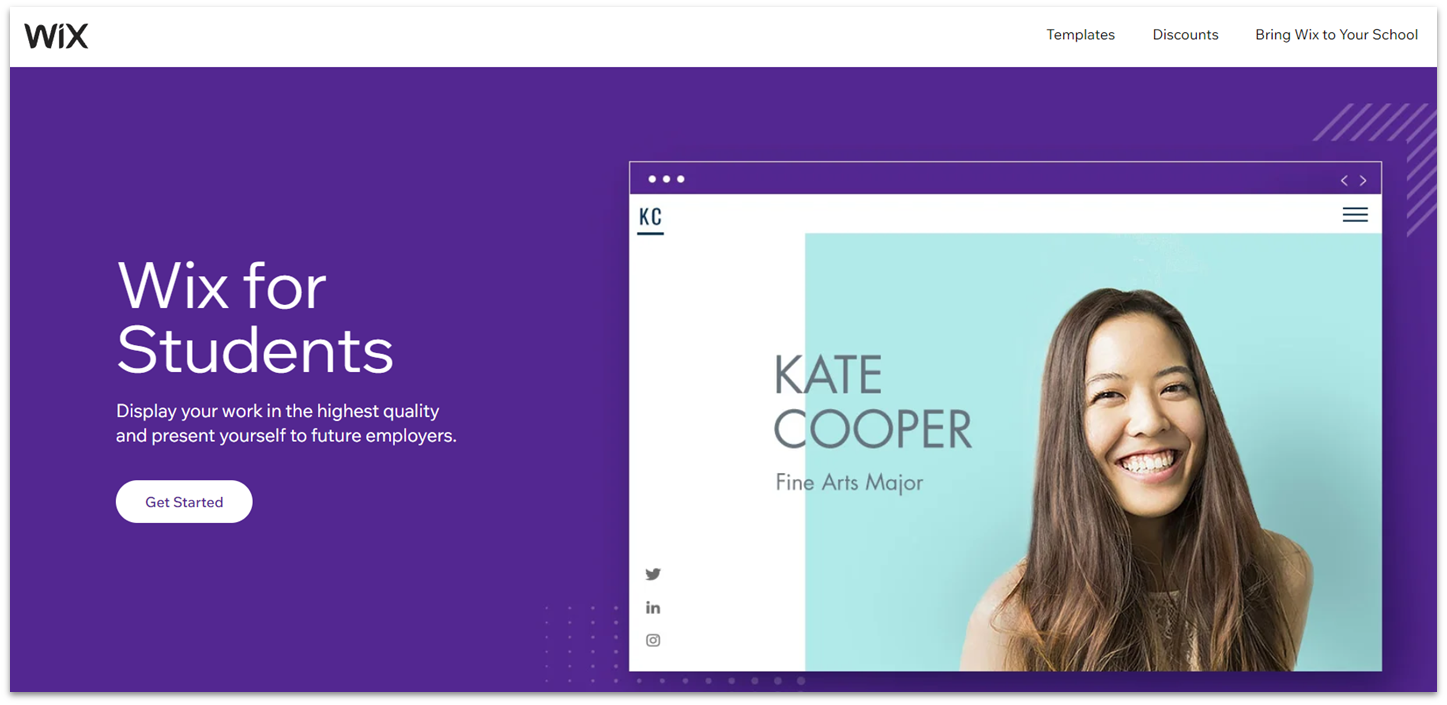
If you need to create and host a site for a class project, you could save yourself the trouble of setting up traditional hosting and skip straight to creation using Wix. Wix is a fully-fledged website builder that offers plenty of tools for design and functionality. You can access all its customization tools directly on the free plan. It also offers more than 2500+ templates to give you a starting point.
Every Wix site comes with an SSL certificate, even the free ones. You also get up to 500 MB of storage and unmetered bandwidth, which is more than enough for any class project. Wix is fully mobile-responsive, but you also get the option to edit your mobile site separately to ensure that your site looks exactly how you want across screens.
Wix also gives you impressive blogging capabilities for free, which many students might need for a specific assignment or to start building a personal brand. If you need more resources or access to premium features, Wix offers a generous 50% discount for students on all plans. Any premium plan lets you connect a custom domain, remove Wix branding from your site, and incorporate marketing features – ideal for starting to build a professional presence online.
Features
- Collaborator roles. Wix’s premium plans allow you to assign specific roles and permissions to collaborators. This is perfect for group projects or student organizations where multiple people need to access and manage the website.
- Backend containers. With premium plans, you can use backend containers for advanced web development projects.
- Marketing features. You can access blogging software on free student accounts, but upgrading to a premium plan unlocks more powerful marketing tools, including email campaigns and social media integrations.
- Free design and coding lessons. Wix offers a free learning platform for educators and students to learn the fundamentals of website design and development. Through its Tomorrow Classroom program, you can access interactive tutorials and guided projects.
Read our expert Wix review for more details.
| Student discount | 50% off all premium plans for the first year |
|---|---|
| Storage space | 500 MB – unlimited |
| Upgrade options | Premium plans remove ads, allow e-commerce, and increase marketing tools |
| Starting price | $17.00 |
2. Hostinger: Affordable, Easy-to-Use Hosting for Students
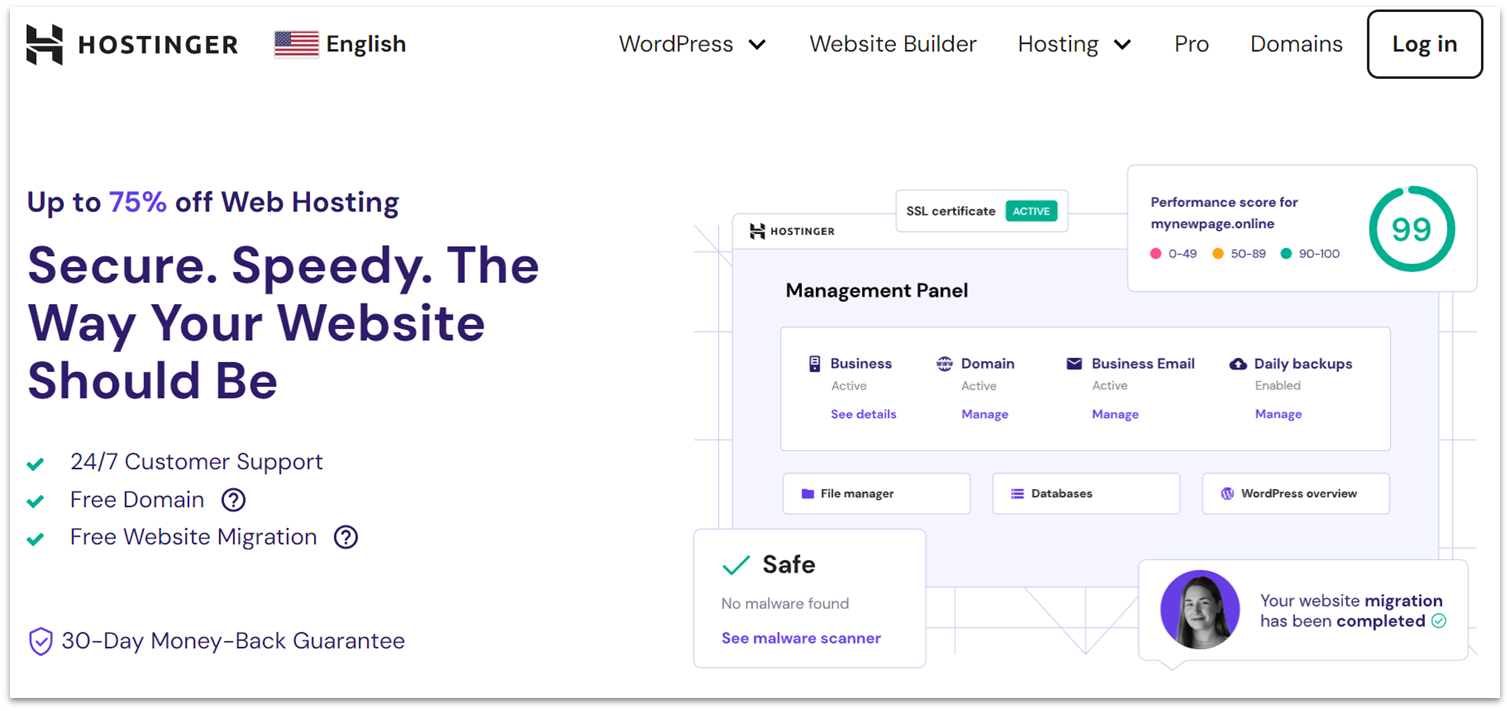
Hostinger offers great performance at really low prices, with plans going as low as $2.99 a month. What you get in return is the best-performing shared hosting we’ve tested, a 99.9% uptime guarantee and global network. Hostinger also offers really long-term plans, so if you know you’ll be using hosting consistently, you can just pay for a 48-month period upfront.
Hostinger is ideal for students who are looking for a beginner-friendly option. Its proprietary hPanel control panel offers all the functionality of the classic cPanel for hosting management, but with a much more user-friendly interface. Adding features or installing applications is hassle-free, which eases the learning curve if you’re managing your first website.
While there is no completely free option, Hostinger’s plans come with a 30-day money-back guarantee. I’d highly advise you to at least give it a go – yes, it costs money, but the low price you’ll pay is totally worth the superior performance and easy site management. If you aren’t a fan, you can back out using the money-back guarantee and get a full refund.
Features
- Free months of hosting. Hostinger’s budget shared hosting plans include 3 extra free months of hosting if you choose a 48-month subscription. Subscribing for this long also nets you the lowest monthly price on offer, and lets you lock in the significant introductory discounts for the entire 4-year period.
- Impressive performance scores. Hostinger boasts excellent performance with fast loading times and high uptime. In our comprehensive tests, our WordPress website typically loaded in under 1 second.
- Free email on all plans. Every Hostinger plan includes free email accounts, allowing you to create professional email addresses that match their domain.
- WordPress optimization tools. Hostinger offers specialized tools for WordPress optimization, including caching and security features. These tools help students easily manage and enhance their WordPress sites for better performance and security.
Check out our full Hostinger review to see more features.
| Student discount | ✘ |
|---|---|
| Storage space | 300 MB – 400 GB |
| Upgrade options | Higher-priced plans optimize performance and support more websites |
| Starting price | $2.49 |
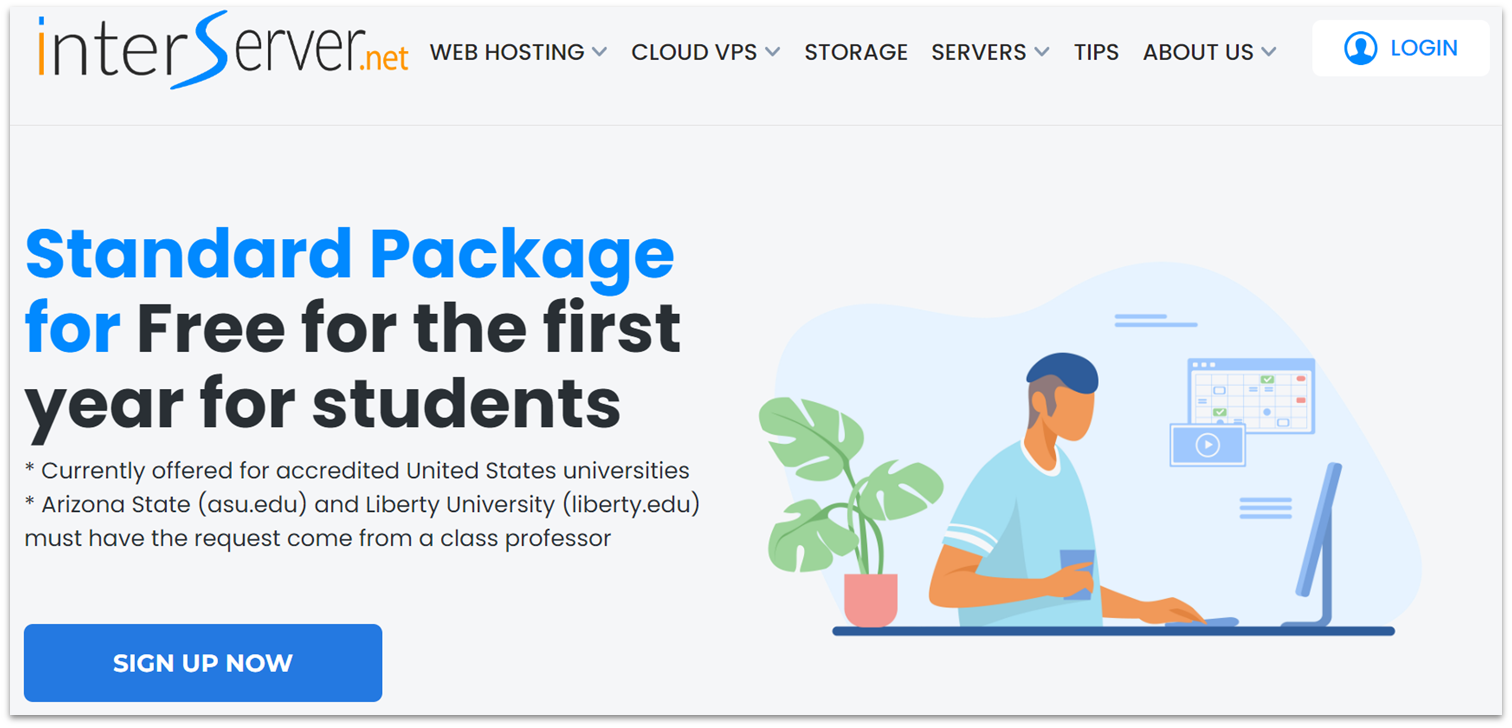
InterServer doesn’t normally offer free hosting, but it does give students enrolled at select US universities one free year of hosting. This includes unlimited hosted websites, bandwidth, and storage. InterServer is a reliable service in terms of performance and security, making it an excellent choice for students that need reliable hosting for school projects or to establish an online presence without initial financial commitment.
I also like that InterServer eases you into its paid services after your free year is up. Unlike most hosting providers, InterServer’s monthly billing plans, starting at $2.50/month, don’t cost more than its longer-term commitments. That means that if you only need hosting for a semester-long project, you can sign up for a monthly plan without spending more than you would with a larger upfront investment.
However, since InterServer’s free hosting discounts apply only to select US universities, international students and students from non-eligible schools can’t take advantage of this offer – although I’d still recommend InterServer as a great option if you’re looking at unlimited resources and quality hosting at a low cost.
Features
- Unlimited email accounts. InterServer provides unlimited email accounts with its hosting plans. This feature is perfect for students who need multiple email addresses for different projects, coursework, and personal use.
- 30-day money-back guarantee. With InterServer’s 30-day money-back guarantee, you can try its hosting services risk-free. If it doesn’t meet your expectations, you can get a full refund.
- Secure hosting for your projects. InterServer’s InterShield Security suite offers comprehensive protection against malware, DDoS attacks, and other threats.
- 50% server capacity. InterServer operates its servers at 50% capacity to guarantee optimal performance and speed. This means that if your site experiences a burst of traffic or resource-intensive requests, the server will scale resources so your site will load quickly and handle traffic efficiently.
To learn more about InterServer’s benefits, read our expert review.
| Student discount | Free year of hosting (restrictions apply) |
|---|---|
| Storage space | Unlimited |
| Upgrade options | Single standard web hosting plan |
| Starting price | $2.50 |
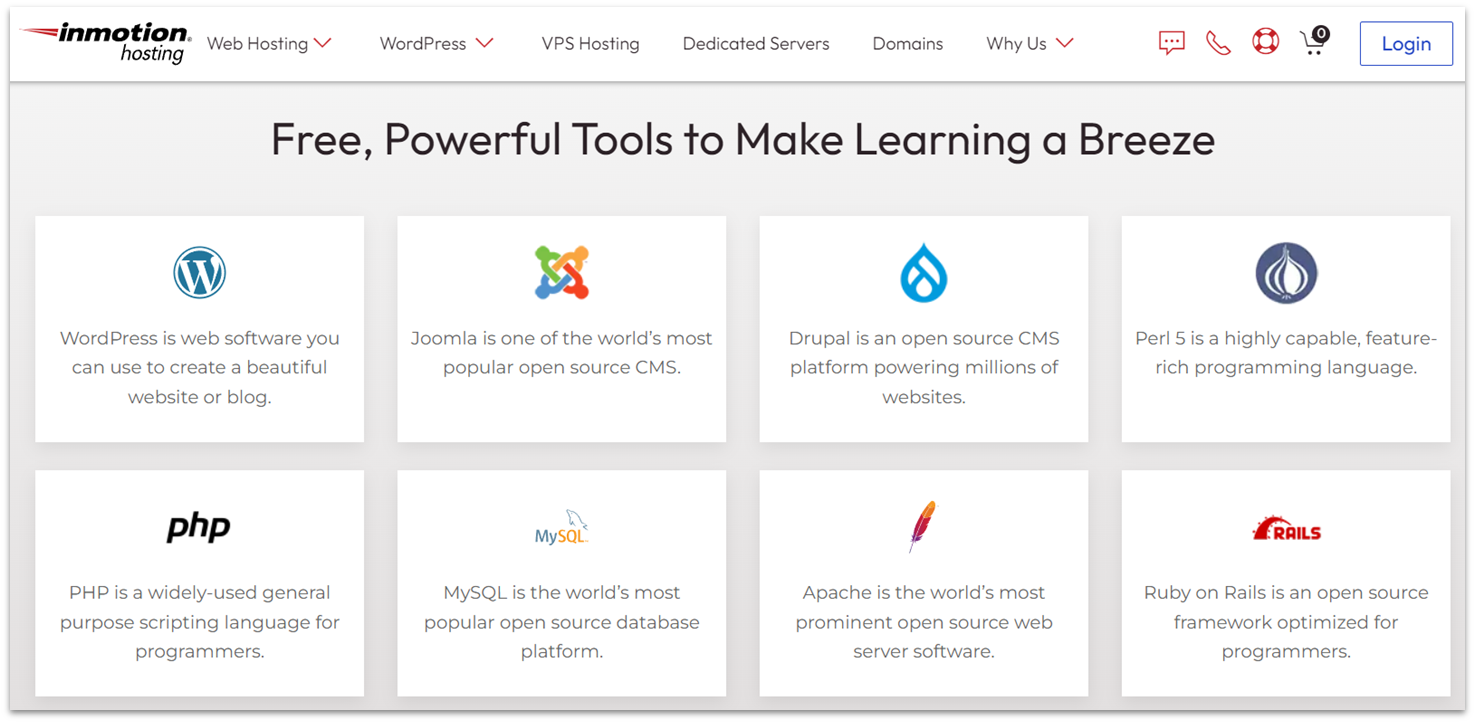
InMotion Hosting is a solid alternative for students, especially in computer science, web design, or similar subjects. While its advanced hosting management options can be a little overwhelming at first, it’s an ideal option to learn advanced concepts like SSH access, staging environments, and server management.
If you have some experience with code, InMotion Hosting offers support for programming languages like Python, PHP, and Perl, meaning that you can put your existing coding expertise to work right away. For long-term plans, InMotion Hosting provides up to 50% discounts for students, so it’s a good investment if you know you’ll use your hosting for most of your studies.
After a short learning period, you can expect high-quality hosting with tons of user control. InMotion Hosting’s plans come with a 90-day money-back guarantee, giving you ample time to explore the platform risk-free, or even use it for short-term projects.
Features
- Linux-based hosting. With this open-source OS, budding programmers can have access to a myriad of popular languages, including PHP, Perl, Python, and Ruby. There’s also ample opportunity to customize the hosting environment to suit any type of project.
- Developer-friendly options. Hosting Plus, included in all shared hosting plans, allows you to control the Python, Node.js, Ruby, and GIT versions for your hosting.
- 3-year billing discounts. InMotion Hosting offers discounts of up to 50% off on 3-year billing cycles, making it an affordable long-term option.
- E-commerce support. InMotion Hosting supports e-commerce platforms like WooCommerce and Magento, enabling students to create and manage online stores easily.
Find out how well InMotion Hosting performs in our in-depth expert review.
| Student discount | Up to 50% |
|---|---|
| Storage space | 100 GB – unlimited |
| Upgrade options | Higher-priced plans upgrade storage and performance |
| Starting price | $2.29 |
5. SITE123: Free and Fast Website Builder for Class Projects
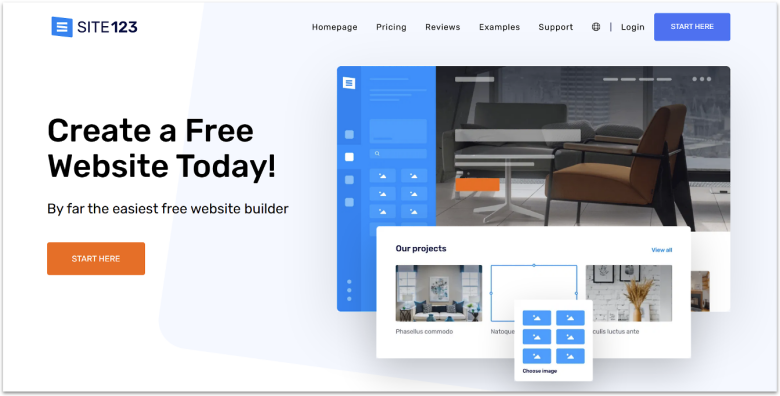
Not all students are looking for a four-year-term host with programming language support. If all you need is somewhere to host a static page for a class project, then SITE123 might be the best for you. SITE123 is another website builder that offers completely free hosting; it’s also by far one of the most user-friendly web builders out there.
As the name implies, you can get a full website in a matter of minutes, with tools for SEO, blogging, and even online sales. All SITE123 pages are fully mobile-responsive, which means you won’t have to worry about optimizing your site for multiple devices. If you need to upgrade, the Premium plan gives you access to a free domain for a year, 3 GB of storage, and removal of SITE123 branding, all for just $12.80 a month!
Features
- Multilingual support. SITE123 offers support in a wide variety of languages, so you can get assistance for your website even if English isn’t your strong suit.
- AI-based template creation. Just tell SITE123 about the main purpose of your site, and let its AI tool create a unique template just for you.
- Built-in analytics. SITE123 offers a built-in dashboard for you to track your website’s progress through data like visits, interactions, and more.
- Extensive app marketplace. If you need to take the functionality of your site even further, SITE123 offers integrations with tons of third-party apps for everything from custom image galleries to payment gateways.
You can learn more about SITE123 in our in-depth review.
| Student discount | ✘ |
|---|---|
| Storage space | 250 MB – 500 GB |
| Upgrade options | Premium plans with more storage, resources, and no SITE123 branding |
| Starting price | $12.80 |
6. Kamatera: Best Hosting Solution for Technically Proficient Students
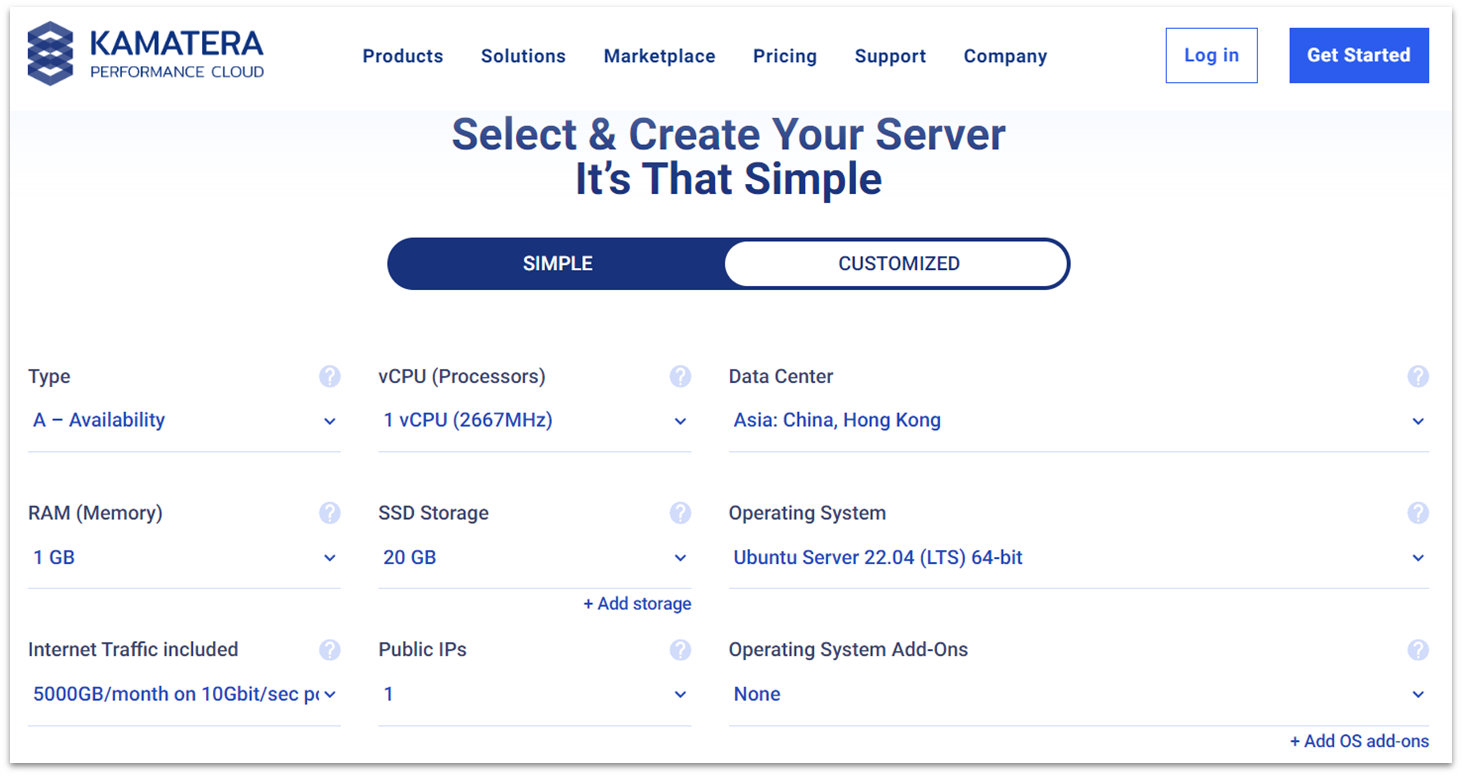
Kamatera gives you complete control over your server configurations, making it ideal for students who want to fine-tune their resources. The platform’s scalable plans and usage-based billing let you adjust CPU, RAM, and storage space as your needs evolve. While it’s more expensive than the other student-friendly options on my list, the ability to precisely configure your server is invaluable for honing your technical skills.
With Kamatera’s full root access, you can experiment with different OS setups and deploy complex applications. Although it’s not free, Kamatera offers a 30-day trial with a $100 service credit to explore its advanced cloud hosting environment. After that period, web development students can benefit from Kamatera’s unique billing options in exchange for a fully customizable hosting experience.
If you want to use Kamatera’s adaptable cloud servers without delving into technical management, you can opt for its managed services for an extra fee. It’s not a negligible amount, but it’s a great option if you have big plans for your project that would benefit from managed server maintenance.
Features
- Pre-configured open-source apps. Kamatera offers over 75 out-of-the-box apps and add-ons, including cPanel, Plesk, Joomla, OpenVPN, MongoDB, and more. You can even set up a Minecraft server or start a message board with phpBB.
- Hourly-based billing. Students can take advantage of Kamatera’s flexible hourly billing, making it cost-effective for short-term projects.
- Plenty of supported server OS options. Kamatera supports a wide range of server operating systems. In addition to Windows and Linux, you can also install Debian, Ubuntu, OpenSUSE and others, or add your own licensed OS.
- Worldwide data centers. With 21 data centers across the globe, Kamatera ensures low latency and high performance for your project or app, no matter where you’re located.
To see if Kamatera is right for your project, check out our expert review.
| Student discount | ✘ |
|---|---|
| Storage space | 20 – 4000 GB |
| Upgrade options | Resource-based upgrade options |
| Starting price | $4.00 |
7. GoogieHost: Completely Free but Limited Hosting

GoogieHost offers a compelling package for students with its completely free hosting service. With 1 GB of disk space, unlimited bandwidth, and free subdomains, this host is ideal for students just starting out with web design. The simplicity of setting up a site with Softaculous auto-installer and managing it via cPanel makes GoogieHost a good beginner-friendly choice too.
While GoogieHost is indeed free, it comes with limitations. For instance, the disk space provided can quickly become insufficient if your site grows or requires more extensive data storage. Also, the process to qualify for free hosting can take some time as GoogieHost vets all applications, which might eat into your project timeline.
Despite these limitations, GoogieHost is a suitable choice for students who need a straightforward, free solution for small-scale projects. The inclusion of a free SSL certificate and the absence of forced ads enhance the overall value.
Features
- Ultra-cheap paid plan. GoogieHost offers an ultra-cheap paid plan for students who need more resources. For less than a tenth of the price of other hosting plans, you can host an unlimited number of websites under one account, get unlimited storage, and 100 business emails.
- Cloudflare protection. Every hosting plan includes Cloudflare protection, offering enhanced security and faster load times for student websites.
- Built-in WordPress manager. The built-in WordPress manager simplifies the installation and management of WordPress, making it easy for students to create and maintain their WordPress site.
- FTP and MySQL databases available. GoogieHost offers 2 FTP accounts and MySQL databases, providing flexibility for managing multiple projects.
Read our expert GoogieHost review to learn more about its features.
| Student discount | ✘ |
|---|---|
| Storage space | 1000 MB – unlimited |
| Upgrade options | Unlimited websites and storage with paid plan |
| Starting price | $0 |
We’ve Found the Best Free Web Hosting for Students
Many struggle with balancing budget constraints with the need for quality hosting, but it’s especially difficult for students. Thankfully, some platforms cater specifically to these unique requirements.
Wix is perfect for students just beginning their digital journey. Its user-friendly interface and free plan with robust features enable students to create many types of websites without an initial investment.
For those needing slightly more advanced features at a minimal cost, Hostinger’s affordable plans are hard to beat. It provides low-cost plans with some of the best loading speeds I’ve seen. Its features are ideal for projects that require more than the basics.
On the other hand, InterServer is best for scaling projects. It offers free student hosting for one year and a very affordable renewal rate, which is great for managing long-term projects without the fear of price hikes.
| Student discounts | Standout feature | Free website builder | Starting price | ||
|---|---|---|---|---|---|
| Wix | ✔ | Powerful website builder with complete creative control | ✔ | $0 | |
| Hostinger | ✘ | Cheap and beginner-friendly hosting with intuitive hPanel control panel | ✔ | $2.49 | |
| InterServer | ✔ | Free 1-year hosting for students with affordable renewal rates | ✔ | $2.50 | |
| InMotion Hosting | ✔ | Wide variety of hosting plans for students | ✔ | $2.29 | |
| SITE123 | ✘ | Incredibly fast website building | ✔ | $12.80 | |
| Kamatera | ✘ | Scalable resources and usage-based billing | ✘ | $4.00 | |
| GoogieHost | ✘ | Generous free plan ideal for small websites | ✔ | $0 |