
While there are many good free website builders out there, few truly meet the needs of nonprofits. Some lack essential features like donation collection or event management, while others are too limited unless you pay for an upgrade.
You need a website that looks great and helps spread the word about your mission without breaking the bank. In an ideal world, it would help you build a mailing list, publicize fundraising events, engage with supporters, and even collect donations, all for free.
Is that too much to ask?
Actually, no. I can say this confidently because I’ve tested all the best free website builders for nonprofits to see how they measure up against the features that matter most to nonprofits. I found ten that let you create an eye-catching website for free (or nearly free), with no coding required. Of these, Wix stands out as the best free option due to its extensive template collection, advanced features, ease of use, and other helpful tools.
You can try Wix for free or read on to find out if another free nonprofit website builder fits you better.
Short on Time? These are the Best Website Builders for Nonprofits in 2026:
What We Look For in the Best Website Builders for Nonprofits
In order to consider any website builder for this list, it wasn’t enough just to offer free or very-cheap plans (though that is important). We only included builders that could truly meet the needs of a nonprofit organization. For this list, we focused on the following criteria:
- Free plans. Most of these website builders will let you create a decent website for free. I’ve also thrown in a couple of bonus options that don’t have a free plan but could be well worth the investment, depending on your needs.
- Ease of use. Saving money is almost as important as saving time. All options on this list are suitable for absolute beginners and will let you create, update, and manage your website without requiring technical skills.
- Marketing features. You need to be able to reach out to a broader audience and sustain existing relationships with donors. User-friendly marketing tools can help you keep in touch without consuming your attention.
- Tools for accepting support. A nonprofit wouldn’t get very far without supporters, whether they give donations or volunteer directly. I’ve only listed builders that help you collect donations and/or build a community via event management, email marketing, members-only pages, and more.
- Mobile responsiveness. Mobile-first design is now a must for any website, with most global traffic happening on mobile devices. We ensured that these builders allow you to create a site that works well in both mobile and desktop without twice the effort.
Important!
Though our top options offer completely free plans, there will be some builders in this list that require you to pay for a membership plan. Even for those that do offer free plans, we’ll also recommend a good entry-level plan in case you consider upgrading.
We made sure that every option on this list remains affordable, but you might consider upgrading for important features not available on free plans, like a custom domain or a site that doesn’t display builder branding. In my opinion, a great nonprofit website would benefit from some of these paid-for features.
Quick Look at Our Best Free Website Builders for Nonprofits

- 2500+ templates, including 20+ for nonprofits
- Intuitive drag-and-drop editor ensures ultra-customization
- Set up your nonprofit website in record time with an AI builder
- Built-in donation buttons and social media integrations
- A free plan that offers built-in features for nonprofits
- Hundreds of free apps available via the Wix App Market
- File-sharing tools are great for educational nonprofits
- Have to upgrade to get a custom domain and remove ads

- 80+ simple and customizable templates
- Beginner-friendly set-up wizard helps you find your way around
- Generate SEO-optimized content or build a template using AI
- Integrated forms help you build your client base
- Its free plan allows you to accept donations via cash and check
- All its templates are mobile-responsive and work on any device
- Simple e-commerce setup for beginners
- Less options for customization but offers speedy editing

- 50+ mobile-responsive templates
- Simple builder lets you set up your website quickly and easily
- Integrated blogging tools are great for updating your audience
- Gather volunteers or generate feedback through built-in forms
- Establish your nonprofit's online presence with SEO tools
- Share your story with several multimedia integrations
- Offers a free plan but no advanced customization features
- Like the free plan, the entry-level plan doesn't remove ads




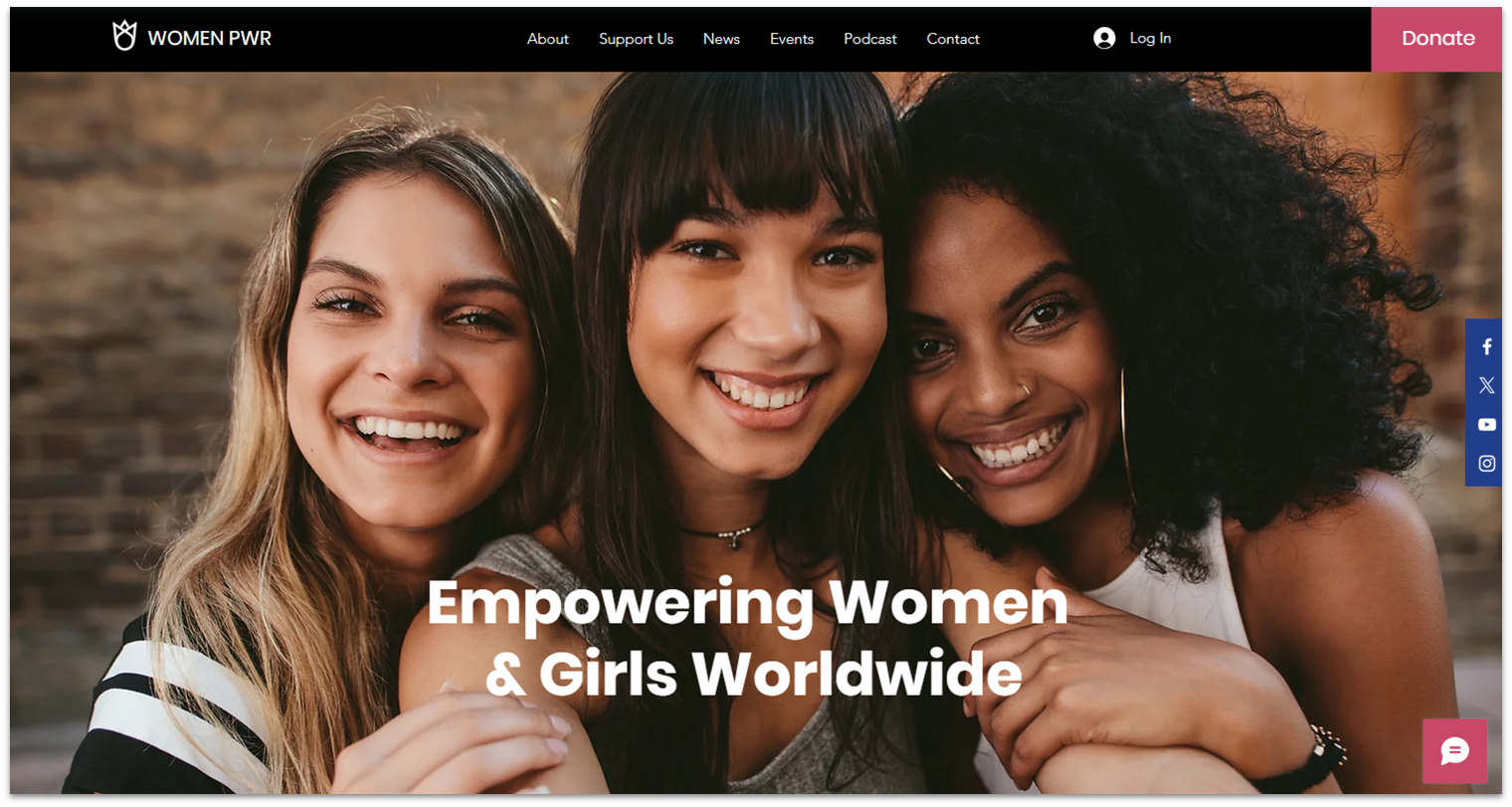
Wix offers an impressive library of 2500+ pre-built, professionally designed templates, including over 40 templates specifically designed for nonprofits. Thanks to Wix’s exceedingly intuitive drag-and-drop editor, you can customize any template as much or as little as you want, not only the ones built for nonprofits.
You can also try Wix’s AI Builder and tools to get set up quickly. You just need to answer a few questions, and it will create a slick site with all of the features you need already included.
Besides simple visual customization, Wix offers plenty of useful tools for nonprofits, like custom contact forms, donation buttons, social media integrations, and more. All of which are included on the free plan.
It’s worth noting that you’re limited to using a Wix domain name and having Wix ads on your free website. It’s not ideal, but I can think of worse downsides to having so many features available to you for free. If you’d like to upgrade, you’ll be pleased to learn that Wix’s plans are quite cost-effective, starting from $17.00/month. Wix also periodically offers exclusive discounts for nonprofits, which means you could get your plan for even cheaper.
Get a FREE domain + hosting with any Wix annual plan!
This exclusive offer is only available for your first purchase.
Features
- Email marketing. Wix’s free plan lets you send up to 200 emails per month, which is enough for your first few test campaigns. You can send more emails by subscribing to a premium plan.
- Wix Events app. The Events app will let you host and showcase events online, which can be great for fundraising. You’ll need to upgrade to sell tickets, but the free plan is still useful for collecting RSVPs and general promotion.
- App market. Of the hundreds of third-party extensions in Wix’s app store, many are free. For instance, you can coordinate volunteers with the Schedule app.
- Online courses. You can use Wix Online Programs to create training courses for volunteers or host educational materials for your beneficiaries. You can also just add downloadable files for simpler resources.
See more great features in our in-depth Wix review.
| Free Plan? | ✔ |
|---|---|
| Templates for Nonprofits | 20+ (plus 23 for religious organizations) |
| Accept Donations | Yes, but only on paid plans |
| Starting Price | $17.00 |
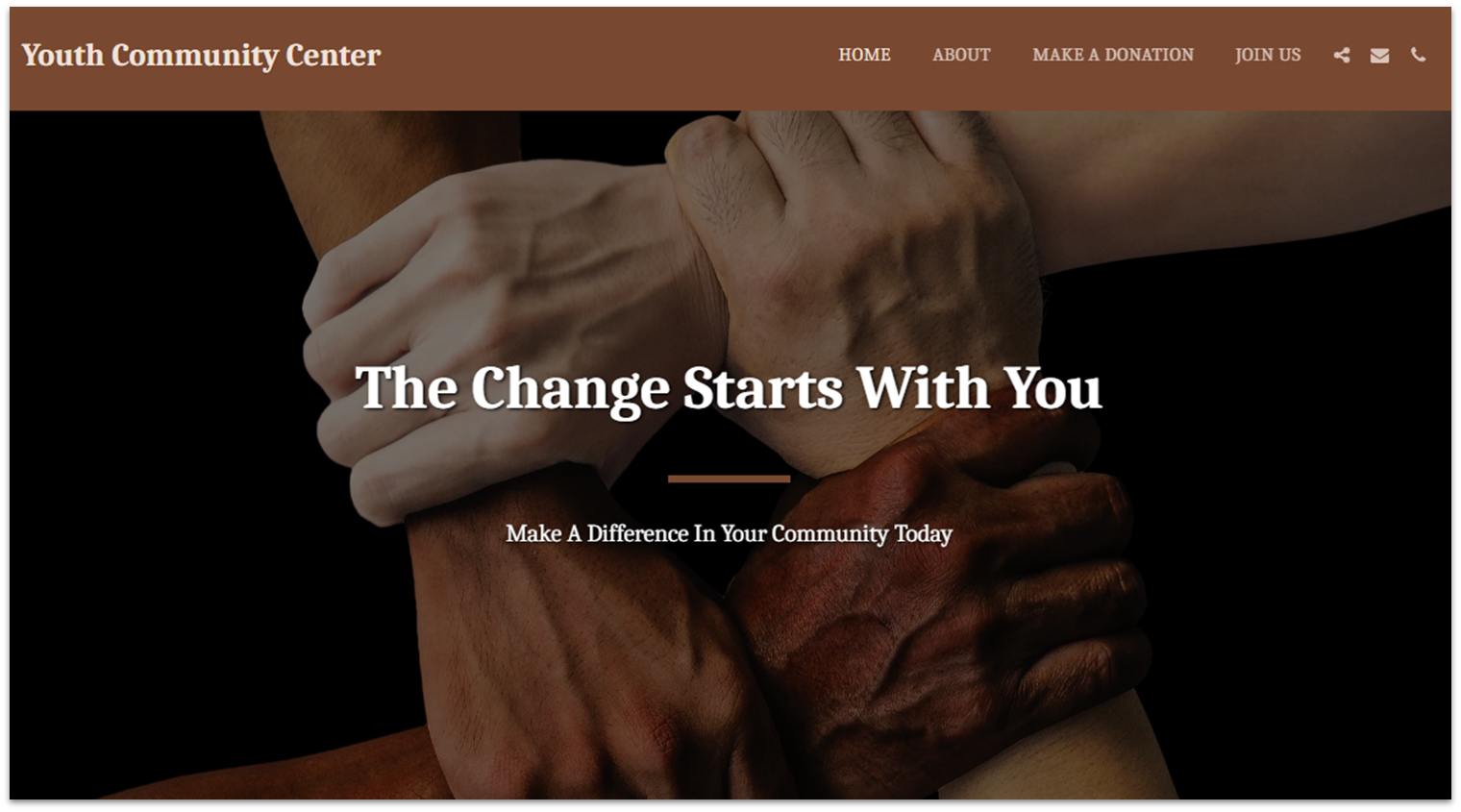
If you’re a complete newbie and are looking for ease of use above all else, SITE123 is the most beginner-friendly builder on this list. A helpful setup wizard shows you how everything works the first time around. You can edit any page element simply by clicking on it, or quickly change your site’s color scheme, fonts, header, or layout from the “design” menu tab.
You’ll also get AI-powered tools that make setting up and running your website a breeze. Whether you need a custom template, tagline, logo, or help with SEO-optimized content, SITE123 has you covered.
It’s worth noting that SITE123 favors quick and easy building over full creative control, so you don’t get as many customization options as with some other builders.
But if you want to get your site online quickly, SITE123 is perfect. SITE123’s free plan has plenty of features built in and lets you access all templates. And since every template is mobile-responsive, your site will look good on any device.


Get 40 % OFF SITE123
Save 40 % when you sign up for SITE123's annual plan
Features
- Donations. If you’re on the free plan, your site can still take donations – but only via offline methods, like bank deposit, check, cash, or phone. To activate online donations, you’ll need to upgrade to a paid plan.
- Form builder. By integrating a form into your website, you can respond to online inquiries, collect sign-ups for events, or gather email addresses for your mailing list.
- Blogging tools. Starting a blog is a great way to keep your supporters updated on your nonprofit’s activities or even spread the word about upcoming events. SITE123’s free plan includes blogging functionality.
- FAQ pages. You can easily add and edit pre-built FAQ pages (or page sections). This is great for showing your transparency as a nonprofit and addressing any skepticism.
Read our expert SITE123 review for more details.
| Free Plan? | ✔ |
|---|---|
| Templates for Nonprofits | No, but SITE123 will create a custom nonprofit template for you |
| Accept Donations | Yes, but the free plan only allows offline payments |
| Starting Price | $12.80 |
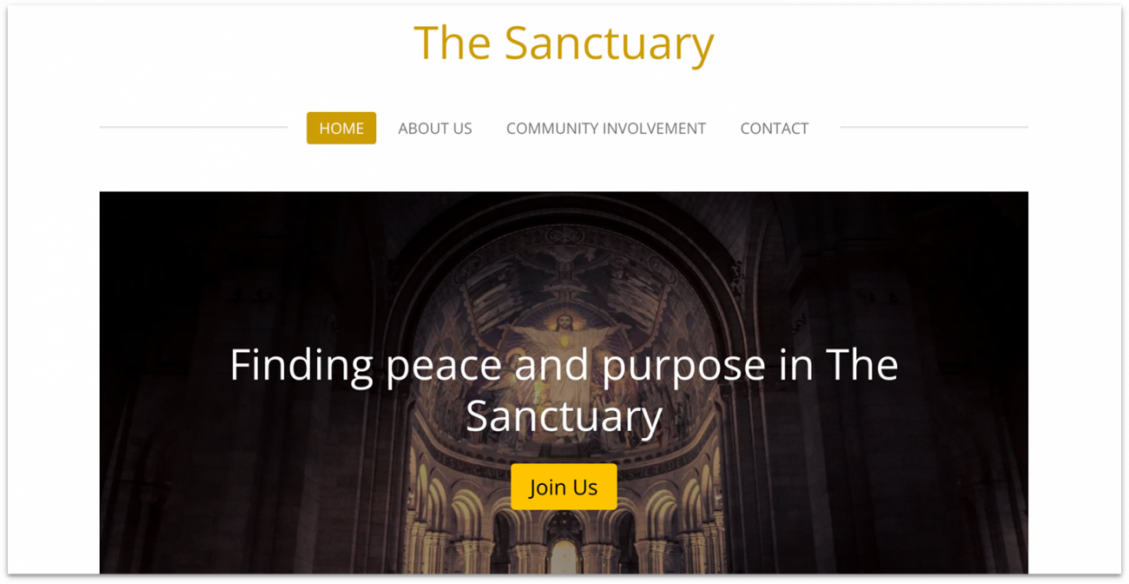
Webador is an affordable choice for nonprofits seeking a basic online presence. If you’re working with a limited budget and want to establish a professional site, it offers a range of templates and helpful tutorials that make building your website simple. You can’t integrate apps or create customized forms like you can with Wix’s free plan, but Webador’s primary strength lies in the ease and speed of setting up a website.
That doesn’t mean Webador’s free plan lacks useful features for charitable organizations. You get 100,000+ free stock photos to convey your mission, an AI website builder, and unlimited data traffic to handle surges in donor visits during peak fundraising campaigns. What’s more, the integrated blogging tools on Webador’s free plan allow you to share regular updates about your nonprofit’s activities, which will keep your audience informed and engaged.
It’s also easy to use Webador’s e-commerce capabilities for fundraising, but those are only available when you upgrade to a paid plan. Luckily, Webador gives you free access to its Pro plan for 6 months. This is probably the longest free trial from any website builder – an excellent opportunity to test Webador’s premium features and decide if the builder is right for your nonprofit.

Get 6 Months FREE with Webador's Business Plan!
Limited-time offer - Don't miss it!
Features
- Cost-effective plans. Webador provides affordable pricing plans, including a free-forever plan which is suitable for smaller nonprofits with basic needs. The Pro and Business plans offer additional features like custom domains and e-commerce capabilities at competitive prices.
- 50+ mobile-responsive templates. The platform provides a variety of pre-designed templates that you can customize to fit your organization’s branding and needs.
- Customizable Forms and Multimedia Integration. Nonprofits can create custom forms for various purposes, such as volunteer sign-ups, event registrations, or surveys. Webador also supports multimedia integration, so you can embed videos and images to engage visitors and better tell your nonprofit’s story.
- Integrated SEO. Webador includes essential SEO tools to help improve the visibility of your nonprofit website on search engines. It also provides basic analytics to track visitor behavior and site performance, which can help you understand your audience and optimize your content accordingly.
Read my colleague’s Webador review for more details.
| Free Plan? | ✔ |
|---|---|
| Templates for Nonprofits | Not specifically, but many of the 50+ customizable templates are suitable for nonprofits |
| Accept Donations | Yes, but only on paid plans |
| Starting Price | $3.00 |
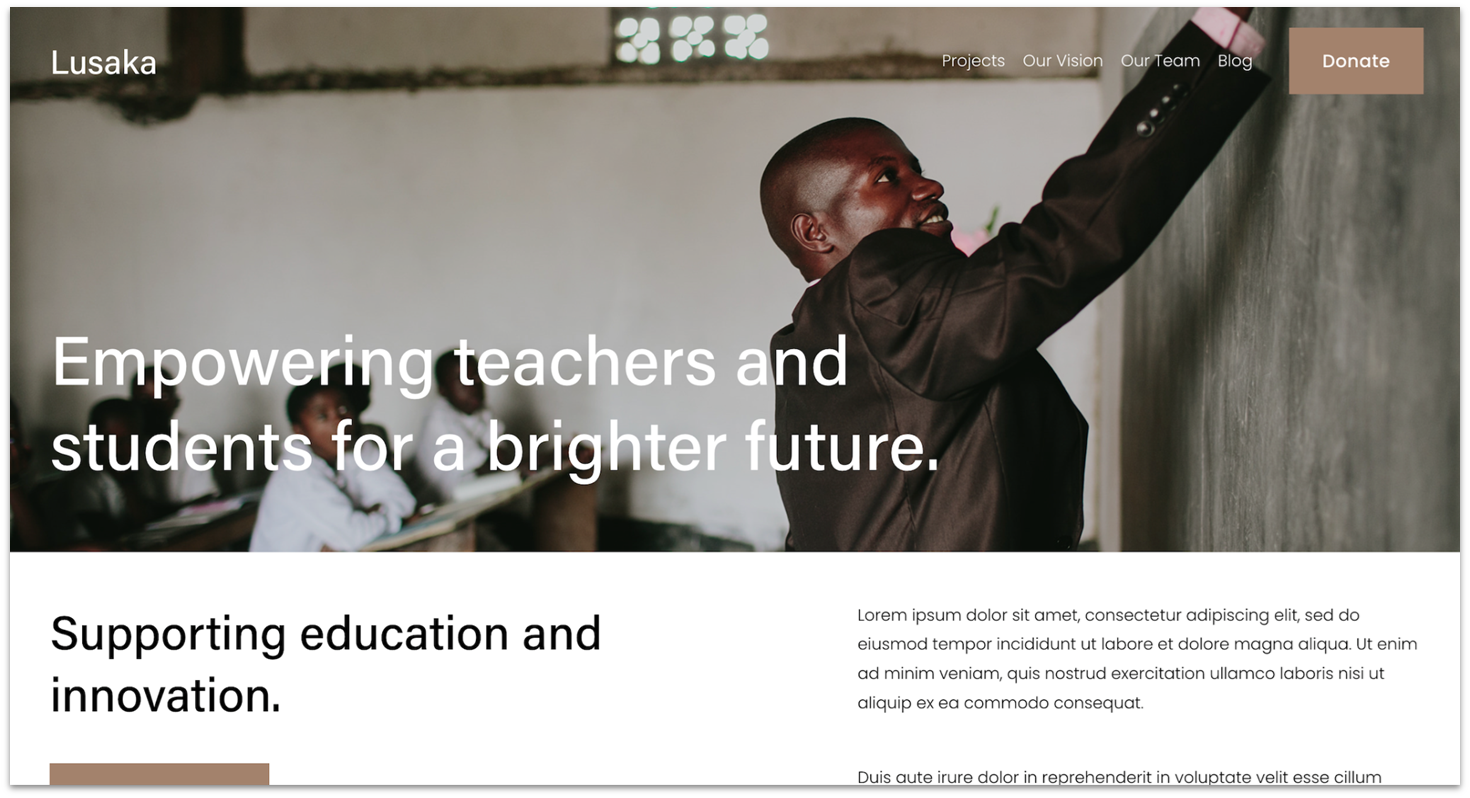
One of the top reasons why you might want a Squarespace website is its great selection of gorgeous, modern-looking templates. Squarespace has nine templates designed specifically for nonprofits, and they’re all ultra-customizable thanks to the drag-and-drop editor.
When it comes to features, Squarespace excels. You can add a customizable donation button on the Business plan and above so visitors can contribute via PayPal, Stripe, or Apple Pay. Higher-tier plans also give you professional email addresses, which will boost your credibility. Since these features are seamlessly integrated into the editor, you don’t have to waste time looking for them in an app market.
The biggest downside to Squarespace is that it doesn’t offer a free plan, which is why I’ve ranked it a bit lower. That said, it’s one of the best website builders on the market, and you can try it risk-free with a 14-day trial.
I should also mention that Squarespace offers exclusive discounts for nonprofits as well, which means that you might be able to cut down on starter costs even further.
Features
- Video Studio. Squarespace Video Studio is a beginner-friendly app that helps you quickly make good-looking videos for your organization. Video can be the most compelling way to appeal to potential donors, so this is pretty useful.
- Events. You can create and promote fundraising events with events pages and calendar blocks. This is a great way to boost your engagement, even if you’re on the Personal plan and can’t sell tickets through your website.
- Blogging tools. You can share your success stories and win more supporters by adding a blog page to any Squarespace template.
- Members-only areas. By limiting certain areas of your website to registered members only, you can foster a sense of community, share resources with volunteers, or reward donors.
Read our full Squarespace review to see how you can build a beautiful website.
| Free Plan? | 14-day free trial |
|---|---|
| Templates for Nonprofits | 9 (or design a custom template with Blueprint) |
| Accept Donations | Business plan and above |
| Starting Price | $16.00 |
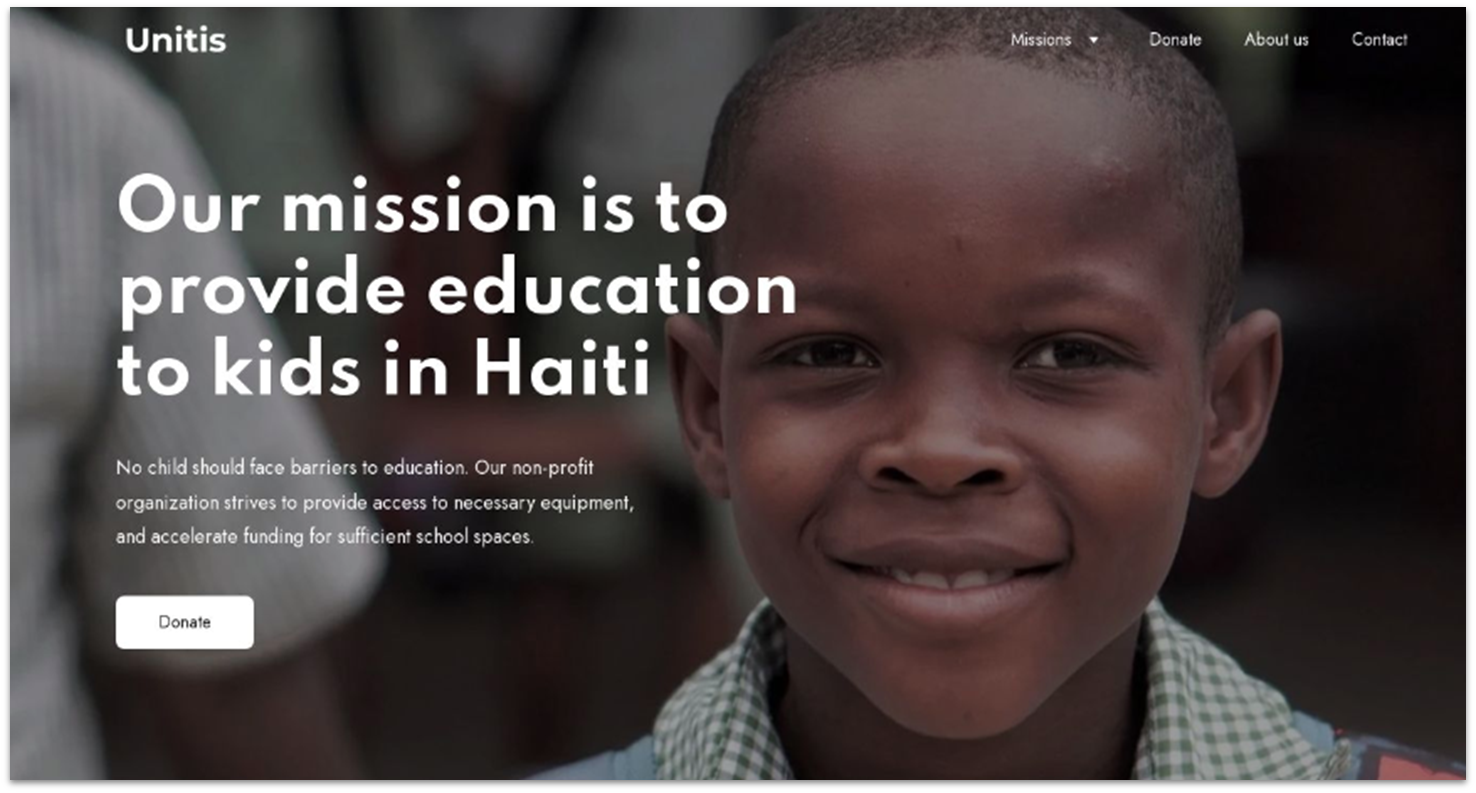
If you’re already looking for hosting or to register a custom domain, Hostinger includes free access to its proprietary website builder with all hosting plans, as well as free domain name registration for one year.
The Hostinger website builder comes with a wide range of specialized AI tools that can help nonprofit teams get started, even with no experience. With Hostinger, you can access an AI content writer, AI logo generation, and even AI heatmaps of where your visitor’s eyes might go on your live page.
The content generator in particular allows you to fine-tune settings to ensure all of your website’s copy is in line with your organization’s voice and values. Hostinger also offers 10 professionally-designed templates for nonprofits, with essential features like donation buttons and volunteer registration forms.
Though the “website builder” plan isn’t entirely free itself, starting at $2.99 a month, it’s one of the most affordable alternatives available, especially considering the value you get for its price. If you’re on the fence, Hostinger offers a 30-day money-back guarantee that you can use to decide if it’s the right option for you before making a long-term commitment.
Features
- AI heatmaps. Enhancing user experience is vital for retaining visitors and encouraging engagement. Hostinger’s AI Heatmaps analyze your website to predict visitor behavior, highlighting areas that attract the most attention.
- Mobile editing. Hostinger’s mobile editor allows you to build, edit, and maintain your site from mobile devices, ensuring that you can make timely updates and keep your audience informed, regardless of location.
- Live chat integrations. You can integrate platforms like Facebook Messenger and WhatsApp into your nonprofit website. This feature enables real-time interaction with site visitors, providing immediate support and strengthening relationships with your supporters.
- AI SEO assistant. Visibility on search engines is crucial for attracting new supporters and spreading your message. Hostinger’s AI SEO Assistant guides you in optimizing your website’s content, structure, and metadata, improving your search engine rankings.
Read our expert Hostinger Website Builder review to learn more.
| Free Plan? | No, but there’s a 7-day free trial and a 30-day money-back guarantee |
|---|---|
| Templates for Nonprofits | 10 |
| Accept Donations | ✔ |
| Starting Price | $2.99 |

IONOS might not be the best-known website builder out there, but it has a lot to offer for an extremely low price. I love that each plan has two options (with or without an online shop), so you don’t need to pay for unwanted features just so you can take donations online. This will help you maximize the effect of every incoming dollar.
On top of that, IONOS offers free professional email, a free SSL certificate, and a free domain for one year if you sign up for a yearly plan. Sure, you’ll have to pay for your domain name after that, but it’s a great way to get your website up and running with minimal startup costs.
It’s worth bearing in mind that customization is limited on the Starter plan. The Plus plan doesn’t add more templates but does offer more design freedom and advanced tools, like those for SEO. The Starter plan is a quality, low-cost option, but the Plus plan is better for those wanting more features and flexibility.
You’ll only get a handful of templates to choose from, and all of them have fixed layouts and limited font options. You’ll have to upgrade to the Plus plan or above if you want the full template range. That’s not to say the templates available on the Starter plan are bad – far from it – but don’t expect lots of design freedom at this price point.
Features
- Multilingual support. Display your website in 100+ different languages thanks to IONOS’s Website Translator. This is ideal if your organization works across different countries or with people who speak various languages.
- Logo generator. IONOS lets you design and edit a simple logo for your organization for free. It’s a great feature to have if you don’t have the budget to hire a professional logo designer.
- RankingCoach. If you’re seeking additional assistance in reaching new supporters, simply install the RankingCoach app. This incredible automated tool can do wonders for enhancing your website’s SEO. And you know what’s great? It’s a paid add-on, yet it is considerably more budget-friendly than hiring an SEO expert.
- Social media integrations. Reach supporters through your social media platforms by setting up Facebook ads and selling products through your other social media channels.
See how you can set up a website for less in our comprehensive IONOS review.
| Free Plan? | ✘ |
|---|---|
| Templates for Nonprofits | 1 (or have AI design your site) |
| Accept Donations | eCommerce plans only |
| Starting Price | $1.00 |
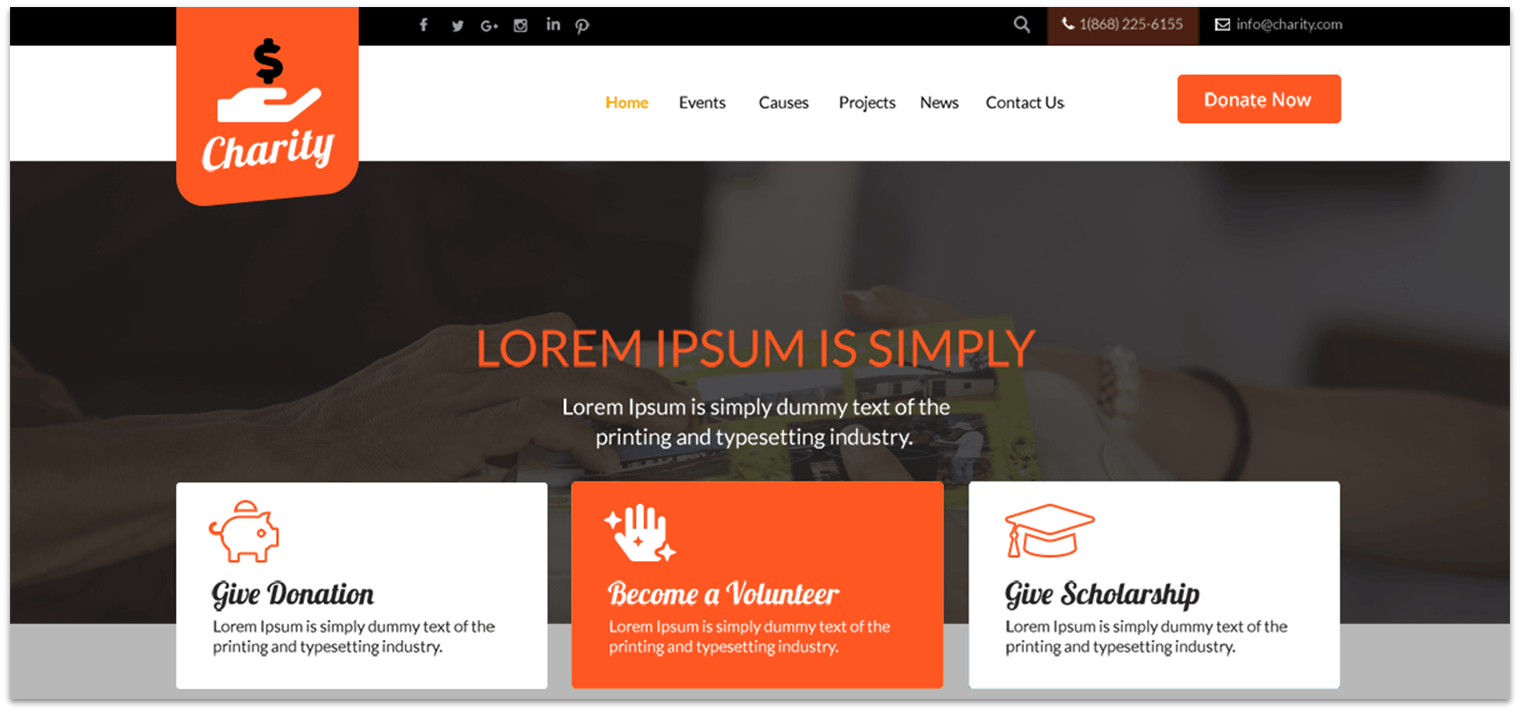
WordPress.com has a steeper learning curve than the other options on this list, but it makes up for that with a lot of power. There’s no drag-and-drop interface. Instead, to customize your theme, you interact with a sidebar on the left to add page elements. And while it offers just three themes for nonprofits, they’ll work well for your needs.
Pages and blog posts on WordPress.com are greatly adaptable, with numerous page components accessible for utilization – from various kinds of contact forms to unique picture galleries.
The free plan is powerful – you can offer paid member-only content and accept donations online via Stripe. Visitors can also subscribe to your newsletter and Really Simple Syndication (RSS) feed. Upgrading to a paid plan gets you additional features, a free custom domain, an ad-free website, and access to premium themes, some of which are more customizable than the free ones.
Features
- Embed Kickstarter campaigns. You can embed a Kickstarter campaign into any page or post – all you need is a link to the Kickstarter campaign.
- Content management. You have the freedom to write, organize, and schedule an unlimited number of blog posts. By organizing your posts, you ensure that your website remains easy to navigate for visitors. Additionally, keeping track of your unpublished drafts can greatly enhance your workflow.
- Sign-up forms. Get your mailing list started by collecting sign-ups directly from your website.
- Timeline blocks. You can add a ‘Timeline’ block to any post or page to display a series of milestones. This is good for highlighting your nonprofit’s accomplishments and boosting your credibility, plus you can use it to highlight future goals.
Read our full review of WordPress.com for more details.
| Free Plan? | ✔ |
|---|---|
| Templates for Nonprofits | 3 (with Business plan access hundreds of community, premium, and third-party themes) |
| Accept Donations | ✔ |
| Starting Price | $4.00 |
Other Notable Website Builders for Nonprofits
8. Shopify
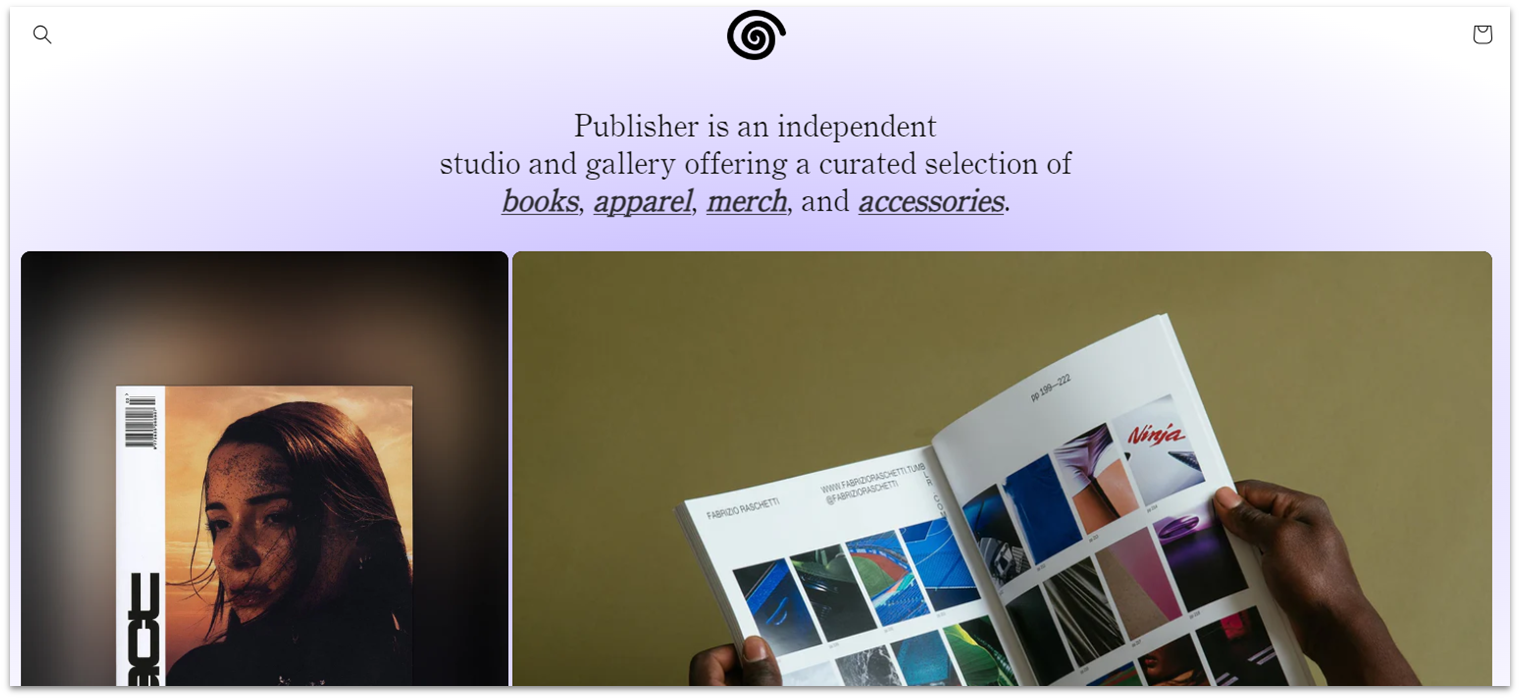
Shopify offers two special plans for charitable organizations: NPO Lite and NPO Full, which are priced at $29 and $99, respectively. A standout feature of these plans is lower or waived transaction fees, which ensures that a larger portion of sales proceeds/donations go to your cause. NPO plans also have other advanced features usually reserved for Shopify’s higher-tiered plans, like real-time carrier shipping at checkout.
While you can use Shopify to create an online store to sell branded merchandise and accept donations, it may not be the ideal choice for every nonprofit. There’s no free plan, and the cost of adding apps and other features could strain charitable organizations on tight budgets. That said, you’ll find that Shopify’s app marketplace is stocked with relevant apps like ShoppingGives and Easy Donation, so it’s a viable option if you can accommodate the costs.
9. BigCommerce
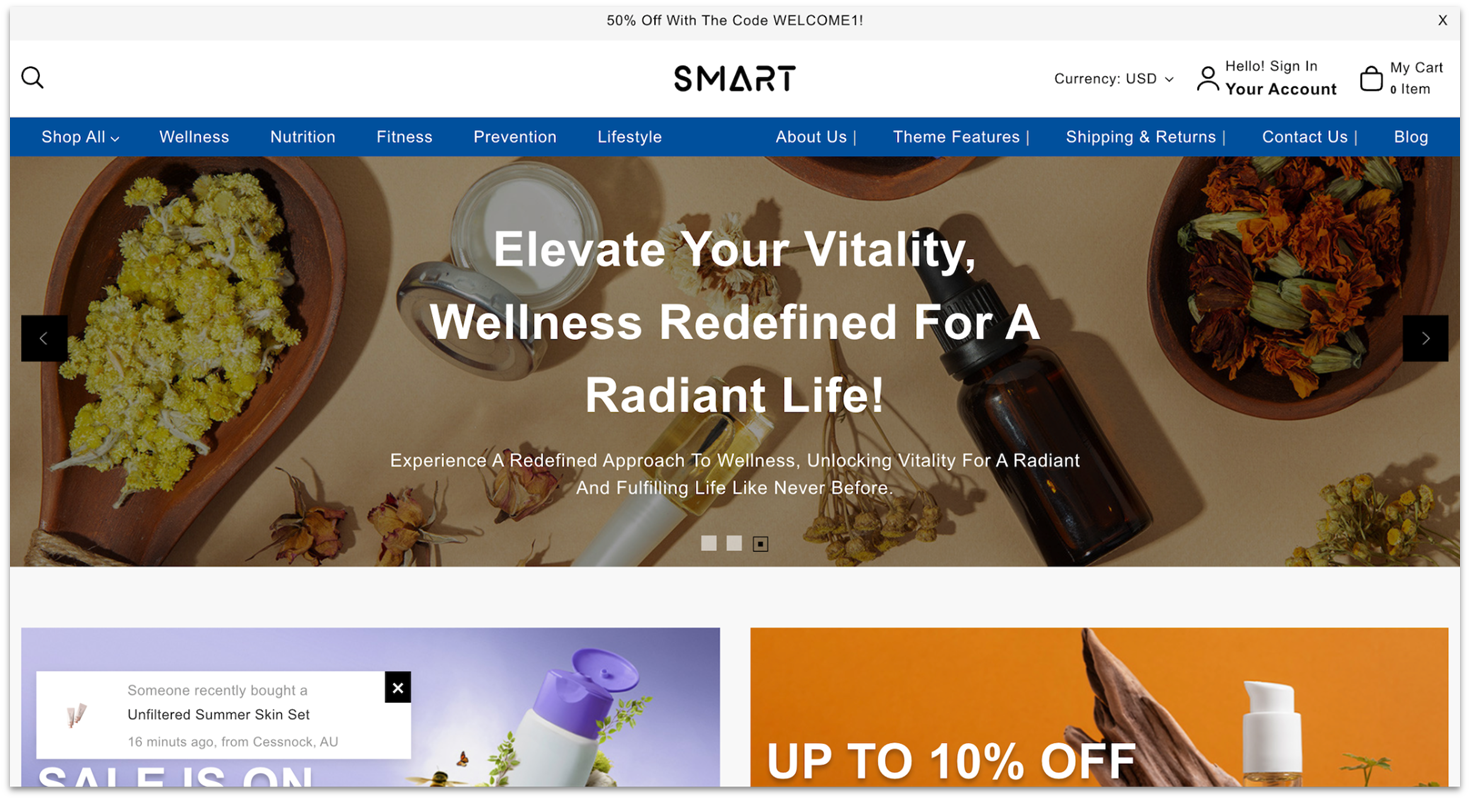
BigCommerce offers a suite of features that support the complex operations of established and international nonprofits. It allows unlimited staff accounts for coordination among your fundraising team and event coordinators and supports payments in 100+ currencies for global donors. You can also categorize donors based on factors like donation frequency or campaigns they’ve supported, enabling you to tailor communications and fundraising efforts.
While these features are compelling, they come at a premium. In fact, BigCommerce’s pricing can be pretty steep, so I recommend it only for larger nonprofits with a budget to invest. That said, BigCommerce does provide a 15-day free trial, which allows you to explore its capabilities risk-free.
10. Network Solutions Website Builder

The Network Solutions website builder (formerly Web.com) is a strong choice for nonprofits that need professional web design support. All plans include a free one-hour session with a design expert, which is especially helpful. During this consultation, you can refine your site’s design to reflect your mission better and connect with your audience.
As for its website builder plans, pricing starts at $4.99/month. In addition to being affordable, Network Solutions offers a generous 30-day free trial, giving you enough time to explore the platform and decide if it’s the right fit for your nonprofit.
These Are the Best Site Builders for Nonprofits
With any of these website builders, you can collect donations, organize events, share blog posts about your nonprofit’s accomplishments, and create email marketing campaigns. And with a few exceptions, you can do it all even if you’re using a free plan. The trade-off is that your site will have a subdomain and ads.
If you really need a free website, use Wix. In terms of flexibility, features, and ease of use, it simply can’t be beaten – no other website builder offers as much for free. The paid plans are budget-friendly, too.
Need to get a compelling website online fast? Sign up to SITE123’s free plan to build your site. You can always upgrade to one of its affordable paid plans.
If you want a simple website, Webador is an excellent option. It provides unlimited storage, traffic, and free hosting – even on the free plan.
For a quick summary of the best free website builders for nonprofits, check out my handy summary table:
| Free Plan | Best Feature | Best For | Starting Price | ||
|---|---|---|---|---|---|
| Wix | ✔ | 40+ nonprofit templates packed with free features | Nonprofits that want creative control | $17.00 | |
| SITE123 | ✔ | Easy-to-use and simple editor | Nonprofits that need to get online quickly | $12.80 | |
| Webador | ✔ | Affordable pricing and unlimited storage | Nonprofits on a tight budget | $3.00 | |
| Squarespace | ✘ | Striking templates and galleries | Nonprofits telling a visual story about their mission | $16.00 | |
| Hostinger Website Builder | ✘ | Powerful AI tools | Less technical nonprofit team members | $2.99 | |
| IONOS Website Builder | ✘ | Flexible pricing plans and multilingual support | Nonprofits with international donors | $1.00 |
FAQ
What is the best free website builder for nonprofit organizations?
Is Squarespace free for nonprofits?
Is Wix good for nonprofits?
How much does it cost to build a website for a nonprofit?
Are there any 100% free website builders?






![13 Best Logo Makers That Are Free To Try (& Good) [2026]](https://dt2sdf0db8zob.cloudfront.net/wp-content/uploads/2018/08/LD-best-free-cheap-850x446.jpg)
![13 Best Logo Makers That Are Free To Try (& Good) [2026]](https://dt2sdf0db8zob.cloudfront.net/wp-content/uploads/2020/09/1.jpg)