 Website Planet




Liquid Web at a Glance
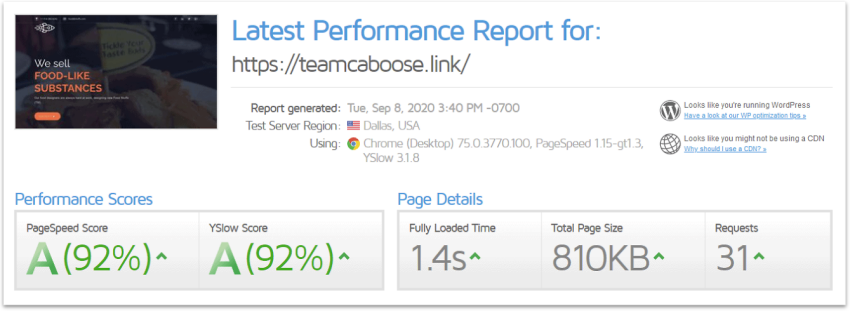
| 🏆Performance Grade | A |
|---|---|
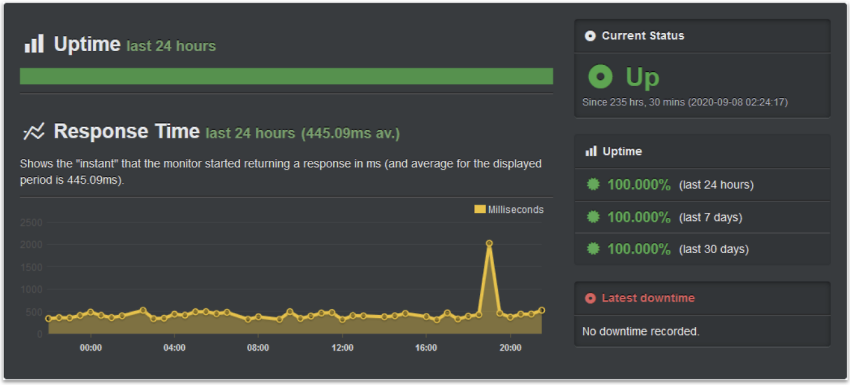
| ⏱️Uptime Guarantee | Yes |
| 🔒Free SSL | Yes |
| 🔧Hosting Types | WordPress, VPS, Cloud, Dedicated Server |
| 💡Basic Plan Features |
|
| 💲Starting Price | $5.00 |
Liquid Web Pros, Cons, & Things That Could Be Better
-
A variety of managed and unmanaged plans
-
Powerful VPS hosting
-
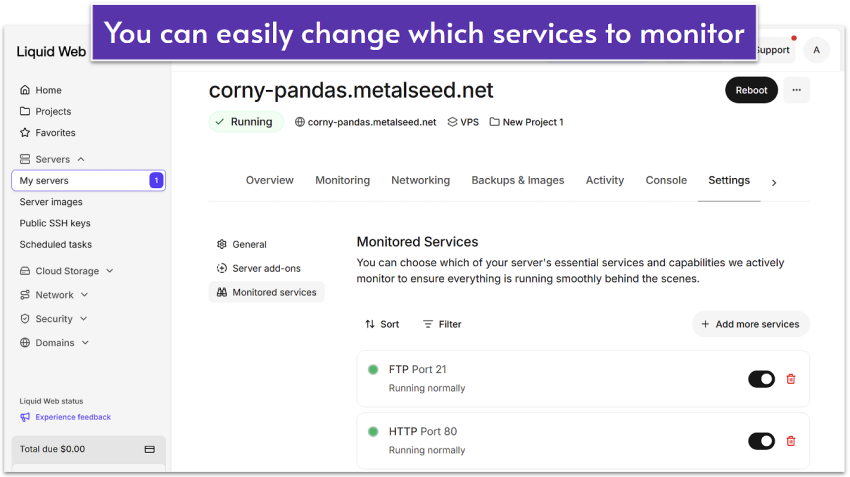
Proactive server monitoring
-
Managed plans for WordPress and more
-
Root-level access on VPS
-
Far from the cheapest option
-
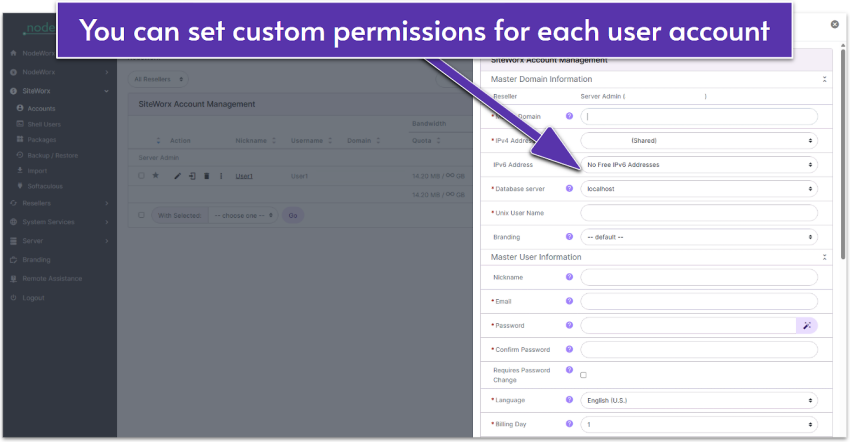
Dual control panels can get confusing
-
Can be difficult to manage
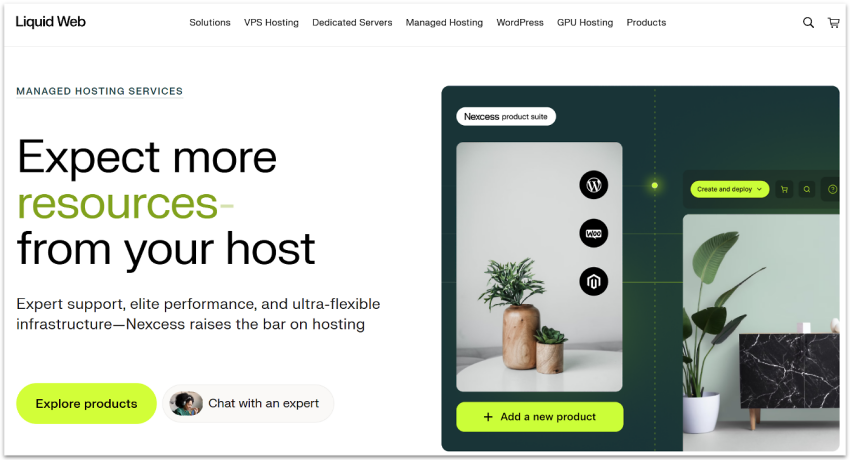
Liquid Web specializes in managed VPS hosting (and dedicated servers). Even its more traditional managed-hosting options for WordPress, Woocommerce, and Magento run on a shared cloud, as opposed to traditional shared hosting. What this means is that Liquid Web offers advanced, high-performance options straight out of the gate – but with the pricing tag to match.
I’m all for spending a little more to get a premium service in theory, but does Liquid Web deliver? Are its features enough to justify the elevated price? Do I abuse rhetorical questions in my reviews?
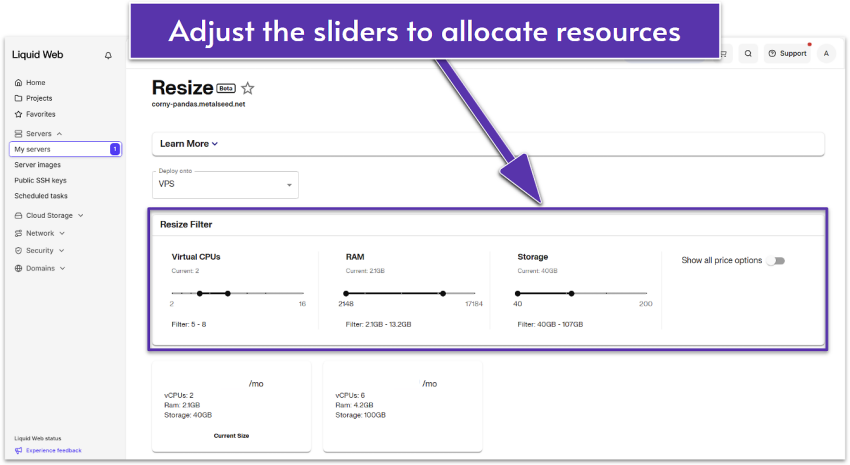
I tested Liquid Web’s VPS and managed services myself. I’ll spoil the ending: it’s not bad. Its managed services are especially good, and its virtual private servers (VPSs) give you a ton of control over your hosting.
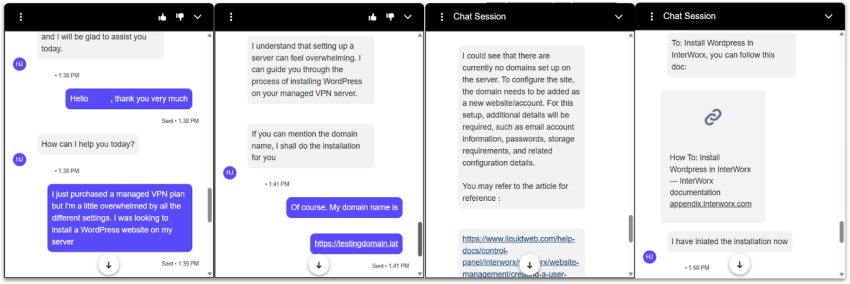
It’s not perfect, the setup can get confusing, and – even considering that it’s one of the lower-priced options for premium hosting – it’s not exactly cheap. It also lacks some of the more “flashy” features offered by competitors.
All else said, what you’re really paying for is quality support and the flexibility to do (almost) whatever you want with your server. If that sounds good for you, then Liquid Web could be the right fit.
Why Go for a VPS?
You might be unsure whether a VPS or standard shared hosting is best for your needs. Since Liquid Web offers both VPS and managed shared hosting services, it’s important to understand the difference and what each can do for you.
With standard shared hosting, you share your server with other users. This naturally means that you get a little less flexibility and less resources, but still more than enough to run a simple website. Since you’re not directly interacting with your server, it’s also much easier to use, with important server upkeep being managed for you.
A VPS, or virtual private server, is a partitioned part of a server specifically dedicated to you. You get a lot more customization and control over your resources with a VPS, but since server management falls squarely on you, it requires a lot more technical knowledge and constant attention.