

As you’re probably aware, Siteground’s cost increases dramatically after your first renewal. It’s also no longer listed by WordPress as one of its official recommendations. However, it’s easy to get overwhelmed by alternatives that appear cheaper or more attractive, only to discover much too late that they can be harder to manage, are less reliable, or just too slow for the job.
But you can get a great deal if you take the time to test and compare your options – which is exactly what I’ve done for you here. I’ve found the best SiteGround alternatives for personal sites, blogs, and small businesses. I looked at pricing transparency, real-world page load speeds, and free migration options to ensure each host on this list delivers real value. I also made sure you won’t be stuck facing the same high renewal fees.
Hostinger came out on top in my tests. It loads pages faster than SiteGround, costs far less long-term, and still gives you everything you need for a smooth WordPress experience. But it’s not your only choice. Keep on reading to learn about 9 more great SiteGround alternatives.
Short on Time? These Are the Best Alternatives to SiteGround in 2026
- Hostinger – LiteSpeed servers provide fast and reliable speeds at a much cheaper long-term price.
- IONOS – Stable pricing plus a personal consultant provides the peace of mind you might have missed with SiteGround.
- HostArmada – Budget-friendly cloud-based hosting that can handle bigger traffic loads than SiteGround’s shared servers.
What We Look For in the Best Alternatives to SiteGround
SiteGround’s price jump itself isn’t the only issue – the bigger problem is that you don’t get the quality features that would justify the higher price. So, I checked each alternative for the features SiteGround either limits or leaves out entirely, as well as renewal pricing.
- Better resources. Many users look to leave SiteGround after discovering its aggressive CPU limitations. Our picks offer more transparent resource allocation and consistently deliver fast loading speeds along with 99.9% uptime or better.
- Free site migration. If you’re ready to switch from SiteGround, all of my recommended alternatives will move your website for free, either automatically or with expert help.
- Reliable backups and security. Not all SiteGround plans include daily backups or malware protection. We looked for hosts that offer these by default.
- Useful WordPress tools. SiteGround hides staging and caching behind premium tiers. Our list includes hosts that give you staging environments and caching tools in the basic plan.
- Lower renewal costs. SiteGround has a steep renewal price after your first term, and no one likes unexpected bills. I focused on services that keep long-term pricing clear, affordable, and more consistent.
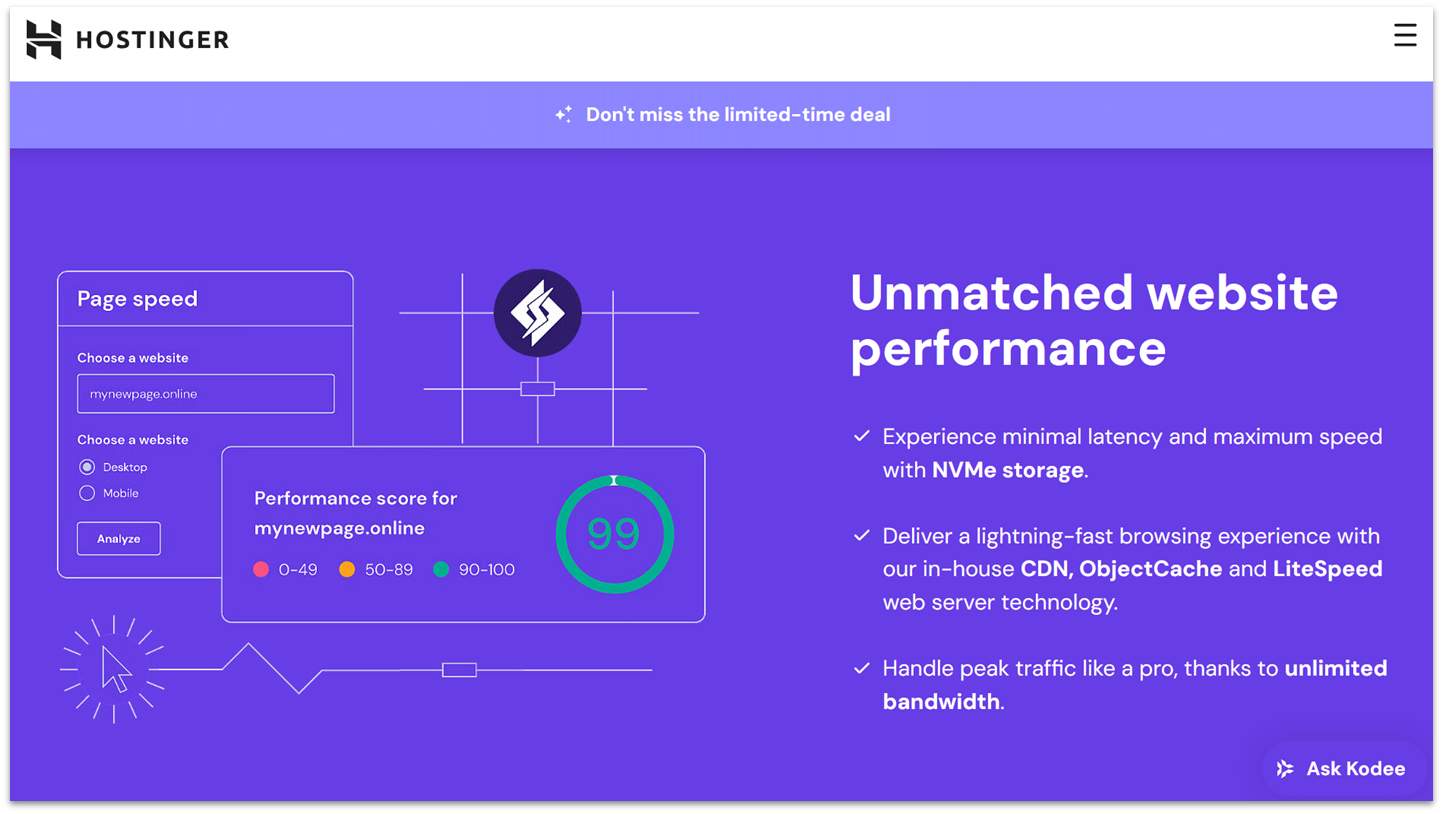
Hostinger is the only shared host I’ve tested that delivers both strong performance and genuinely low renewal prices. Its plans renew at a much lower price – comparing its entry-level plan with SiteGround, Hostinger costs over $100 a year less at renewal, despite a similar set of features.
In my WordPress performance tests, Hostinger averaged 0.8s load times – significantly faster than the 1 to 2 second load times I was getting with SiteGround. Uptime was rock-solid at 100% over 30 days. A big reason for that performance is Hostinger’s LiteSpeed servers, which come pre-configured with caching and a free Cloudflare CDN.
Hostinger’s proprietary hPanel is also much simpler to use than SiteGround’s Site Tools. You can tweak all essential settings – like backups, SSL, DNS, and PHP – from a single, user-friendly dashboard. It’s also one of the few hosting services officially recommended by WordPress, which means it has the seal of approval from the most used CMS in the world.
My only disappointment is that Hostinger’s support consists mostly of redirecting you to its knowledgebase. Though a more personal support system would be nice, it’s far from the end of the world.
Features
- Multiple website support. SiteGround only lets you host one site unless you upgrade. With Hostinger, you can run up to 25 websites on the basic plan.
- Faster servers with built-in caching and CDN. Hostinger uses LiteSpeed, which is one of the reasons it performs better than SiteGround. It also includes built-in caching and Cloudflare CDN to boost your site’s speed.
- Unlimited WordPress site migrations. Hostinger’s migration tool moves as many WordPress sites as you want, quickly and for free. SiteGround only offers one migration and charges extra for more.
- Developer tools. You get Git, SSH, and WP-CLI access even on the basic Premium plan. Git is only available on SiteGround’s more expensive GoGeek plan.
Read our expert Hostinger review for more details.
| Free site migration | ✔ |
|---|---|
| Data center locations | The US, UK, Netherlands, France, Germany, Lithuania, Indonesia, Singapore, Brazil |
| Backups | Weekly on Premium, daily on all other plans |
| Starting price | $2.49 |
2. IONOS: Hosting With Personalized Support at an Affordable Long-Term Price

IONOS is a great SiteGround alternative with affordable pricing and enterprise-grade reliability. The Essential plan starts at a budget-friendly $1.00 a month, and the price only goes up by a few more dollars on renewal. Plus, you get some impressive performance for the low cost. My site fully loaded within a second across the majority of my global tests.
Interestingly, IONOS gives all customers the option to contact a dedicated personal consultant, even on the cheapest plan. I could ping my rep via chat or phone whenever I had setup questions – no ticket queues or useless support bots. It’s especially helpful if you’re not comfortable tweaking DNS records or SSL settings.
That being said, there is no free site migration service. Your only options are to pay extra or to perform the migration yourself. However, the personal consultant can guide you through the steps if you choose the latter. I tested this firsthand and got clear instructions without long waits or upsells.
Features
- SiteAnalytics dashboard. You get visitor stats and traffic insights right in your control panel, without the need for plugins or third-party tools. While SiteGround’s Site Tools also provides some analytics, SiteAnalytics gives you extra data points, like the browsers, devices, and operating systems your visitors use.
- Scalable. If you’re having a traffic spike, IONOS lets you easily handle the increased traffic by allowing you to scale up your RAM and other important resources for a small added ongoing fee. You can scale back down with ease when the spike is over.
- Wildcard SSL. IONOS includes a free Wildcard SSL certificate that secures all your subdomains as well as your main domain. SiteGround only provides single-domain SSLs on its StartUp plan, which can be a hassle if you have many subdomains.
- Eco-friendly data centers. IONOS runs all its data centers entirely on renewable energy, unlike SiteGround, which stakes its 100% green energy claim on the purchase of carbon credits.
Check our thorough IONOS review for more details.
| Free site migration | ✘ |
|---|---|
| Data center locations | The US, UK, Germany |
| Backups | Daily |
| Starting price | $1.00 |
3. HostArmada: Cloud-Based Hosting with Built-In Redundancy

HostArmada has cloud-based shared hosting, which spreads traffic across multiple connected servers instead of relying on just one. This setup makes it easier to handle sudden traffic spikes without your site slowing down or going offline. It also helps that HostArmada hosts only a small number of websites on each server, so resources aren’t stretched thin.
I tested HostArmada with a WordPress test site packed with heavy CSS, JavaScript, custom fonts, and images. The first step was migrating it over – I handed over my cPanel credentials, and HostArmada migrated it for free in 4 hours. Once everything was set up, it performed flawlessly. Since HostArmada uses NGINX servers with LiteSpeed optimization, my WordPress site consistently loaded in under 1.3 seconds, even without a CDN.
The only catch is that the Start Dock plan only keeps backups for 7 days. However, the Web Warp plan provides 14 days of backup storage and throws in extra CPU and RAM – all for just a slight price increase.
Features
- NGINX servers as standard. NGINX servers provide faster content delivery than the standard Apache software that many other hosts use. The higher-tier plans use LiteSpeed for even better performance.
- Free malware scans. HostArmada runs daily malware scans and automatically applies security patches at the server level.
- Imunify360 security suite. This provides a robust built-in web application firewall. Plus, its brute-force protection keeps your site protected from hackers.
- Softaculous staging site. With one click, you can clone your live site into a testing environment using the cPanel Softaculous tool, which is good for testing design changes and new functionality before going live.
See our full HostArmada review to learn more.
| Free site migration | ✔ (one-time free transfer) |
|---|---|
| Data center locations | The US, UK, Canada, Germany, France, India, Singapore, Australia, Japan, and more |
| Backups | Daily |
| Starting price | $1.49 |
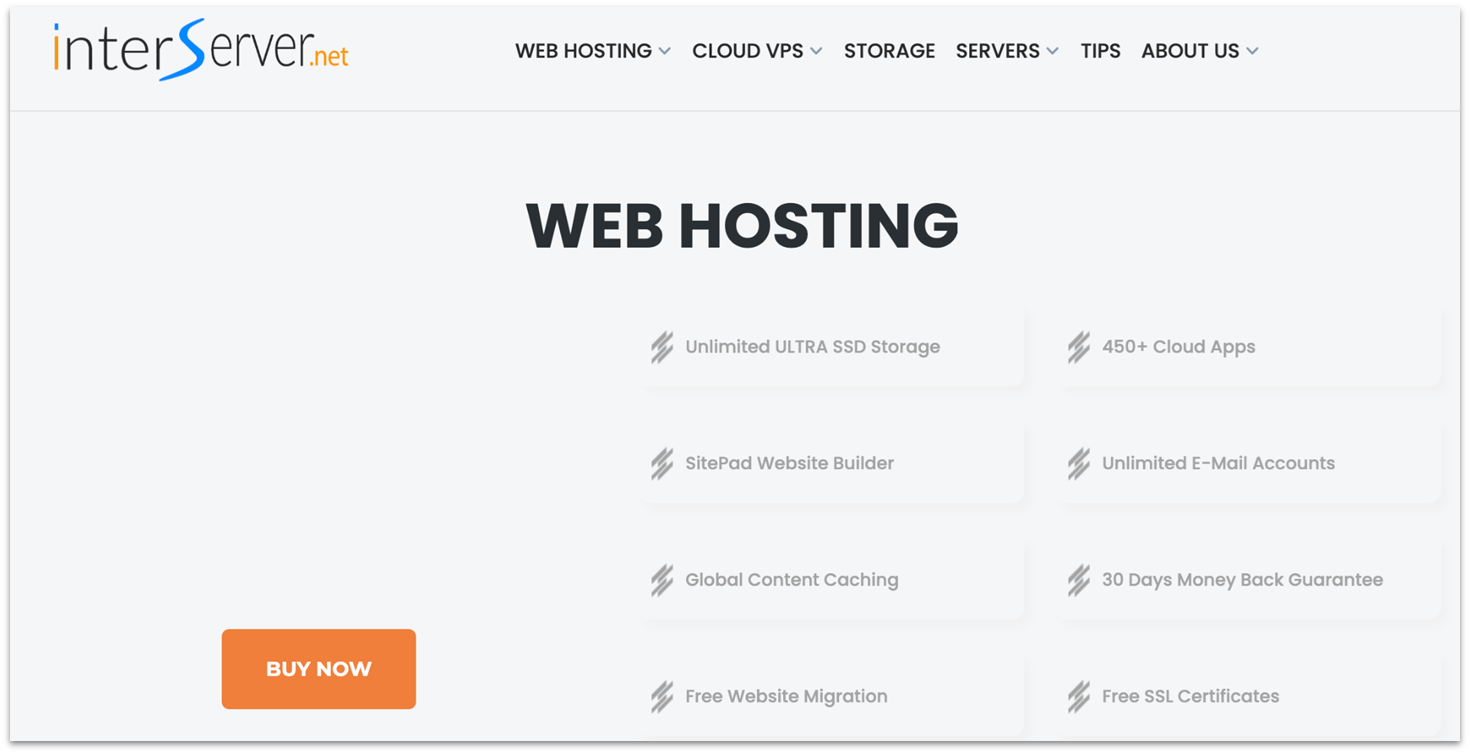
If SiteGround’s renewal price caught you off guard, InterServer offers a price lock guarantee. Whatever rate you sign up for, that’ll never change. You’re not forced into long-term contracts either. It’s one of the most transparent pricing models I’ve seen in shared hosting.
InterServer also offers free managed migrations from cPanel to cPanel or DirectAdmin to DirectAdmin. I migrated my test website, and a dedicated team handled everything. I also appreciated the transparency over when I could expect the migration to be completed – in my experience, you don’t always get an ETA.
Performance was snappy across the US, especially on the East Coast tests. My WordPress site loaded in under a second from New York and under 1.3s from Dallas. That’s thanks to LiteSpeed servers and Inter-Proxy caching, which reduce server processing time. Outside North America, load times can creep past the 2-second mark due to its US-only data center coverage.
Features
- InterShield security. This is a built-in firewall with malware and script scanning. It even has an intrusion detection system that constantly adds new malware signatures to a database of over 150,000 known threats.
- Advanced email management. You can create unlimited domain-based email accounts and manage them from any device, with built-in spam filters and reliable delivery controls.
- Inter-Insurance. If your account is compromised, InterServer will restore it at no cost and implement protections to prevent future breaches.
- 30-day money-back guarantee. You’ll get a full refund if you cancel within the first month of service, so you can try InterServer entirely risk-free.
Find out more in our complete InterServer review.
| Free site migration | ✔ |
|---|---|
| Data center locations | US (New York, New Jersey, Los Angeles) |
| Backups | Weekly |
| Starting price | $2.50 |
5. Liquid Web: Managed WordPress With 24-Hour Auto-Scaling
Formerly Nexcess, Liquid Web’s managed hosting services are ideal if you want high-quality hosting without dealing with all the technical details. Liquid Web offers completely managed hosting for WordPress, WooCommerce, and Magento, automatically installing the best features for each service directly on the server.
Each plan also comes with 24 hours of free auto-scaling. That means that if you get a traffic spike to your site, you get an accumulated total of 24 hours of automatically increased resources to help you handle the extra workload each month. You also get daily backups, which are stored for 30 days, a Cloudflare CDN, and more.
Though it’s a little more expensive than SiteGround before the first renewal period, the price increase after that is much smaller, making it a much more affordable option in the long term. For small businesses in particular, the advanced resources without the mental load of managing them makes the service worth it. Liquid Web offers a 30-day money-back guarantee, so you can try the service risk-free before committing.
Features
- Free managed migrations. Liquid Web can transfer all of your data to its servers, including files, emails, and databases. All you need to do is provide your old host’s login details.
- Powerful security. Liquid Web provides daily malware scans, proactive monitoring, disaster recovery tools, and more.
- Built-in plugins. Managed WordPress plans come with pre-installed plugins to improve your loading speed, security, facilitate multi-site management, and more.
- Object Cache Pro and Redis caching. These server-level tools keep dynamic WordPress pages fast, even if your site has heavy plugins or a big product catalog.
Get all the details in our expert Liquid Web review.
| Free site migration | ✔ (unlimited sites) |
|---|---|
| Data center locations | The US, UK, Netherlands, Australia, Brazil, Nigeria, Singapore, Hong Kong |
| Backups | Daily |
| Starting price | $17.60 |
6. GreenGeeks: Green Hosting Powered by LiteSpeed Servers
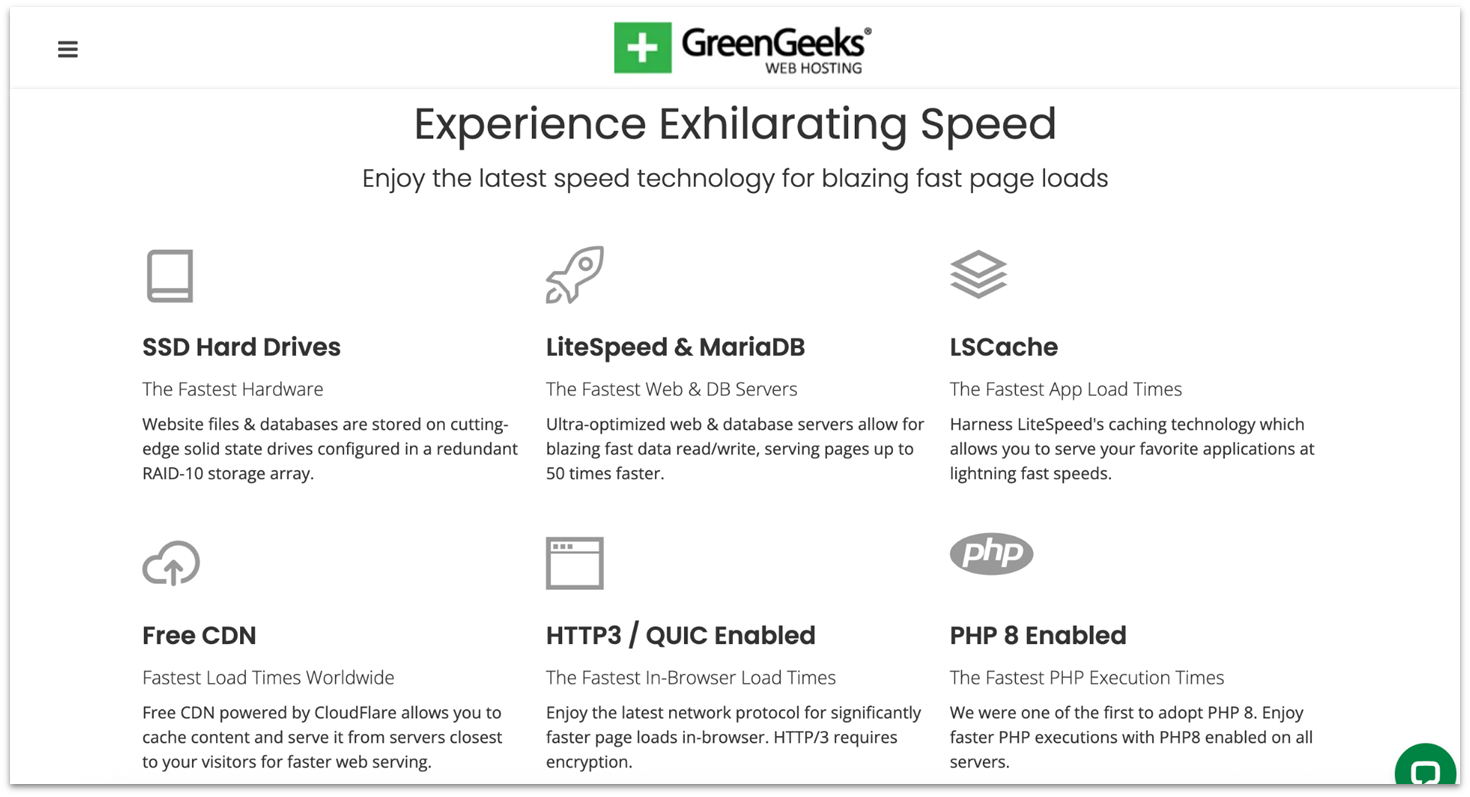
GreenGeeks runs all its hosting on LiteSpeed servers, which means your site gets built-in LSCache and HTTP3/QUIC support for quick, reliable performance. You’ll also get 25 GB of SSD storage on the base plan, which is over twice as much as SiteGround provides in its equivalent starter plan.
On top of that, it matches 300% of the energy it uses with renewable energy credits and even plants a tree for every new account. SiteGround only matches 100% of the energy used. This makes GreenGeeks a fantastic option for community projects and non-profits that want to make sure their hosting provider follows their ethos.
The only catch is that its Pro plan’s renewal price is as much as SiteGround’s. However, you can stick to the Lite plan for a much lower renewal rate but you’ll lose on-demand backups, priority support, and the WordPress Repair tool. That’s a decent tradeoff if you’ve got some technical know-how.
Features
- 24/7 support. If you run into some snags, you can talk to an agent via live chat – one rep even fixed a redirect issue for me on the spot. The knowledge base is also packed with visual tutorials.
- Proactive security. GreekGeeks provides a custom firewall, real‑time file scanning, and account isolation, all of which will help to detect and block attacks before they hit your website’s code.
- Free expert migrations. You open a ticket, hand over login details, and technicians will move the entire site, including database, email, and SSL, without downtime.
- Developer tools. Developers can deploy code, run scripts, and manage WordPress from the command line without upgrading. GreenGeeks also supports multi-user access, which makes it great for development teams.
Discover what we found in our GreenGeeks review.
| Free site migration | ✔ (1 on shared hosting) |
|---|---|
| Data center locations | The US, Netherlands, Canada, Singapore |
| Backups | Daily |
| Starting price | $1.95 |
Other Notable SiteGround Alternatives
7. Hosting.com
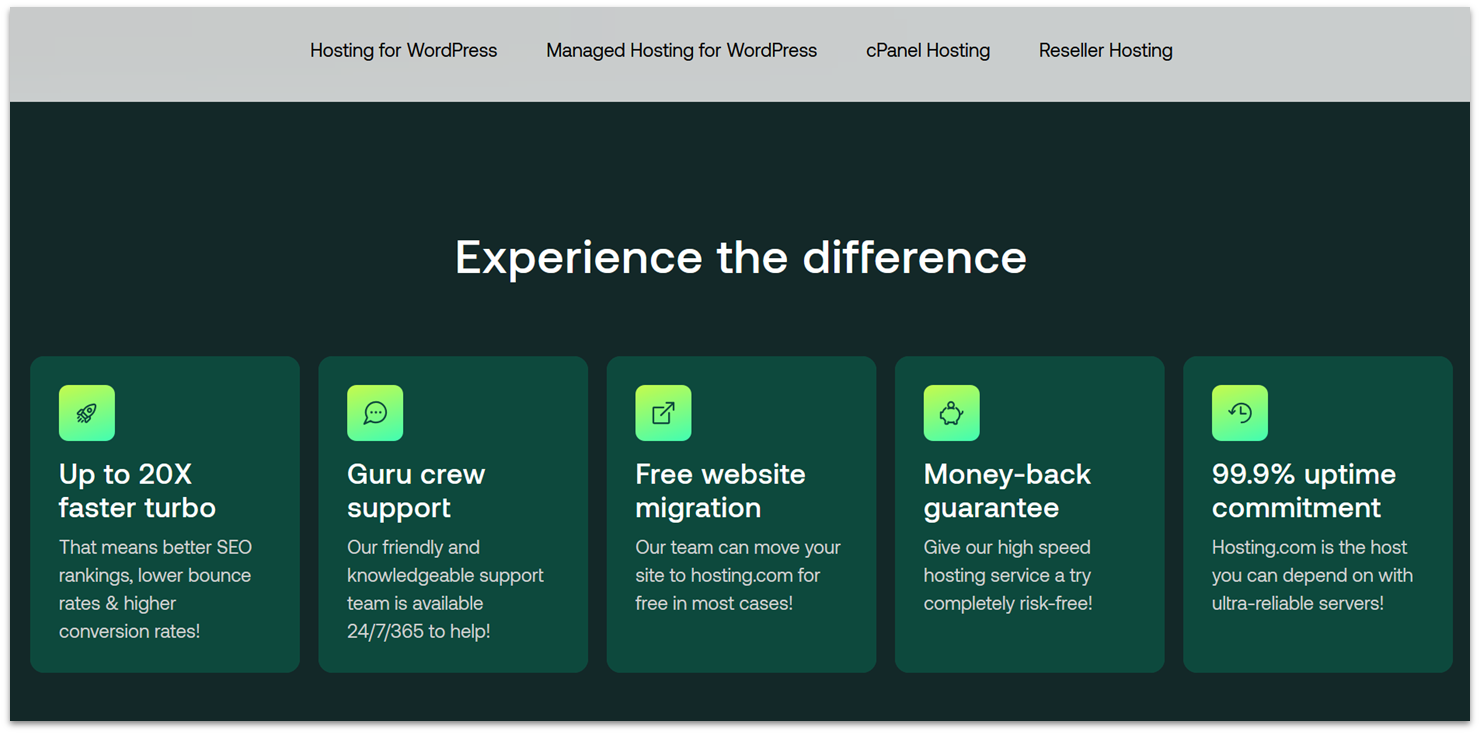
Hosting.com is an affordable web host with introductory and renewal prices cheaper than SiteGround. However, that doesn’t mean it holds back on features. You’ll get everything you’d expect, like a free SSL, email hosting, and one-click app installation.
Your website’s performance won’t suffer with this SiteGround alternative, either. Each plan offers LiteSpeed servers, while you’ll get NVMe storage on the Plus plan and above. The biggest downside is that its support isn’t very helpful – if you’re a beginner to web hosting, I’d recommend looking elsewhere.
8. Kinsta
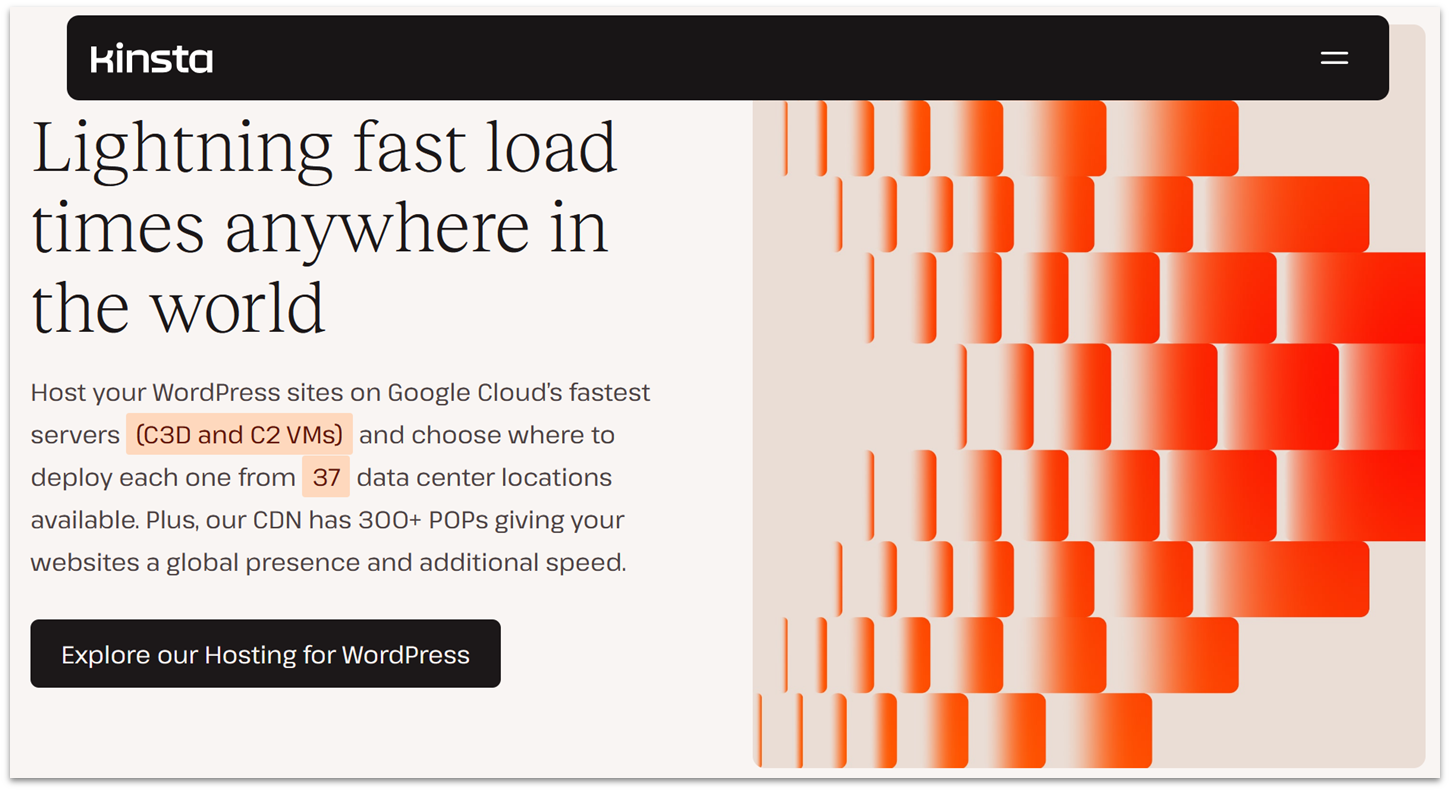
If you want faster load times than SiteGround can offer, Kinsta is a major upgrade. All plans use Google Cloud servers. These servers are built for speed and can handle complex sites and traffic spikes with ease.
Kinsta also bundles premium tools like one-click staging, daily backups, and a Cloudflare-powered CDN on all plans. It’s much pricier than SiteGround, so I wouldn’t recommend it for small blogs or hobby sites. But for serious projects, the performance and ease of use may be worth paying for.
9. ScalaHosting
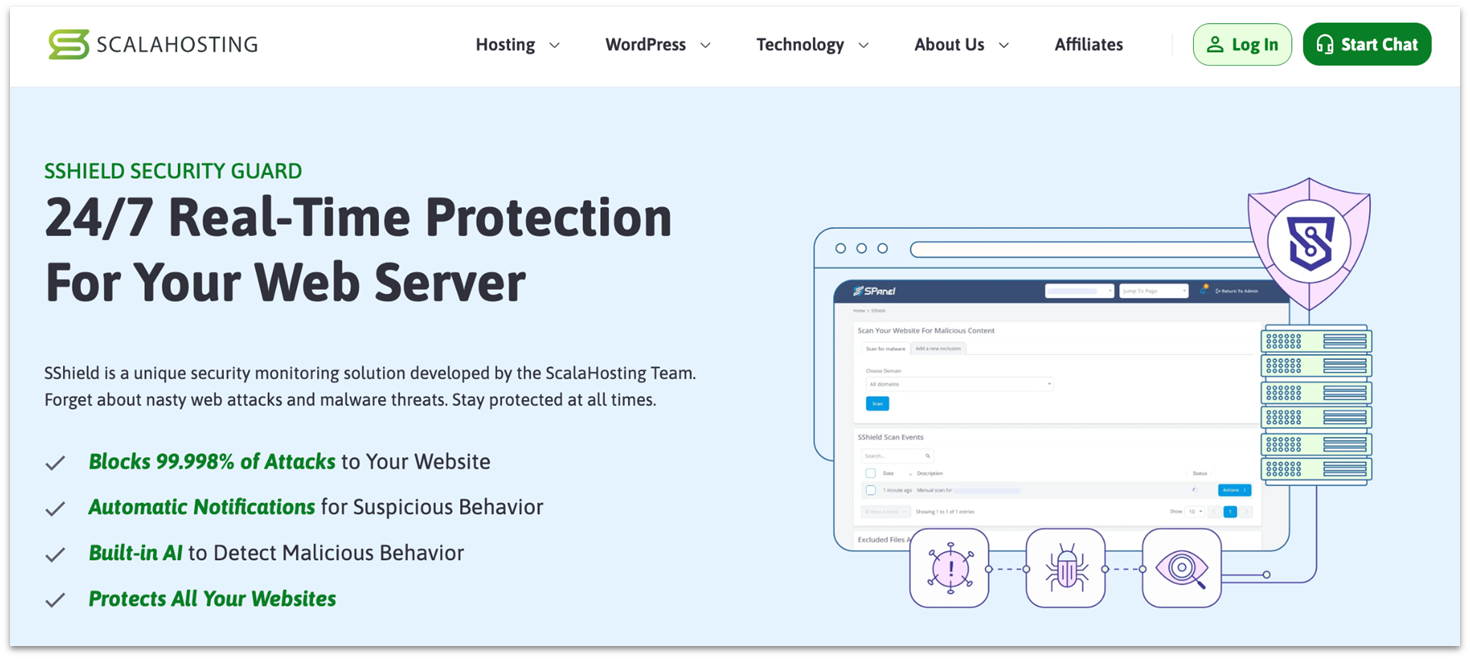
ScalaHosting’s SShield monitors your site 24/7 and blocks threats in real time. It works silently in the background but sends alerts if it detects anything suspicious. Alongside that, you get daily offsite backups with one-click restores, plus a WordPress Manager that makes staging simple.
I could tell ScalaHosting takes ease of use seriously after I used its custom SPanel. I could easily access backups, email setup, and file management under one clean dashboard. However, like with hosting.com, I was disappointed in its support – I had several interactions in which they failed to answer my queries.
10. InMotion Hosting
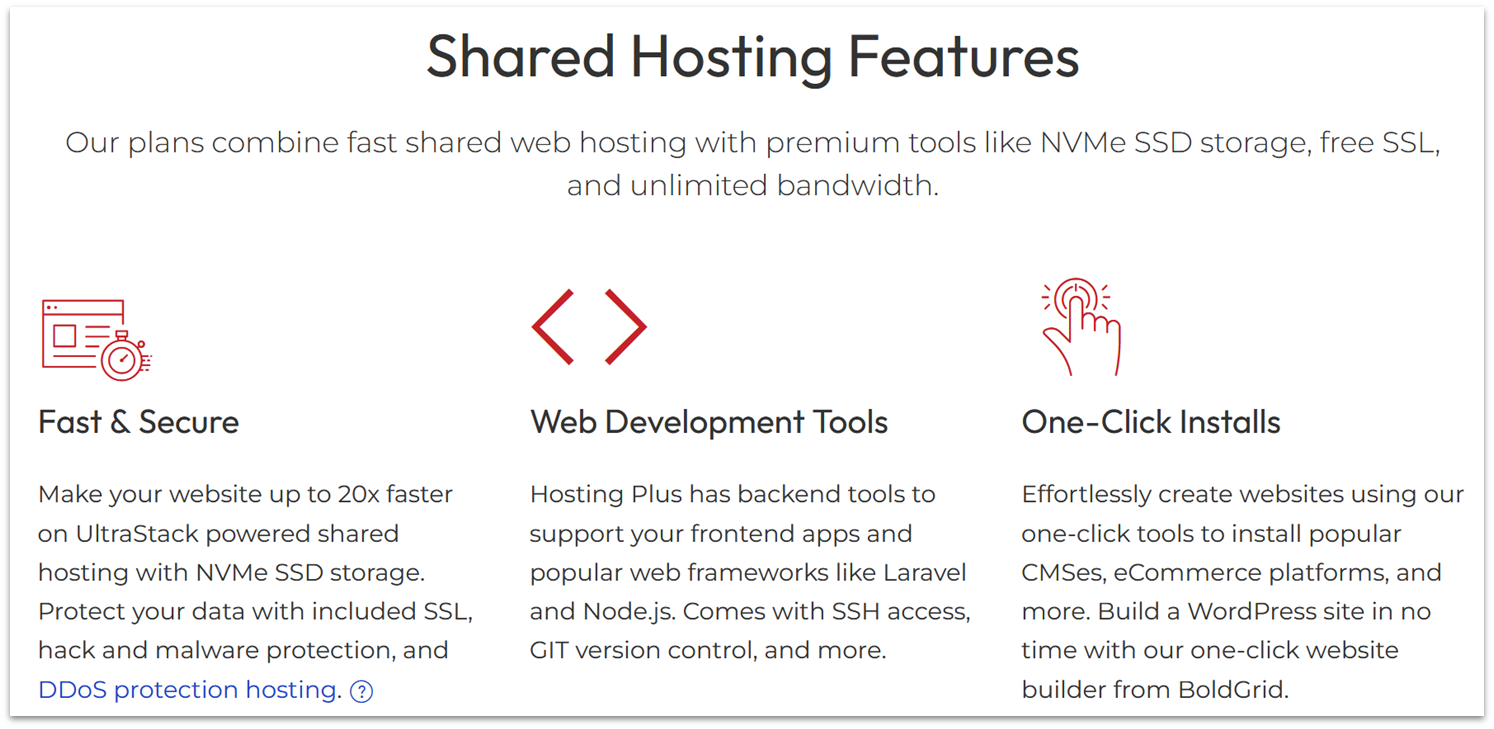
InMotion’s Core plan gives you 100 GB SSD storage, which is ten times what you get on SiteGround’s entry plan. That much space makes it ideal if you run media-heavy sites with lots of images, videos, or downloadable files. Its 90-day money-back guarantee is also the longest on this list, giving you more time to make sure it’s the right fit.
That being said, automatic backups aren’t included on the Core plan – you’ll need to pay for the Backup Manager, which costs a few dollars extra a month.
The Best SiteGround Alternatives for Your Website (And Budget!)
If SiteGround’s tight resource caps or rising renewal prices have worn you down, there are good options you can switch to. I tested its most popular competitors to see who actually delivers better performance, value, and support – and I found more than a few that do.
For fast speeds and the lowest cost over time, go with Hostinger. It uses LiteSpeed to load your pages faster and supports 25 websites on its beginner plan, all for far less than SiteGround – both on introductory and renewal rates.
If you want stable pricing and hands-on support, IONOS is a solid choice. You’ll get a dedicated support rep, plus low pricing that only increases by a few dollars on renewal. It’s perfect if you want someone to help you through problems without paying a premium.
And if you want the stability of cloud hosting without the high price tag, take a look at HostArmada. Its shared plans are cloud-hosted, which means your site stays online even if one server fails. You also get daily backups and malware scans included, so you’re covered on all fronts without lifting a finger.
| Standout feature | SSD storage on cheapest plan | Email accounts on cheapest plan | Starting price | ||
|---|---|---|---|---|---|
| Hostinger | LiteSpeed on all plans | 25 GB SSD | Two 1 GB mailboxes per domain, free for 1 year | $2.49 | |
| IONOS | Dedicated personal consultant | 10 GB SSD | One 2 GB mailbox | $1.00 | |
| HostArmada | Cloud hosting on all plans | 15 GB SSD | Unlimited email accounts | $1.49 | |
| InterServer | Price-lock guarantee | Unlimited SSD | Unlimited email accounts | $2.50 | |
| Liquid Web | 24 free auto-scaling hours | 15 GB SSD | Unlimited email accounts | $17.60 | |
| GreenGeeks | Renewable energy match | 50 GB SSD | Unlimited email accounts | $1.95 |