

There are plenty of choices for hosting your own personal site. Come to think of it, way too many choices. Every single hosting provider out there claims to offer the tools you need. And the worst part? They’re all kind of right. Most hosting providers can offer the basic tools you need for a simple personal site.
Unfortunately, there’s a downside to that too. Some providers offer bloated plans filled with features you don’t really need, while others neglect the basic aspects of security, performance, and reliability that are crucial for any site.
I tested dozens of web hosting services to find the right balance between affordable, easy to use, and well-rounded features. All so you don’t have to settle for a subpar host or pay for more than you need.
My top choice was Hostinger for its affordable pricing, user-friendly tools, and excellent performance. Of course, it’s not the only option, and there might be another host better suited for your unique needs.
So, keep reading to discover the best hosts for your personal site, or get started with Hostinger right away.
Short on Time? These Are the Best Web Hosts for Personal Sites in 2026
- Hostinger – Affordable for long-term plans and very beginner friendly.
- IONOS – Straightforward hosting with unique customer support.
- SiteGround – Fast and easy-to-use hosting for quick deployment.
What We Look For in the Best Web Hosts for Personal Sites
Technically, you could use just about any web hosting service with a passable service to create a personal site. For us to recommend it as one of the best options in 2026, however, it had to deliver much more than just “a passable service.” In particular, we looked at this list of criteria for our ranking:
- Affordability. A quality personal site is worth a bit of an investment, especially for independent professionals trying to promote their services. That said, I know you don’t want to spend “multi-national agency” amounts of money on your site, which is why we made sure that all the options on this list offered affordable plans for individuals.
- Ease of use. Not everyone is an experienced web professional with experience handling virtual servers and deploying web apps, and that’s fine! We looked at everything from the user-interface to the extent of the knowledge base to ensure that anyone can host a site with these providers.
- Performance. Good loading speeds are a crucial aspect of your site’s search engine rankings, so we made sure only to recommend hosting services that offered good loading speeds and exceptional uptime.
- One-click installers. Whether you want to set up WordPress or add new functionalities to your personal site, these tools can help you do it quickly.
Is Web Hosting Right for You?
Web hosting isn’t the only way to get a personal website online. Though dedicated hosting can give you more control over your resources, more installation options, and an overall more customizable experience, it can also be more difficult for beginners, especially if you’re really looking to customize your website.
Alternatively, you could try a dedicated website builder. Web builders take care of all the backend stuff for you (including hosting, domain registration, security certifications and more) and most offer an intuitive interface to edit your website visually. If you’re looking to create a good-looking and functional site without dealing with more advanced tech concepts, a web builder might be the best option for you.
If you want to publish a lot of content, you’re more tech-savvy and prefer a higher degree of control over the technical aspects of your site, then web hosting is the ideal option.
If you’re interested in using a website builder for your personal site, I recommend looking at our expert list of the 10 best website builders in 2026.
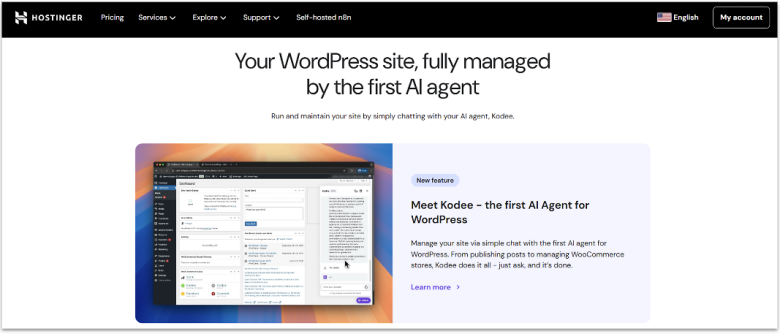
Thanks to its well-rounded set of features, Hostinger is the best overall option for personal sites. In our testing, it delivered some of the best performance and uptime scores we got for shared hosting, and its plan variety (from standard web hosting to optimized hosting for WordPress, WooCommerce, and more) ensures there’s something to cover the needs of just about anyone.
If you don’t have previous experience with hosting, its proprietary hPanel for hosting management is much more beginner-friendly than the industry-standard cPanel. Hostinger offers a wide range of tutorials and additional documentation too, as well as built-in optimization plugins, which means even beginners can access advanced functionality.
If you sign up for a yearly plan, you can get Hostinger for just $2.49 per month, and you get even lower prices if you decide to make a big commitment upfront and go for a two-year or even four-year subscription. The pricing after renewal can be a little steep, which is why I wouldn’t recommend it for a monthly renewal rate, but that doesn’t mean you have to go in blind before making a long-term commitment. Thanks to its 30-day money-back guarantee, you can try Hostinger out to decide if it’s the right provider for you.
Features
- Hostinger Website Builder. The Hostinger Website Builder is intuitive, flexible, and incorporates all the best parts about Hostinger’s hosting performance.
- AI tools for WordPress. Manage your entire WordPress backend by chatting with Hostinger’s AI.
- LiteSpeed for WordPress Plugin. Pre-loaded with all Hostinger plans, this plugin optimizes your site for even better loading speeds across the globe.
- Free CDN. On the Business plan and up, Hostinger includes a free CDN which optimizes your site’s loading times worldwide.
Read our expert Hostinger review for more details.
| Easy WordPress Installation | One-click installer & WordPress-optimized plans |
|---|---|
| Shared hosting storage | 20GB – 100GB |
| Money-back guarantee | 30-day |
| Starting price | $2.49 |
Freelancers and solo entrepreneurs will be able to appreciate speedy and reliable hosting, even if it doesn’t come with as many bells and whistles, which is exactly what IONOS offers. During our tests, IONOS delivered perfect uptime and great loading speeds, even for locations far outside our chosen server.
All IONOS plans come with a dedicated personal support consultant. This means that any time you contact customer support, you’ll get in touch with the same dedicated representative who will understand your site’s unique needs and priorities as time passes. The dedicated consultant can also guide you through every aspect of setup, monitoring, and optimization.
If your site really takes off, IONOS makes it easy to upgrade resources like RAM, CPU, and storage. It also doesn’t hurt that with annual payments, you can get the high-quality Plus plan at just $1.00 a month.
IONOS doesn’t include the same dedicated features and control panel as Hostinger, and it does have some limitations like a single professional email per account. But if you need reliable, business-focused hosting at affordable prices, IONOS might be right for you.
Features
- Daily backups. IONOS creates daily backups of your storage and databases, ensuring that you can always get your information back in the event of a failure.
- User-friendly web builder. The IONOS website builder is very intuitive to use and specifically catered towards business owners.
- Geo-redundant network. IONOS’ geo-redundant network ensures that your site is safe even if something happens to the main location of your server.
- Free Wildcard SSL. All IONOS’ plans include a free SSL certificate for your site, which is crucial for increasing your security.
Read our expert IONOS review for more details.
| Easy WordPress Installation | One-click installer |
|---|---|
| Shared hosting storage | 10 GB – Unlimited |
| Money-back guarantee | 30-day |
| Starting price | $1.00 |
3. SiteGround: The Best Option for Ease of Use
SiteGround delivers a smooth setup thanks to its custom control panel: Site Tools. Site Tools lets you manage key features on a sidebar so you don’t have to get lost navigating complicated hosting panels. There, you get easy file management, database controls, DNS settings, backups, and caching tools without technical jargon. Thanks to built-in optimizer tools like SG Optimizer, you also get easy settings to access the best possible performance.
On WordPress hosting plans, SiteGround comes with a pre-loaded WordPress auto-installer and managed update system. It also pre-installs security and performance plugins so you get a secured and optimized WordPress setup immediately, without hunting for plugins or configuring them yourself.
Beyond that, you also get access to a free content delivery network (CDN) which ensures your loading speeds remain consistent across the globe. SiteGround’s entry-level StartUp plan includes 10 GB storage, unmetered traffic, and daily automated backups (with up to 30 backup copies stored across data centers). It might lack some power compared to other entry-level WordPress plans on this list, but for a personal site, SiteGround’s user-friendliness is more than worth the trade-off.
Features
- AI WordPress agent. SiteGround’s AI Agent for WordPress helps you make changes to your WordPress backend through a simple chatbox interaction.
- Built-in collaboration tools. SiteGround allows you to create collaborator roles who have limited access to your site’s management and backend.
- Daily backups. SiteGround creates daily backups of your site which you can access for up to 30 days.
- WooCommerce optimized. If you’re thinking of operating an online store, SiteGround also offers plans specifically optimized for WooCommerce.
Read our expert SiteGround review for more details.
| Easy WordPress Installation | ✔ |
|---|---|
| Shared hosting storage | 10 GB – 40GB |
| Money-back guarantee | 30-day |
| Starting price | $1.99 |
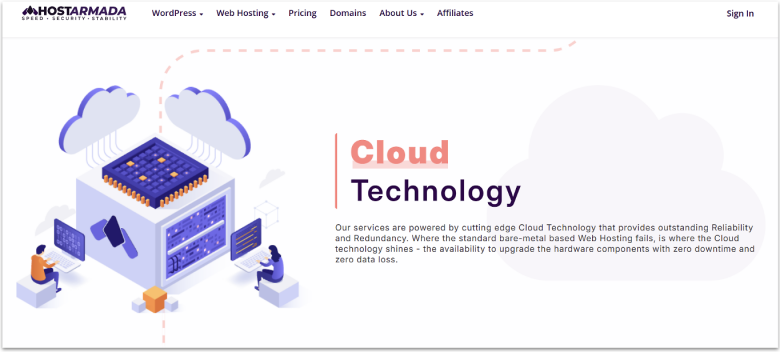
HostArmada is one of the few hosts out there to offer shared cloud hosting. That means that while you still share your resources with a number of other users (as you would with any other shared hosting plan), you get the performance benefits of cloud hosting (i.e. better performance, less downtime, increased security), and without the extra cost that usually comes with cloud hosting plans.
HostArmada also ensures that it has the lowest number of clients per server out of any other hosting provider, and while we cannot directly verify this claim, its performance results lend it some credibility.
It also stands out as a top-choice if you’re particularly security-minded. HostArmada offers plenty of security tools and active monitoring to keep your personal information safe and your site free from malware. These features include up to 7 daily backups, herd-immunity firewalls (that is, firewalls that use AI tools to learn from past attacks), a proactive defense system, and more.
It might not be as easy to set up as others, and larger websites run the risk of outgrowing the entry-level plans quickly, but it’s a great choice if you’re looking for security and resource control.
Features
- Website consultation. As a part of its support bundle, HostArmada offers a professional consultation on getting your site live, optimization, and even which plugins to use.
- Hacked website restore. If your site gets targeted by a malware attack, HostArmada provides personalized restoration services to get you online as quickly as possible.
- Unlimited domain aliases. On every plan, you get unlimited domain aliases, which ensures that you don’t miss traffic over common misunderstandings.
- Unlimited email accounts. You can create as many separate email addresses within your hosting plan as you want, so long as they fall within storage limits.
Read our expert HostArmada review for more details.
| Easy WordPress Installation | Softaculous installer |
|---|---|
| Shared hosting storage | 15 GB – 40 GB |
| Money-back guarantee | 45-day |
| Starting price | $1.49 |
5. InterServer: Best for Short-Term Hosting
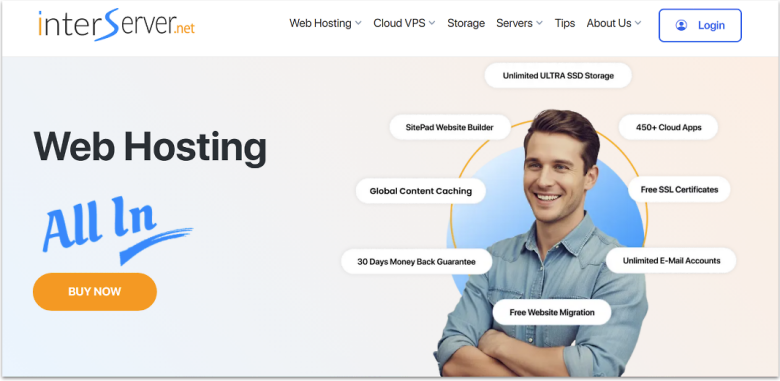
InterServer only allocates up to 50% server capacity to shared-hosting accounts, which means that you never have to compete for limited resources with other users. Speaking of resources, its standard plan includes unlimited storage and unlimited data transfer, so you can upload large files or handle fluctuating traffic with ease.
With some of the lowest price hikes after renewal and some very affordable monthly prices, InterServer is a practical choice for short-term projects. With shared hosting starting around $2.50/month, you can launch a site or a small campaign for a minimal cost and avoid long-term commitments.
One downside is that InterServer only operates data centers in the US. That means that if your audience or site admin team is located outside the US – for example in Latin America or Europe – you may face slightly higher latency or slower response times compared with hosts that use data centers closer to you.
Features
- Inter-Insurance. If your website gets compromised in any way, InterServer will restore your site as well as implement new security measures to avoid the same issue from happening again.
- InterShield Security. InterServer’s InterShield Security uses machine learning to learn from any attack that happens on its network and implement security measures across all sites.
- Inter-proxy caching. Thanks to InterServer’s proprietary caching solution, your site will experience better performance results worldwide.
- 461 cloud apps. You can install as many as 461 different apps on your server with just the click of a button.
Read our expert InterServer review for more details.
| Easy WordPress Installation | One-click installer |
|---|---|
| Shared hosting storage | Unlimited |
| Money-back guarantee | 30-day |
| Starting price | $2.50 |
6. GreenGeeks: Affordable and Eco-Friendly
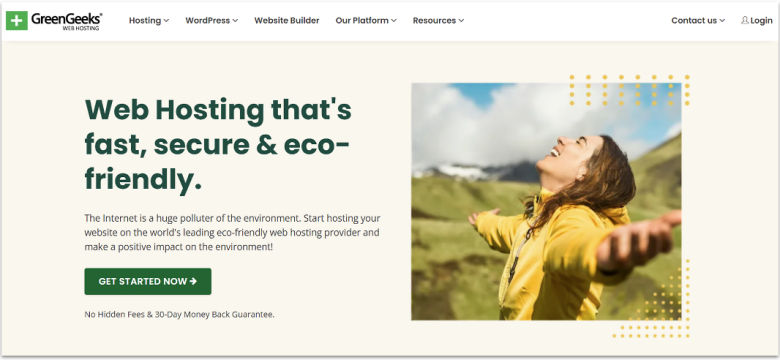
GreenGeeks offers eco-friendly hosting with a 300% energy match, which means it offsets every unit of energy used for your site by purchasing triple the equivalent in renewable energy credits. GreenGeeks is more than just the eco-friendly alternative, though. It also gives you strong performance worldwide. SSD storage, LiteSpeed web servers, PHP 8, and CDN support combine to ensure fast page loads and high uptime.
When you choose the “Pro” plan or above, GreenGeeks allows unlimited websites under one account. On top of that, you get free WordPress migration if you already run a site elsewhere, and managed hosting for WordPress and WooCommerce. That means you can set up a blog, portfolio or online store without worrying about manual installs, updates, or complex configuration, since GreenGeeks handles those for you.
The control panel feels somewhat outdated compared with newer interfaces, which might feel less intuitive. But if you’re willing to look past that, you’ll find a high-quality hosting option that takes its own environmental impact into consideration.
Features
- AI website builder. GreenGeeks offers an AI-powered website builder that allows you to get online quickly.
- Daily backups. You get daily backups of your site with all GreenGeeks plans.
- Free malware cleanups. If your site gets infected with any kind of malware, GreenGeeks will restore it free of charge.
- WooCommerce plans. GreenGeeks offers specialized plans for managed WooCommerce.
Read our expert GreenGeeks review for more details.
| Easy WordPress Installation | One-click |
|---|---|
| Shared hosting storage | 25 GB – 100 GB |
| Money-back guarantee | 30-day |
| Starting price | $1.95 |
Other Notable Web Hosts for Personal Sites
7. InMotion Hosting
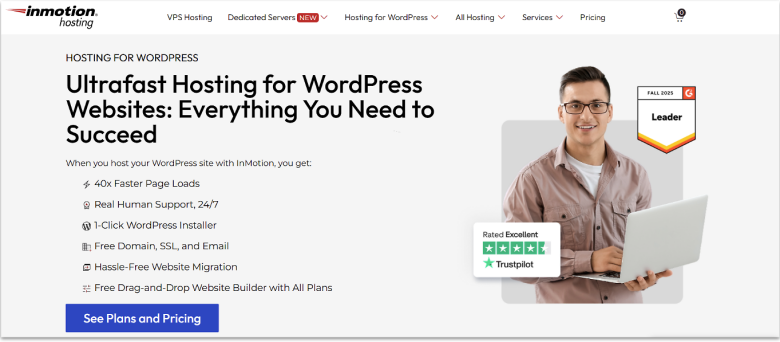
InMotion Hosting is a solid choice if you want advanced hosting options for a simple personal site with room for growth. You get access to features like version control, staging, and performance tweaks that you usually see on more expensive plans with other builders, which helps if you want to experiment. I also liked the free advertising credits, since they give you a low-risk way to promote a new blog or portfolio.
The lack of free automated backups on cheaper plans means you have to set up your own backup routine, which can be both troublesome and time consuming. In my experience, there are also some annoying but not insurmountable upsells during checkout, which can make the real price less clear. If you are comfortable managing your own backups and double-checking add-ons, InMotion Hosting is still a solid choice for hosting where you are in control.
8. Hosting.com
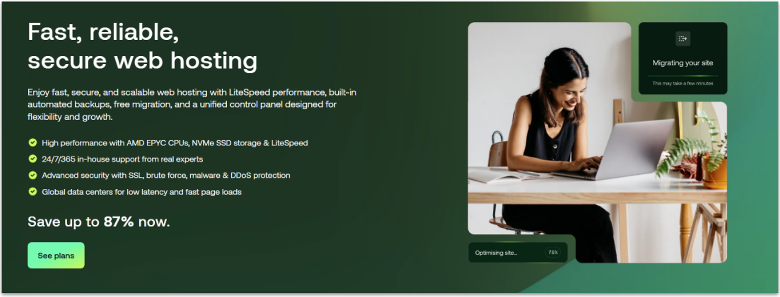
Hosting.com works better if you want shared plans that still run on cloud servers, so your personal site benefits from added redundancy and stability. When I tested it, the custom control panel felt simpler than cPanel for basic tasks like creating email addresses and installing apps.
The custom control panel also means you rely on its layout, which can make it harder to switch hosts if you get used to its workflow. Bear in mind that the renewal rates are fairly high too, which can catch you off guard if you only looked at the intro price. If you plan for the long-term cost, and value the cloud-based shared environment, you can still get good mileage out of it for a personal project.
Which Web Host Should You Choose for Your Personal Site?
There’s a lot to take into consideration when you’re building your ideal personal site, hopefully, with this guide, you can at least take some of the cognitive load off from choosing the best hosting provider.
For an overall mix of performance and user-friendliness, the clear choice is Hostinger. Its WordPress optimization tools and agentic AI really help take a chunk of the work off your back.
If you want a more straightforward, business-oriented option, IONOS is professional and reliable. Thanks to a custom support representative, you can always count on a true professional who knows and cares about your site.
Finally, if you just want a simple host that you won’t have to think much about, SiteGround’s managed WordPress hosting is ideal. It also pre-loads plenty of optimization features to ensure your site performs well worldwide.
| Standout feature | SSD Storage | Support | Starting price | ||
|---|---|---|---|---|---|
| Hostinger | Affordable hosting with excellent performance | 20 GB – 100 GB | 24/7 live-chat, email | $2.49 | |
| IONOS | Personalized customer support representative | 10 GB – Unlimited | 24/7 phone support, dedicated support representative | $1.00 | |
| SiteGround | Easy hosting with specialized tools for WordPress | 10 GB – 40 GB | Phone, ticket, live-chat, AI chatbot | $1.99 | |
| HostArmada | Shared hosting with cloud hosting security and performance | 15 GB – 40 GB | 24/7 chat, ticket, & phone support | $1.49 | |
| InterServer | Lowest renewal prices | Unlimited | Ticket Support | $2.50 | |
| GreenGeeks | 300% green energy match | 25 – 100 GB | Live chat, phone, ticket, email | $1.95 |