

DigitalOcean isn’t the most user-friendly host out there – and if you’re struggling, the free support tier is very limited. There’s no live chat, phone, or ticketing system, only email support. This isn’t just bad for beginners, but it can also slow down the workflow of seasoned developers. On top of that, DigitalOcean’s pricing can run high, which means if you want responsive support, you’ll be paying even more every month.
Luckily, there are many alternatives to the powerful cloud hosting DigitalOcean offers – but not all of them provide a better experience. You don’t want to spend a lot of time and effort switching hosting providers only to end up running into the same problems.
I tested as many cloud hosts as I could in order to find out which ones offer better support systems and usability without compromising on overall performance.
I managed to cut it down to the best ten hosts. I discovered Kamatera to be the best option of the bunch. With comparable (or lower) pricing, optional managed services, and a global presence, it ticks all the right boxes. You can try Kamatara risk-free or continue reading for other great alternatives.
Short on Time? These Are the Best DigitalOcean Alternatives in 2026
- Kamatera – Completely customizable cloud VPS resources for a precise server setup.
- HostArmada – Fully managed cloud hosting with 24/7 support for hands-off reliability.
- IONOS – Affordable cloud hosting with Deploy Now for app deployment and static sites.
What We Look For in the Best Alternatives to DigitalOcean
When it comes to reliable plans and a vast data center network, DigitalOcean is tough to beat. In my search for the best DigitalOcean alternatives, I looked for hosts that could compete in these categories, plus a few more:
- Reliable performance and security. DigitalOcean often has periods of downtime and charges for advanced security features as add-ons. I looked for providers that guarantee uptime, deliver fast loading speeds, and include built-in security like DDoS protection, firewalls, and SSL certificates.
- Better support. Since DigitalOcean is aimed at developers and advanced users, it provides very limited support. There’s no live chat support (unless you can afford the Standard Support plan), so all you get is ticket support, which can be slow. Many of the hosts below include much better support with their hosting plans for free.
- Ease of use and migration. Setting up with DigitalOcean requires technical knowledge, such as accessing your server through Secure Shell (SSH). The alternatives I recommend offer user-friendly dashboards, managed hosting options, and migration assistance to make onboarding simpler.
- Scalability. Scaling with DigitalOcean usually involves manual setup via its control panel, API, or CLI. The providers I chose offer vertical and horizontal scaling that can be done quickly and without service interruptions.
- Free trial or money-back guarantee. DigitalOcean offers a generous 60-day free trial and $200 credit. My top DigitalOcean alternatives also let you try out their services completely risk-free. Some will even let you trial any range of services, not just shared Basic Droplets like DigitalOcean. I also prioritized hosts with transparent prices and no sudden spikes on renewal.
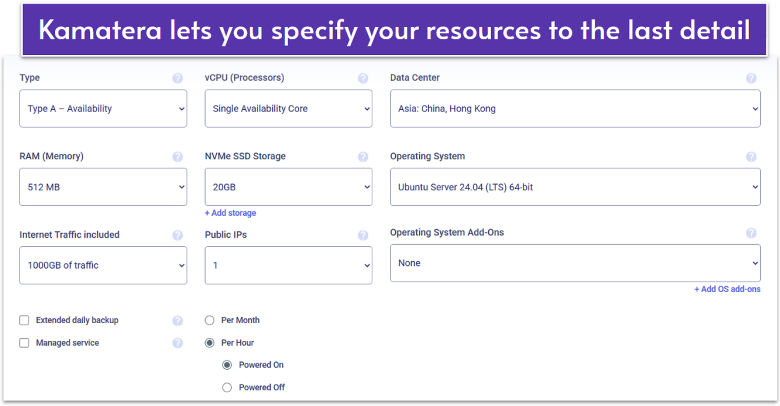
Kamatera offers powerful cloud-based solutions, including fully scalable and customizable cloud VPS hosting. Unlike DigitalOcean’s rigid Droplet configurations, Kamatera lets you build a VPS by selecting exactly the resources you need, including CPU, RAM, storage, and bandwidth. You can start small with just 1 vCPU, 20 GB SSD storage, 5 TB of traffic, and 1 GB of RAM, then scale vertically or horizontally as your project grows.
When it came to testing Kamatera’s overall performance and reliability, I came away impressed. With an average page loading speed of just over one second, Kamatera’s results are on par with DigitalOcean. The difference is that you get advanced technologies like NVMe SSD storage by default with Kamatera, whereas DigitalOcean charges extra for similar upgrades.
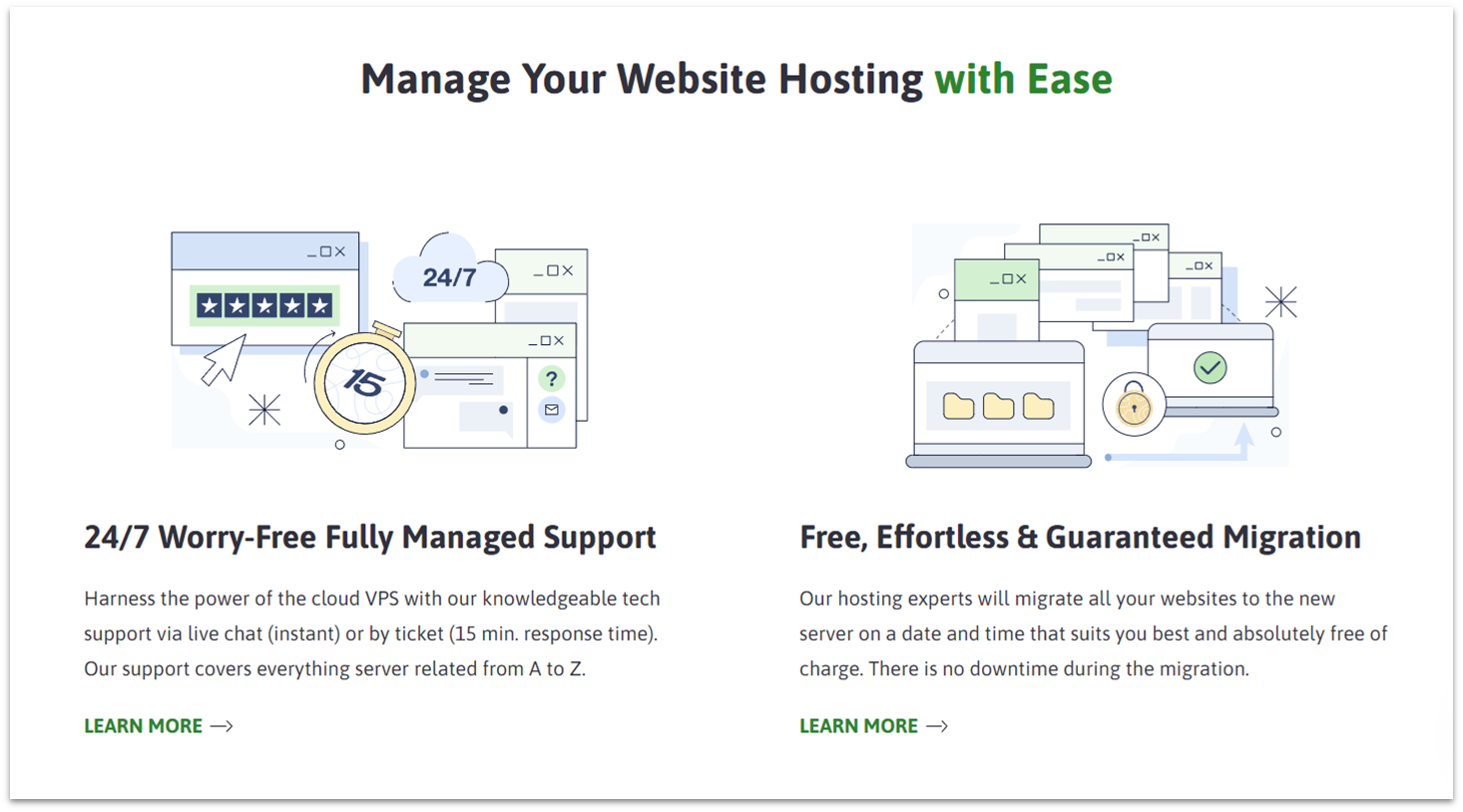
However, like DigitalOcean, Kamatera isn’t the most beginner-friendly option. The service leans toward developers and IT professionals who are comfortable with technical setups. While support is limited, you can add a managed service layer for a flat monthly fee, no matter how complex your configuration becomes. This makes Kamatera more affordable in the long term, especially for larger projects where costs won’t increase as your resources scale.
Features
- Preinstalled cPanel. If you’re looking to get a site up quickly, you can add a cPanel license. It’ll come preinstalled on your server and from there, you can use the Softaculous app installer to install any CMS or script that you need.
- Automatic daily backups. When creating your Cloud VPS, you can pay a small monthly fee to have your server’s data backed up daily to an external storage array. You can restore previous versions whenever needed.
- Premium firewall service. While it’d be nice if more security features were included for free, Kamatera offers a strong optional firewall for your server at a low monthly fee. It can be fully managed and customized for your particular needs.
- 30-day free trial. Kamatera’s long trial period includes access to one fully customizable cloud VPS and $100 credit for the month. You even get a designated account manager for the duration of the trial. Keep in mind that if you go over your credit, you’ll have to pay the difference.
For more on Kamatera’s performance, read our expert review.
| Support channels | Live chat, email, phone, and ticket |
|---|---|
| Data center locations | 8 in US, 1 in Canada, 3 in Asia, 5 in Israel, 6 in Europe, and 1 in Australia |
| Uptime guarantee | 99.95% |
| Free migration | ✔ |
| Starting price | $4.00 |
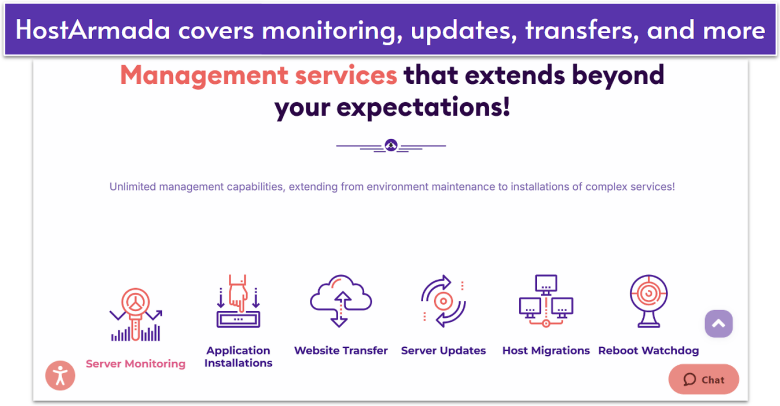
HostArmada takes the stress out of server management with fully managed cloud hosting. Unlike DigitalOcean, where even basic setup requires technical knowledge, HostArmada handles everything for you, from automatic updates to proactive monitoring and expert support. You get 24/7 live chat and phone support included with every plan, a big step-up from DigitalOcean’s ticket-only support model.
With cloud SSD technology and a wide choice of global server locations, HostArmada lets you optimize performance for your audience. Security features like firewalls, malware scans, and DDoS protection are bundled into every plan at no extra cost, while DigitalOcean charges extra for similar protections. This built-in approach keeps your hosting both fast and secure without unexpected fees.
The only drawback is that HostArmada focuses on managed VPS plans. Developers who want complete DIY freedom may feel limited, though you can still request full root access when needed. For small businesses or teams that value hands-off hosting with strong support and straightforward pricing, HostArmada is one of the best DigitalOcean alternatives available.
Features
- Free SSL certificates. You get unlimited free SSLs for every domain you host, automatically installed and renewed through Let’s Encrypt. This saves money and keeps your sites protected with strong HTTPS encryption.
- Enhanced caching. HostArmada uses NGINX and LiteSpeed-based caching to speed up site load times. This makes a noticeable difference for dynamic platforms like WordPress.
- Imunify360. Every plan includes Imunify360, a real-time website security platform with malware detection, proactive defense, and web application firewalls.
- Free migration. HostArmada will transfer your site from DigitalOcean for free, with zero downtime. Its cloud VPS plans include up to 20 free website transfers; after that, they may decide to charge additionally per website.
For more bundled-in features, see our comprehensive HostArmada review.
| Support channels | Email, phone, and ticket |
|---|---|
| Data center locations | 8 in North America, 6 in Asia, 7 in Europe, and 1 in Australia |
| Uptime guarantee | 99.9% |
| Free migration | ✔ |
| Starting price | $3.69 |
DigitalOcean offers the managed App Platform for fast app deployment. However, it’s not the only host with such a service. IONOS has developed its Deploy Now solution for easier app and static site development. You can start with the entry-level Membership plan to test the service for free for a month and upgrade later to a paid plan for more demanding deployments.
IONOS is also more beginner-friendly than DigitalOcean. With simple shared hosting options, you can get started quickly without the steep learning curve. These entry-level plans are much cheaper than DigitalOcean and let you focus on your site instead of a complex setup. Beyond that, IONOS provides unmanaged VPS and cloud hosting for those who want more control and scalability.
From my experience, IONOS’ support isn’t the most helpful. If you’re less technical and just looking for a more beginner-friendly or user-friendly solution than DigitalOcean, HostArmada’s managed solution might be a better fit.
Features
- Full root access. If you’re looking for full control, all IONOS cloud and VPS plans come unmanaged with full root access.
- Per-use or per-hour billing. With IONOS, you can benefit from per-use billing for short-term deployments, testing, and other unique development projects. Just note that per-hour billing is only available for IONOS Cloud Cubes plans.
- On-demand scalability. Cloud Cubes plans allow you to add extra memory, storage, or CPU processing power without experiencing any service interruptions. You can scale down these resources when you no longer need them.
- Per-hour Windows licenses. Windows servers can be expensive to run. IONOS takes the commitment out of the equation with pay-as-you-go Windows licenses.
Is IONOS right for your app? Read our full IONOS review for more.
| Support channels | Phone, live chat, and email |
|---|---|
| Data center locations | 3 in the US and 6 in Europe |
| Uptime guarantee | 99.99% |
| Free migration | ✘ (only free consultation) |
| Starting price | $1.00 |
While VPS hosting isn’t exactly for beginners, any hosting provider that can make server management easier is a host worth considering. ScalaHosting lets you select from managed cloud VPS plans with preset resources or customize your own build. What makes it better than DigitalOcean is the range of built-in features like unlimited email accounts and databases that make setting up and running your website much easier.
SPanel, ScalaHosting’s proprietary control panel, is beginner-friendly and avoids the extra licensing costs of cPanel. It includes Softaculous and all its 400+ readily available apps, so you can set up blogs, stores, or forums in a few clicks. Meanwhile, SShield security is built in and runs automatically, so you don’t have to worry about configuring firewalls or malware protection yourself.
Starting at $19.95/month, ScalaHosting’s entry-level Build 1 plan includes 2 CPU cores, 4 GB RAM, 50 GB NVMe storage, and unmetered bandwidth. You can choose from four preconfigured servers or build your own based on your CPU, RAM, and storage needs. The only catch is that prices nearly double on renewal, so locking in a longer-term deal gives you the best value.
Features
- Unlimited bandwidth with all plans. While other hosts limit the amount of traffic your VPS can handle or only offer unlimited bandwidth on higher-tier plans, ScalaHosting starts everyone off with unlimited bandwidth.
- Reliable email hosting. Unlike DigitalOcean, ScalaHosting offers a reliable email hosting service. You don’t get free email with cloud VPS plans, but you can add this onto your plan for an extra fee.
- Remote daily backups. ScalaHosting backs up your site’s data to a server in a different data center from yours, ensuring you never lose an email, file, or database.
- Cloudflare and caching to improve performance. Increase your site’s loading speeds with free Cloudflare integration via your SPanel control board. You can also choose OpenLiteSpeed and SPanel caching options for better user experiences.
To discover more features, check out our expert ScalaHosting review.
| Support channels | Live chat, phone, email, and ticket |
|---|---|
| Data center locations | 7 in North America, 10 in Europe, 4 in Asia, and 1 in Australia (native and third-party infrastructures) |
| Uptime guarantee | 99.9% |
| Free migration | ✔ |
| Starting price | $19.95 |
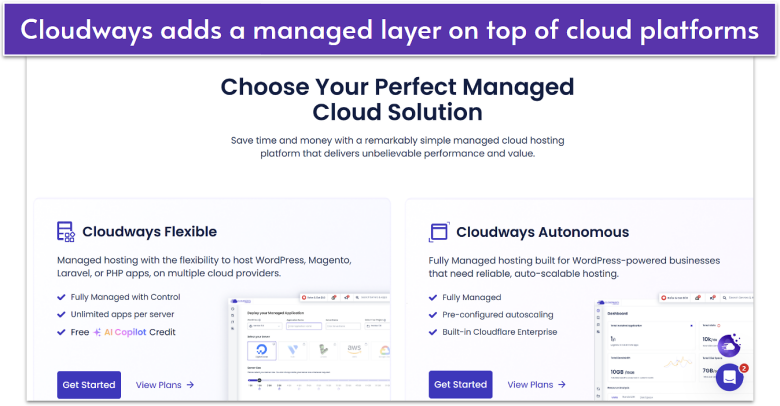
Cloudways isn’t a traditional web host. It’s a management layer that lets you tap into the power of DigitalOcean, Vultr, Linode, Google Cloud, and AWS (Amazon Web Services) without needing to configure servers yourself. For developers testing options, the appeal is clear: you can start free, launch a site in minutes, and scale seamlessly across providers as your needs grow.
You’ll never need to contact your actual host as Cloudways will manage your hosting and provide security patches and updates, 24/7 server monitoring, and automatic backups. You can even host your site on DigitalOcean through Cloudways, combining DigitalOcean’s infrastructure with Cloudways’ management and support. Cloudways isn’t the cheapest option, but that’s the point. It’s the balance between cloud power and hands-off simplicity.
You can choose from two levels of managed services: Cloudways Flexible and Cloudways Autonomous. Cloudways Flexible is ideal for developers who want to launch optimized WordPress, Magento, or Laravel apps in minutes. Meanwhile, Cloudways Autonomous is better suited for businesses that need a fully managed environment with pre-configured autoscaling and predictable costs.
Features
- Staging environments. Every plan includes access to staging environments for free. These can be set up with a single click, allowing you to test changes without affecting your live site.
- Unlimited website migration. DigitalOcean lacks a site migration service, but Cloudways will migrate your first site for free. You can also transfer an unlimited number of WordPress sites with the free WordPress migrator plugin.
- Guaranteed support response times. Even the free tier of support guarantees a response time of 12 hours for normal priority issues and three hours for high priority issues. If this guarantee isn’t fulfilled, you may be eligible for service credits.
- Free 3-day trial. Cloudways allows you to try out its service without risk for three days, so you can see for yourself whether it improves your experience of DigitalOcean.
Read our full Cloudways review for more pros and cons.
| Support channels | Live chat, email, phone, and ticket |
|---|---|
| Data center locations | 65+ locations across the globe, including the US, Canada, the UK, Ireland, Germany, Italy, Sweden, Australia, Japan, South Korea, India, China, Singapore, Bahrain, South Africa, Brazil, the Netherlands, Belgium, Finland |
| Uptime guarantee | 99.95% – 100%, depending on your hosting provider |
| Free migration | ✔ |
| Starting price | $14.00 |
If you’re looking for more streamlined, user-friendly hosting than what DigitalOcean offers, Liquid Web could be the host for you. Its range of cloud hosting, which includes both cloud VPS and dedicated cloud plans, is particularly ideal for demanding e-commerce and enterprise sites. Liquid Web is also one of the few hosts that offer custom enterprise solutions, including HIPAA-compliant hosting and GDPR-ready environments to support strict data protection needs.
The host also has fully managed plans, which means that Liquid Web will handle the installation of your server’s core software, keep your OS updated and patched, provide security enhancements, and more. A managed VPS provides you with more security and full control panel support, too. You can also opt for a core managed plan for the basics or a self-managed plan.
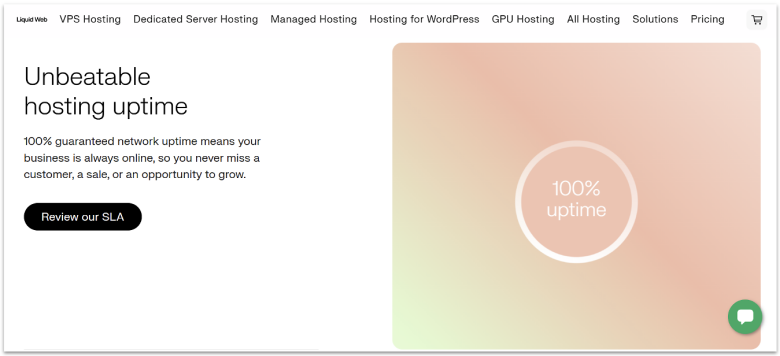
Notably, Liquid Web guarantees an amazing 100% uptime rate and has extremely helpful support. It even guarantees fast initial responses to support requests so critical issues are resolved swiftly. While prices are quite high, Liquid Web’s commitment to providing you with easy and reliable hosting will easily cure any lingering headaches that remain from DigitalOcean.
Features
- Managed WordPress plans. If you’re looking to take the hassle out of managing your WordPress website, Liquid Web also offers managed WordPress hosting through its subsidiary company, Nexcess.
- Great control panel options. Liquid Web gives you the option of managing your server via Plesk, InterWorx, cPanel, WHM, and WHMCS. You’ll have to buy your own license, but it’s nice to have the option to use the control panel of your choice.
- Impressive global performance. With great loading speeds and near-perfect uptime, Liquid Web has no problems when it comes to performance.
- Robust security. For an extra monthly fee, you can equip your Liquid Web servers with the powerful security solutions Server Secure Plus (Windows) or Imunify360 PLUS (Linux). This automatically hardens your server and optimizes your security settings for the best protection.
To learn more about pricing, read our expert Liquid Web review.
| Support channels | Live chat, ticket, email, and phone |
|---|---|
| Data center locations | 2 in the US and 1 in the Netherlands |
| Uptime guarantee | 100% |
| Free migration | ✔ (with a fully managed support plan) |
| Starting price | $5.00 |
Other Notable DigitalOcean Alternatives
7. Amazon Web Services
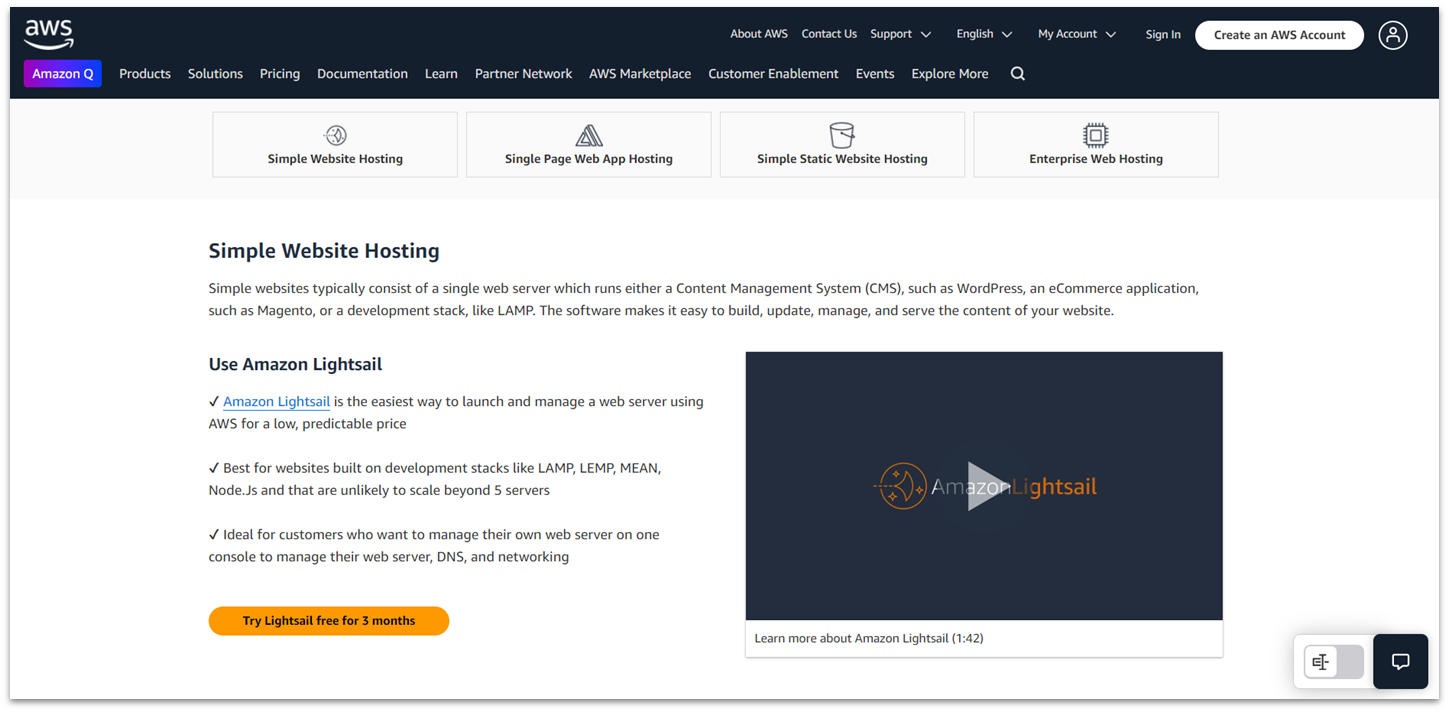
Amazon Web Services (AWS) is one of the biggest cloud hosting providers available today, serving megacorporations like Netflix and offering some of the best performance and reliability out there. However, you don’t have to be a multi-billion-dollar company to benefit from its powerful infrastructure, as AWS does have some affordable cloud VPS plans that are perfect for hosting sites or apps.
For developers, small businesses, and individuals, Amazon Lightsail provides a budget option with preconfigured stacks (like LAMP and Node.js), plus automatic network and security setup. However, AWS is not the most beginner-friendly. While there’s plenty of documentation to help you along, free ticketing support is slow, and like DigitalOcean, you should expect to pay a premium if you need advanced technical help.
8. Oracle Cloud
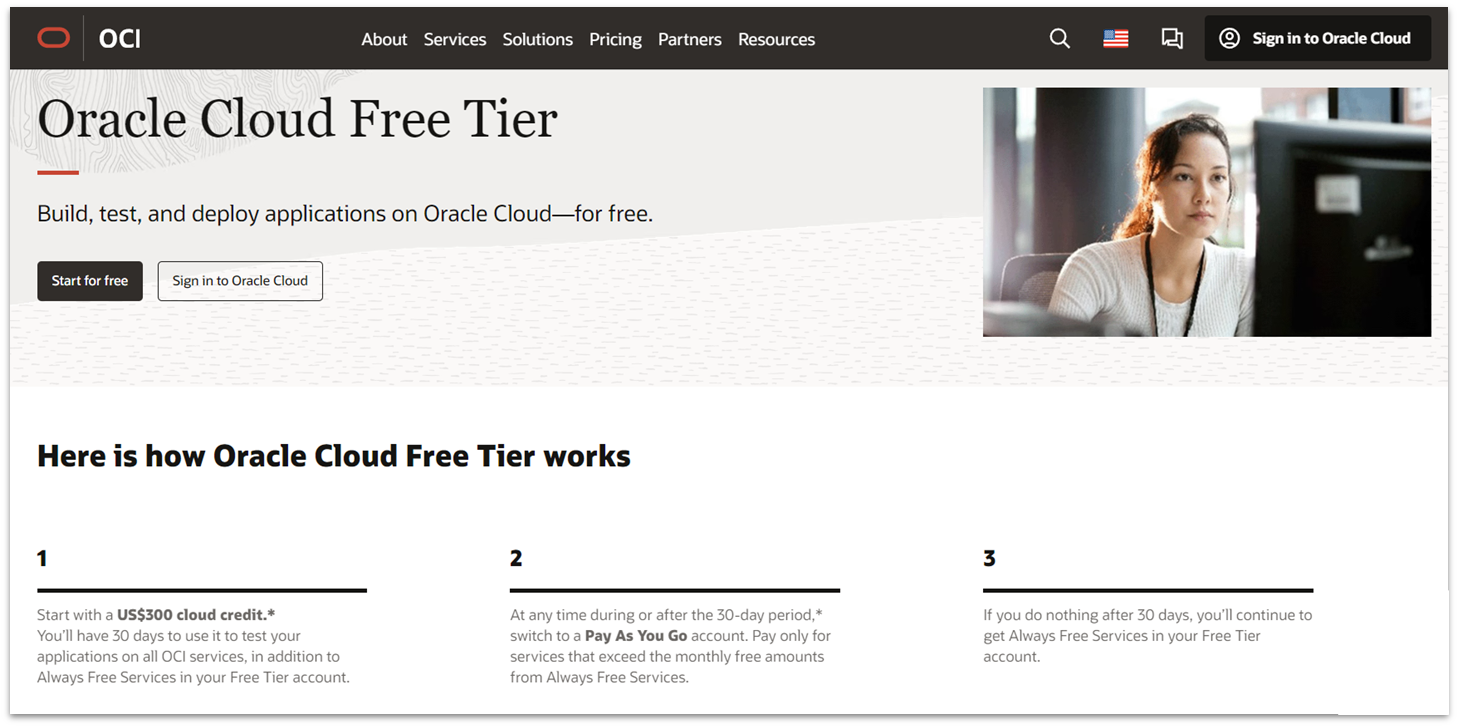
With its forever-free AMD Compute Instance plan, Oracle Cloud is an excellent free DigitalOcean alternative. Just be sure to follow the free plan limits (AMD VM, 1/8 OCPU, and 1 GB RAM), as breaking them will result in your forever-free tier turning into a free trial. Once the free trial credits are depleted, you’ll need to sign up for a paid service or risk losing your setup.
Like AWS, Google Cloud, and some of the other bigger players, Oracle Cloud also has quite a vast data center network. If you want to go for a paid plan, you’re treated to the full spectrum of cloud hosting solutions, like load balancers, VPNs, and block/object storage. But Oracle isn’t for the faint of heart, so you should be quite familiar with server management to unlock its full potential.
9. Google Cloud
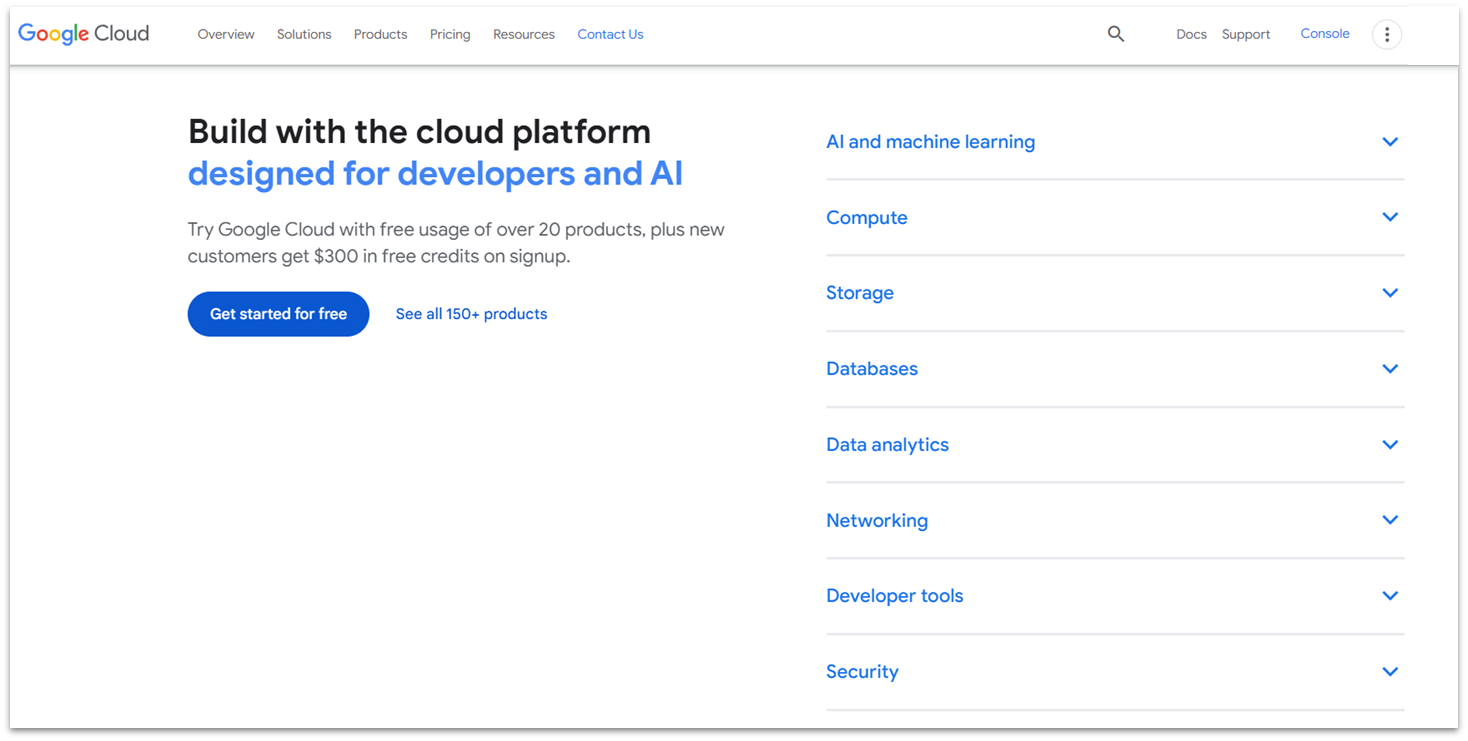
Google Cloud’s setup can be equally as complex as DigitalOcean and some other big-name alternatives, like AWS and Oracle Cloud. You really do need to know what you’re doing and billing can be confusing, especially given that storage, databases, and other central services are billed separately.
But if you’re fine with this, Google Cloud is probably the best global cloud provider thanks to its vast data center network, with at least one data center on almost every continent (and 12+ in Europe and North America). Many top cloud hosts, like SiteGround and Kinsta, use its infrastructure. With lots of free trials and complementary free and paid cloud services on offer, developers and techies will get a lot out of Google Cloud’s VMs.
10. Microsoft Azure
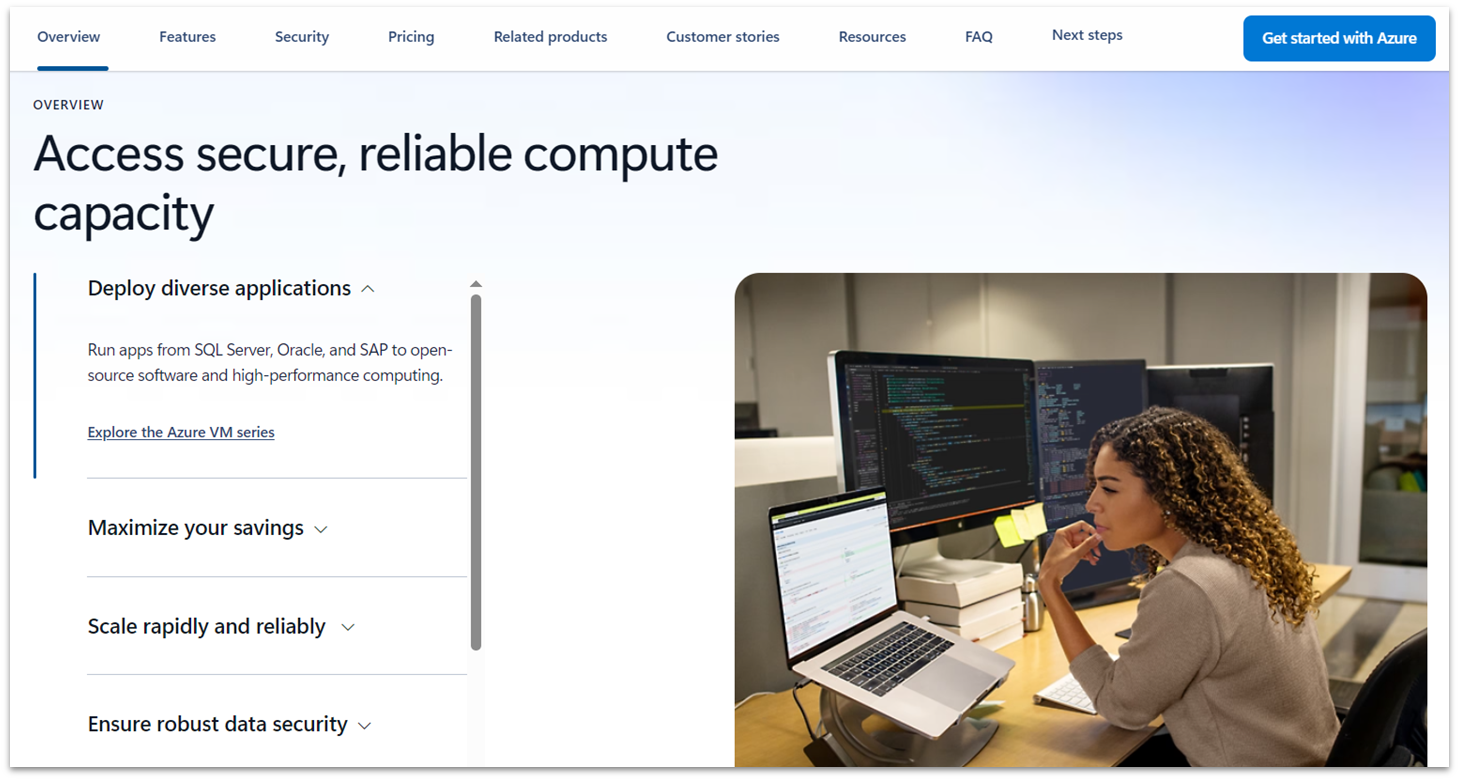
Microsoft Azure is another big contender on the cloud computing scene, and it has some unique offerings that stand out from DigitalOcean. You have a choice of Linux or Windows with a ton of different configurations. Sadly, my tests revealed performance to be a little disappointing, with Azure being slower than DigitalOcean. It’s also not easy to use if you’re just getting started with hosting, as it can be quite confusing to navigate its backend.
However, Microsoft Azure shines when it comes to security. It offers a wide range of free security features, including server monitoring, a web application firewall, and the Azure Security Center, which assists you with preventing, detecting, and responding to threats. If you’re looking for a more secure solution than DigitalOcean, Microsoft Azure could be the host for you.
Choose the Right DigitalOcean Alternative for You
The best DigitalOcean alternative depends on your particular needs. If you’re looking for complete customizability in your hosting environment, I’d recommend Kamatera. Its performance is on par with DigitalOcean, and you can deploy preconfigured servers in minutes.
If you want a more hands-off option, HostArmada is the host for you. With fully managed cloud hosting and 24/7 helpful support, it’s ideal if you’d rather focus on your business than on server upkeep.
And for developers looking for a budget-friendly way to deploy apps or static sites, IONOS makes a strong case. Its Deploy Now feature simplifies launches while keeping costs among the lowest entry points I’ve tested.
| Standout Feature | Free trial | Managed Service | Starting Price | ||
|---|---|---|---|---|---|
| Kamatera | Fully customizable and scalable cloud VPS plans | ✔ (30 days with $100 credit) |
✔ (available as a flat fee add-on) |
$4.00 | |
| HostArmada | Budget-friendly managed cloud VPS with built-in security | ✘ (7-day money-back guarantee only) |
✔ | $3.69 | |
| IONOS | Deploy Now app deployment with a free first month on the entry-level plan | ✔ (30 days with $200 credit on cloud plans) |
✘ (only managed Cloud Cluster solutions) |
$2.00 | |
| ScalaHosting | Free SPanel control panel for easy website management | ✘ (anytime money-back guarantee only) |
✔ | $19.95 | |
| Cloudways | Powerful managed multi-cloud hosting with 24/7 support | ✔ (3 days) |
✔ (managed and fully managed tiers available) |
$14.00 | |
| Liquid Web | 100% uptime guarantee with HIPAA/GDPR compliance | ✘ (30-day money-back guarantee only) |
✔ (core and fully managed tiers available) |
$5.00 |