
A website without booking tools could be costing you clients. Manual scheduling options are more complicated for potential customers – which could put them off contacting you altogether – and they can also result in missed appointments, double bookings, and set you off on the wrong foot with new customers; no business wants that.
But a haphazard system can be worse than no system at all, so going with whatever booking option is more immediately available isn’t always the best idea. You don’t have time to test all the website builders with booking systems, but I do, and I did.
After testing dozens of the most popular builders out there, I found the options that will save you time, help you organize, and ensure safe transactions. So whether you’re running a yoga studio or a hair salon, you know you can rely on your website to bring in more clients.
My top choice is Wix. It offers a complete, integrated booking system that handles everything from the same user-friendly dashboard. You can add Wix Bookings seamlessly to your website, and you can use it to manage everything from appointments to staff schedules. However, it’s not the only option. So keep reading to discover the best builder for you.
Short on Time? These Are the Best Website Builders With Booking Systems in 2026
- Wix – Built-in scheduling tool payments, reminders, and staff support.
- Squarespace – Polished business templates, with Acuity Scheduling integration.
- Hostinger Website Builder – Easy-to-use builder with multilingual booking support.
What We Look For in the Best Website Builders With Booking Systems
Many website builders include booking tools, but not all of them offer the features you need to run your business efficiently. To find the best options, I focused on builders that excel in these key areas:
- Seamless booking integration. A booking system should work flawlessly with your site, so customers can easily schedule appointments. I prioritized builders with built-in booking tools or smooth third-party integrations.
- Payment processing. If you take deposits or full payments online, your booking system should support secure transactions. I made sure each builder supports reliable payment gateways like Stripe, PayPal, or Square.
- Automated reminders & notifications. No-shows can cost you money. The best booking systems send automated confirmations, reminders, and follow-ups to keep your clients engaged and on schedule.
- Customization and flexibility. Your booking system should adapt to your business, not the other way around. I looked for platforms that let you customize booking forms, availability settings, and notifications.
- Ease of use. You shouldn’t have to struggle to set up or manage your booking system. All recommended builders let you create a professional booking site, even if you have no technical experience.
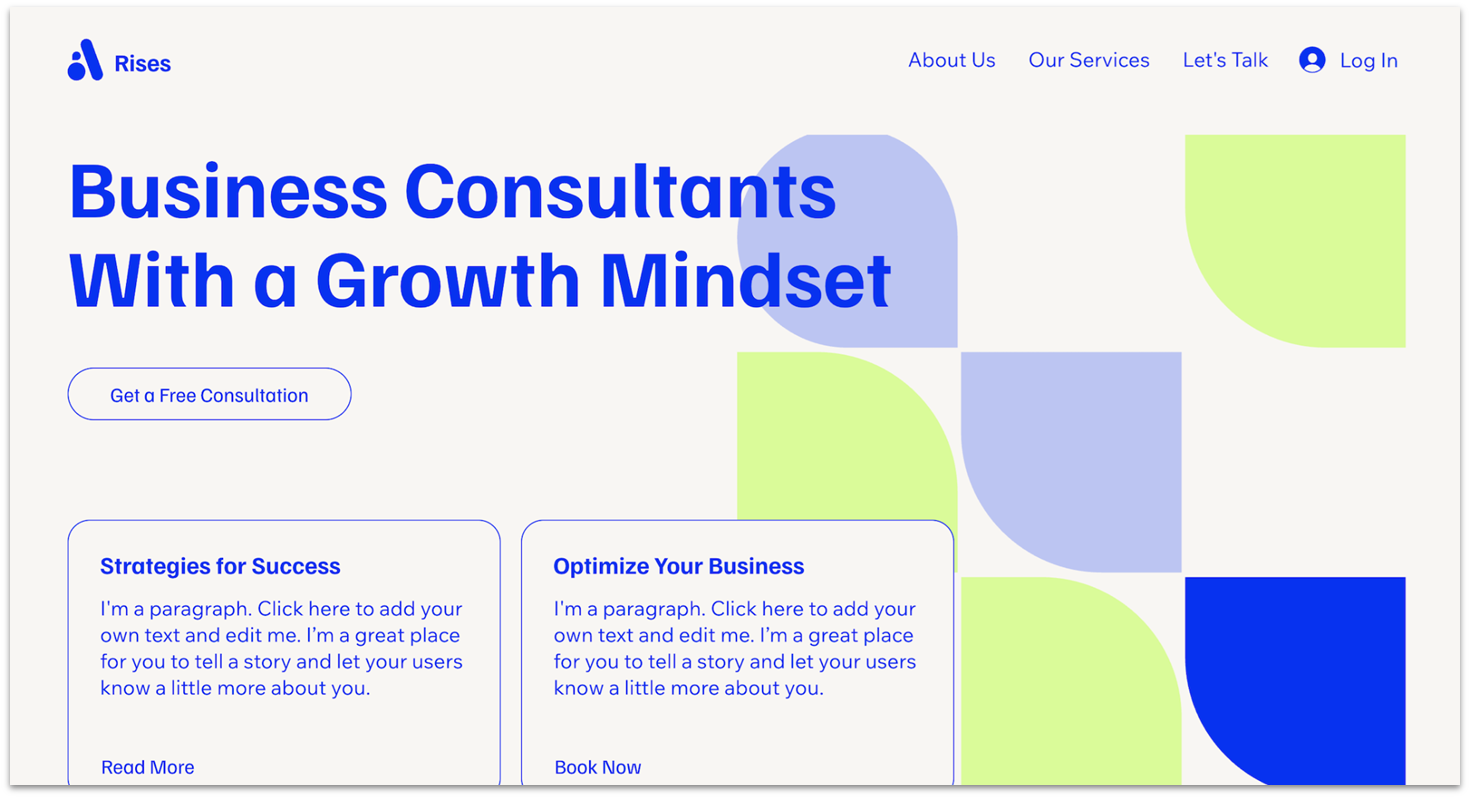
Wix’s integrated booking system, Wix Bookings, lets clients book and pay on your website. It supports one-on-one appointments, group sessions, memberships, and packages. You can manage calendars, set custom working hours, and establish booking policies. It includes secure payments and automated reminders.
Wix Bookings is also one of the few services that lets customers book multiple services in a single appointment. That means that if you offer bundled service packages – maybe clients often want a haircut and a beauty treatment – you can organize them directly from the Wix app without extra effort.
If you have a very defined brand identity, Wix shines for its design freedom. Not only can you choose from 2500+ templates, but you can also customize any of them to whatever degree you want. Just keep in mind that you can’t switch templates after you’ve chosen one, so it’s best to start with something that resembles your vision.
You can set up Wix Bookings for free, but keep in mind that accepting bookings and payments requires the Core plan or higher.

Save up to 50 % on your Wix plan!
Sign up for an annual plan and enjoy the savings.
Plus get a free custom domain for 1 year!
Features
- Event Calendar integration. Wix gives you 1 year free access to an InlightLabs’ Events Calendar app, so you can display events on your site. It syncs with Google Calendar, Eventbrite, Outlook, and Zoom, so it’s easy to manage events in one place.
- Staff commission calculations. Wix offers a Payroll Calculator that manages staff commissions. You can set custom pay rates for each staff member, including a base fee for the session and an extra charge for every person who attends.
- Custom client intake forms. Customize booking forms to collect client information during scheduling. Add fields like short answers, paragraphs, and checkboxes to gather details like health conditions or preferences.
- Multi-location resource management. Wix lets you create resource types, assign them to locations, and manage availability efficiently – ideal if your business operates across several locations or uses shared resources, like rooms or equipment.
Read our in-depth Wix review to see more features.
| Built-In Booking System | ✔ |
|---|---|
| Service-Based Business Templates | 290+ |
| Free Plan | ✔ |
| Starting Price | $17.00 |

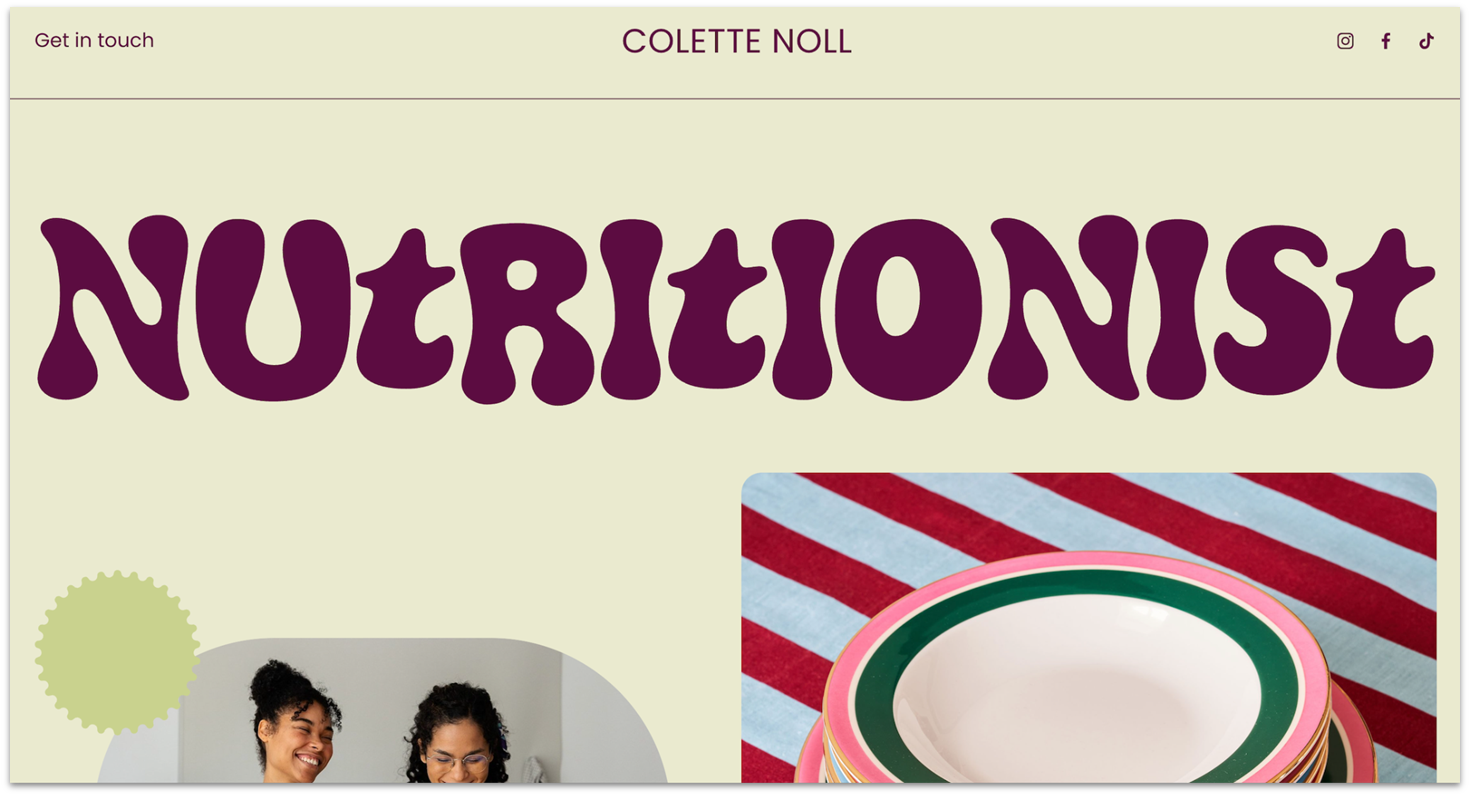
Squarespace gives you 45+ polished templates for service-based businesses. Whether you run a fitness studio, a salon, or a consulting firm, you’ll find layouts that look great and work well. These templates blend modern style with practical features, so your booking system feels like a natural part of your site.
Clients can book, reschedule, or cancel appointments at any time with Squarespace’s built-in booking system, Acuity Scheduling. The app automatically syncs with your calendar and adjusts for time zones, so you don’t have to worry about scheduling conflicts or accidentally double booking yourself.
I should note, however, that Acuity requires a separate subscription. This is on top of the cost of your current Squarespace plan and starts at $16 per month. While the cost is steep when compared to other booking apps, it’s more than worth it if your business relies on precise, clear booking and well-organized dates. Plus, if you’re already a Squarespace user, it’s a no-brainer to keep it all in one space.


Save up to 36 % on your Squarespace plan today!
Plus get a free domain for one year!
Features
- Built-in marketing suite. Squarespace includes social media integrations and SEO features like customizable meta tags and clean URLs. You can also add paid Email Campaigns to create newsletters and promotions.
- Revenue-boosting features. If you offer ongoing services like coaching or wellness treatments, you can build consistent income by selling packages, memberships, and gift cards.
- Personalized client experience. Acuity lets you customize confirmation emails, reminders, and follow-ups with friendly notes, appointment expectations, or important instructions.
- Organized client profiles for better service. Acuity stores client preferences, appointment history, and notes in client profiles, so you know what each client needs when they book again.
Our expert Squarespace review has more info on features and pricing.
| Built-In Booking System | No, but it offers a proprietary scheduling solution |
|---|---|
| Service-Based Business Templates | 45+ |
| Free Plan | ✘ |
| Starting Price | $16.00 |
3. Hostinger Website Builder: Beginner-Friendly, Multilingual Booking Solution

Hostinger Website Builder has a simple interface and setup that are great for beginners. I found it easy to add bookings in the left sidebar of the editor. After setting your availability and creating an appointment product in the store manager, you can customize images, pricing, and appointment duration.
If you have an international business, or a diverse client base, Hostinger helps you create a multilingual website easily. This means clients can interact with your site in their preferred language. You can also control time zones for bookings to prevent scheduling errors.
Hostinger is also one of the most affordable website builders. For a monthly fee of $2.99, you get access to 180 templates, a simple booking system, a free domain for a year, and support for over 100 payment methods. However, its booking features are more basic than dedicated scheduling tools. If you have complex booking needs, it might not be the best choice.


Save up to 75 % on your Hostinger Website Builder plan!
Website Planet readers get an additional 10% off!
Features
- Powerful AI tools. Hostinger includes an AI writer, logo maker, SEO tools, and a product generator to help you create your appointment schedules.
- Legal pages. Create essential legal pages like refund policies, terms and conditions, and privacy policies to protect your business and build trust with your clients.
- Mobile Editor. Hostinger’s mobile editor lets you design, edit, and manage your site on the go. You can also access blog tools, AI features, and analytics.
- Marketing integrations. Connect tools like Google Analytics, Facebook Pixel, WhatsApp, and Google AdSense to improve engagement and marketing.
Read our expert Hostinger Website Builder review for more details.
| Built-In Booking System | ✔ |
|---|---|
| Service-Based Business Templates | 30+ |
| Free Plan | ✘ |
| Starting Price | $2.99 |
IONOS offers a user-friendly business-focused website builder with plenty of impressive professional tools. If you’re in the EU, IONOS offers guidance and tools to help you ensure GDPR compliance. You also get the option to display a cookie notice on your site, helping you further with compliance.
IONOS comes with an integrated booking tool called BookingPress. With BookingPress, you can block holidays and other times when your business is unavailable, and the pro version adds options for invoicing, group bookings, and more. You can also integrate with Google Calendar and Mailchimp.
IONOS offers just 40+ templates, most of which are business-focused and suitable for service-based businesses. You can try the platform free for 30 days to explore its features risk-free.
Features
- AI website generator. IONOS’s AI Website Builder creates a site tailored to your business based on a few details you provide.
- Personal consultant. As an IONOS user, you’ll get a personal consultant who offers advice on setup, strategies for online success, and tips to get the most from your website.
- Competitor tracking tools. Use SEO monitoring, social media listening, and keyword research to make informed decisions, adjust your strategies, and maintain a competitive edge in your industry.
- RankingCoach SEO tool. This guides you through optimizing your website to rank higher on search engines, making it easier for clients to find you.
Check our expert IONOS review to learn more.
| Built-In Booking System | ✔ |
|---|---|
| Service-Based Business Templates | 40+ |
| Free Plan | ✘ |
| Starting Price | $1.00 |
5. SITE123: Fastest Setup for Basic Booking Needs

SITE123 has 25+ pre-designed templates for service-based businesses, so you don’t need to start from scratch. The point-and-click editor lets you change color schemes, fonts, and layouts. It’s also easy to add a booking page.
The booking page connects directly to SITE123’s scheduling software, so you can accept appointments without extra setup. Customers pick a time slot, and you get automatic confirmations.
SITE123 lets you test its booking features on the free plan, which includes 250 MB storage and bandwidth. If you’re expecting a steady stream of visitors, the Premium plan offers 3 GB of storage and bandwidth to handle more traffic without lag. I just wish SITE123 offered a little bit more design flexibility.
Features
- Restaurant reservation system. Accept bookings for tables directly on your site, confirm reservations automatically, and manage everything in one place.
- Simple staff and location management. If you have multiple employees or locations, you can add team members, set their availability, and help customers book with the right person.
- Multi-language website display. Set up your site in multiple languages so you can serve international clients or operate in diverse communities.
- Seamless third-party integrations. SITE123 integrates with Google Analytics and Hotjar to track visitor behavior and optimize your site for better conversions.
Have a look at our detailed SITE123 review for more details.
| Built-In Booking System | ✔ |
|---|---|
| Service-Based Business Templates | 25+ |
| Free Plan | ✔ |
| Starting Price | $12.80 |
6. Webador: Multiple Third-Party Booking and Reservation Tools
Webador supports multiple third-party services like SuperSaaS, SimplyBook.Me, and Bookingmood using code snippets. While this requires some technical setup, it lets you choose a system that fits your needs. For instance, embedding Bookingmood displays calendars directly on your site, so visitors can view and make reservations easily.
Even without coding experience, you can design and customize your website with Webador’s drag-and-drop editor. This user-friendly setup makes it simple to embed booking code snippets into your site’s design.
For small service-based businesses starting out, Webador offers a free plan to get your site online. However, you’ll have to upgrade to the Pro plan to use the booking integrations. Webador offers the Pro plan free for the first 6 months, and after that, it’s just $9.00 per month to continue.
Features
- Mobile-responsive templates. All templates are optimized for various screen sizes, so clients can navigate your site and make bookings from any device.
- Blogging capabilities. While Webador’s blogging tools are simple and lack advanced features like tagging or custom URLs, they let you share updates, news, or insights about your services.
- Rating system. Webador lets you add a five-star rating system anywhere on your site, encouraging client feedback while boosting credibility with potential customers.
- Digital maps. If your business has a physical location, Webador lets you embed an up-to-date map on your website so clients can easily find you.
See our comprehensive Webador review for more info.
| Built-In Booking System | No, but it supports multiple third-party booking integrations |
|---|---|
| Service-Based Business Templates | 40+ |
| Free Plan | ✔ |
| Starting Price | $5.00 |
Other Notable Website Builders With Booking Systems
7. Shopify
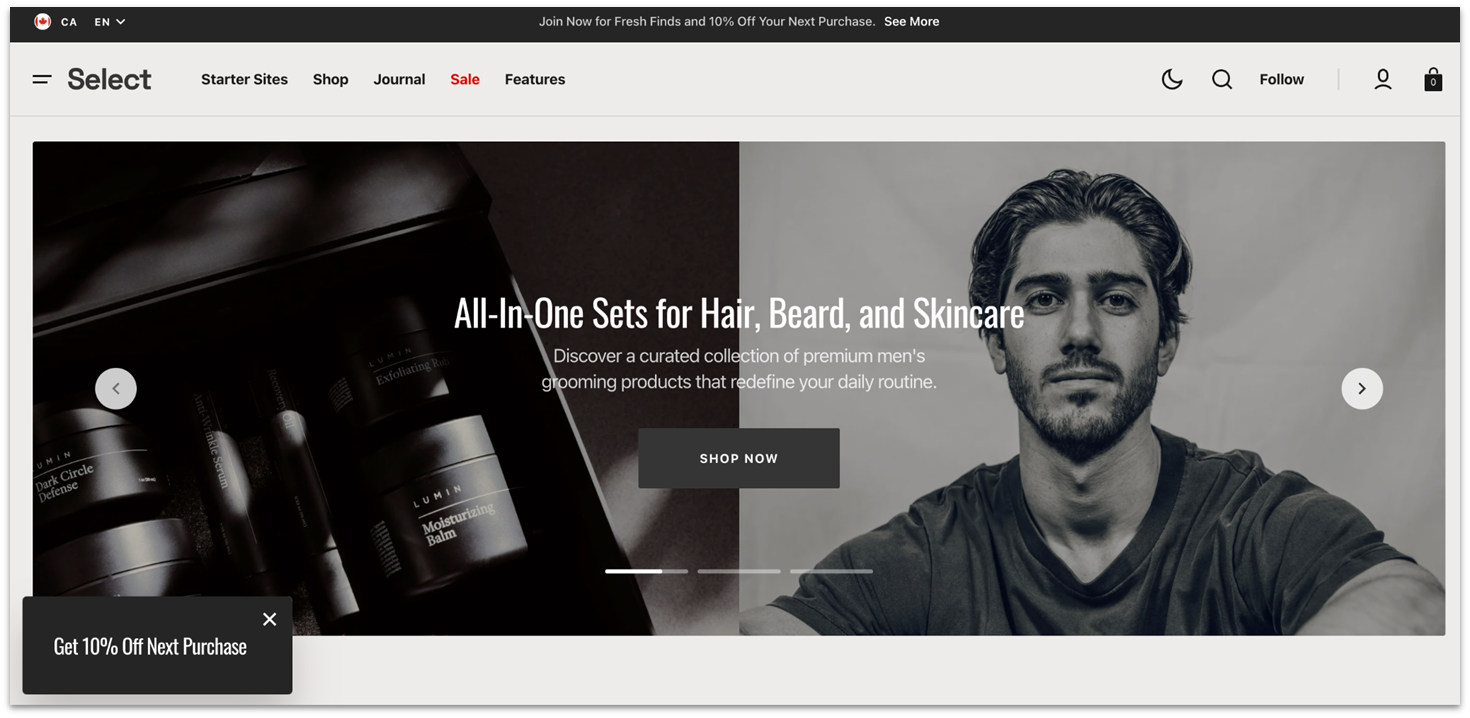
Shopify is ideal if you need a booking system and also want to sell products. For instance, if you’re a life coach offering one-on-one sessions, online courses, and physical merchandise, Shopify lets you accept bookings, sell digital products, and set up subscriptions – all in one place.
However, Shopify costs more and doesn’t include a built-in booking system like Wix. You’ll need to add a booking app from the Shopify App Store. There are plenty of options, whether you need a simple scheduler or an advanced booking system.
8. BigCommerce

BigCommerce includes staff accounts, multilingual website support, advanced customer segmentation, and product management tools. BigCommerce also integrates with third-party apps like Event Calendar, so customers can browse events and purchase tickets.
With its highly customizable tools and robust global infrastructure, BigCommerce is ideal for large online businesses hosting events and managing multiple teams. If you’re a global brand or you anticipate significant growth, BigCommerce is a strong choice. Just be prepared to invest a lot of time, effort, and money to use it.
9. WordPress.com
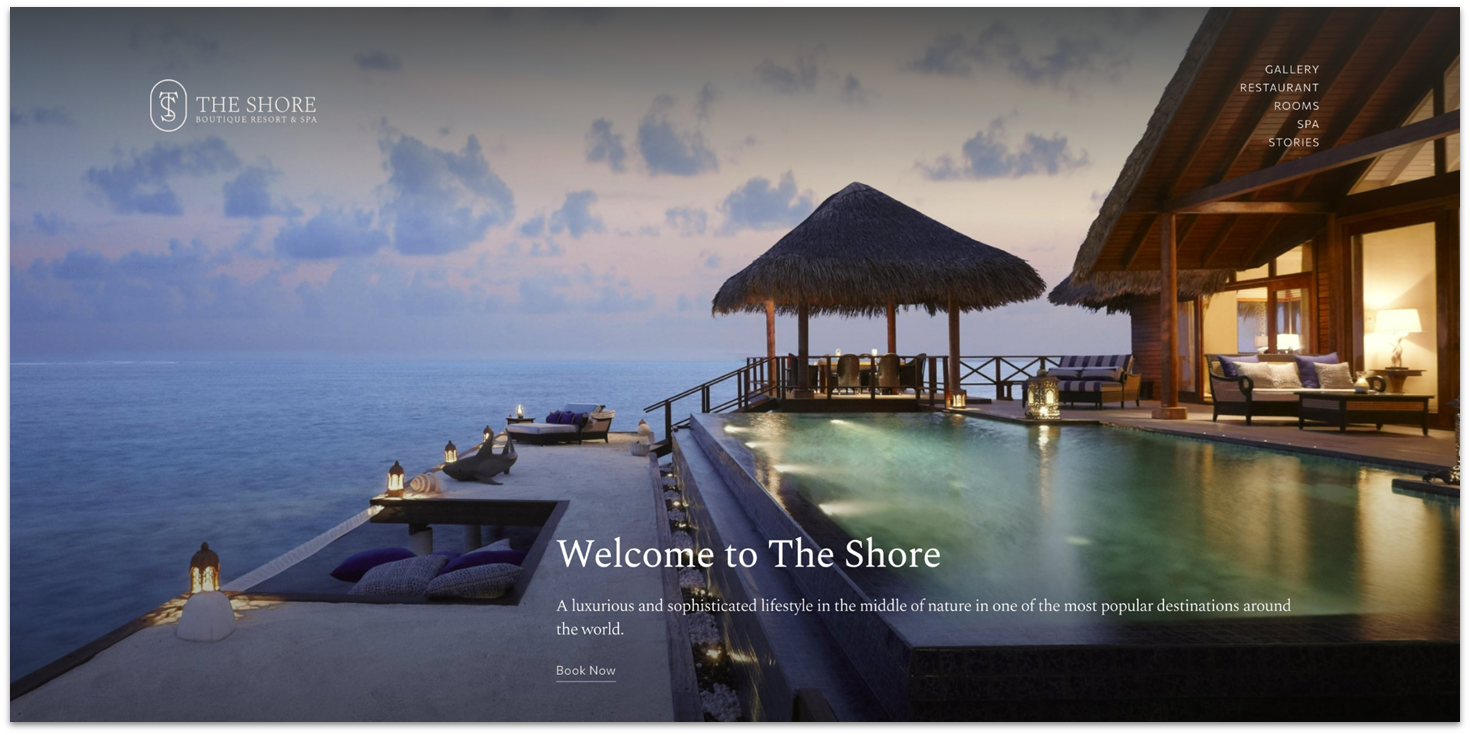
Searching for “booking” in WordPress.com’s plugin marketplace reveals a wide range of booking options. For instance, the Appointment Booking Calendar by NSquared supports unlimited appointments and customizable notifications – ideal for businesses that need a robust scheduling system.
WordPress.com offers a free plan with a solid foundation, but you’ll need the Business plan or higher to use plugins and sell subscriptions or services. WordPress.com can be overwhelming for beginners because of its many features, but with time and exploration, it gets easier to use.
10. Network Solutions (formerly Web.com)

Network Solutions Website Builder (formerly Web.com) lets you add booking features to your site. It supports individual and group appointments, automated emails, intake forms, and Zoom integration for video calls. You need a Website + Marketing or eCommerce plan to schedule appointments with Network Solutions.
Network Solutions offers low initial pricing, but renewal rates are much higher. For instance, after the first year, the price for the Website plan goes from $4.99 to $16.99 per month. Be mindful of this to avoid surprises when it’s time to renew your plan.
Simplify Bookings With the Right Website Builder
The right website builder makes it easy for you to manage appointments, saving you time and improving your client experience. Here are my top recommendations to help you choose the best fit for your needs.
If you want an easy-to-use website builder with a powerful booking system, Wix is ideal for flexible scheduling and automated reminders. It offers customizable calendars, secure payments, and built-in tools to manage appointments effortlessly.
If stylish design matters most, Squarespace is great for small businesses and creatives. It combines beautiful templates with a built-in scheduling system that simplifies online bookings.
Or, choose Hostinger to create a multilingual booking site. It also offers powerful AI tools to simplify the website creation process.
| Free Plan | Best Feature | Best For | Starting Price | ||
|---|---|---|---|---|---|
| Wix | ✔ | Built-in booking and drag-and-drop editor | Ease of use and customization | $17.00 | |
| Squarespace | ✘ | Stylish templates and built-in scheduling | Design-focused businesses | $16.00 | |
| Hostinger Website Builder | ✘ | Multilingual sites and AI tools | Businesses taking global bookings | $2.99 | |
| IONOS Website Builder | ✘ | GDPR compliance and booking tools | European businesses | $1.00 | |
| SITE123 | ✔ | Quick setup and ready-to-use booking pages | Fast website launches | $12.80 | |
| Webador | ✔ | Third-party booking integrations | Businesses offering multiple services | $5.00 |