
Building a website on a budget can often mean risking hidden costs or missing features. Many “cheap” website builders lure you in with free plans, then hit you with hidden fees, limited customization, and essential features locked behind paywalls. If you’re looking for an affordable option, you don’t just want the lowest price – you want the best value.
Even though we’re looking for something affordable, your website builder should offer more than just a low monthly fee. You need mobile-responsive templates, essential marketing tools, and SEO features to help your site grow without forcing costly upgrades. After testing dozens of platforms, I rounded up the 10 best cheap website builders that balance low prices with functionality.
Wix is my top pick – on top of a great free plan, you get a range of affordable paid options with marketing integrations, e-commerce tools, and useful site analytics. You can try Wix for free, or read on to learn more about my other recommendations.
Short on Time? These Are the Best Cheap Website Builders in 2026
What We Look For in the Best Cheap Website Builders
Affordable pricing aside, it’s important to choose a platform that can actually do everything you need it to. When creating this list, I looked for the best cheap website builders that still provide great tools. Here are some things I considered:
- Good value for money. Most website builders have a free plan, but they can be restrictive in terms of features. The builders on this list provide a lot of functionality on the free or cheapest plans, including essential marketing and SEO tools.
- Simple, AI-assisted website building. I’ve chosen website builders with streamlined editors and AI-powered design and content tools, so you can create your website easily. Plus, many offer 24/7 customer support in case you need a helping hand.
- High-quality, responsive templates. I picked website builders with plenty of beautiful templates/themes that give you lots of design flexibility. Plus, they look great on smaller screens.
- Easy (and cheap) access to integrations. You might need apps like appointment bookings and e-commerce tools to enhance your site’s functionality. I chose platforms that give you access to these without expensive upgrades.
- Free hosting and domain name deals. The site builders on my list help you save money by including features like cloud hosting and performance optimizations. They also give you a free custom domain name for your first year.
A Quick Note on Cheap Website Builders
You can build a high-quality website without spending a fortune, but it’s important to be realistic. If you want a professional site for your business or project, there will be some upfront costs. While most builders include a free domain for the first year with an annual plan, you’ll need to pay a yearly renewal fee after that. I’ve chosen platforms that avoid excessive hidden charges, but certain third-party apps or features may still come with added costs.
Don’t let that discourage you. Your website can still be affordable and well within reach – that’s exactly what this guide is here to help with. Just remember that truly reliable, high-performing builders rarely come at negligible prices.

Wix offers the most generous forever-free plan I’ve tested. You can access nearly all of its design tools, including 2500+ high-quality, industry-specific templates, animations, page transitions, and a wide range of third-party integrations. The editor allows you to move elements anywhere you want in a page, which, mixed with its sizable offering, means Wix is ideal for complete creative control.
With Wix’s extensive selection of built-in features and third-party apps, you’re likely to find the tools your site needs, even for niche purposes. Starting with the Light plan ($17.00 per month, if you pay annually), you can host videos and podcasts, create members-only sections, take online orders, and more.
While Wix’s entry-level plan is more expensive than other entry-level plans, Wix doesn’t hide core features behind add-ons, nor does it surprise you with steep renewal prices. The Core plan ($29.00 per month when paid annually) includes tools comparable to much costlier alternatives. I recommend starting with the free plan to test Wix’s editor, then upgrading to the Light plan once you’re ready to publish your site.

Save up to 50 % on your Wix plan!
Sign up for an annual plan and enjoy the savings.
Plus get a free custom domain for 1 year!
Features
- Light marketing suite. On its cheapest plan, Wix includes essential tools to help you grow your audience. You can create up to four lead capture forms and access Google Ads campaigns directly through your Wix dashboard to drive more traffic to your site.
- Wix SEO Setup Checklist. This built-in tool guides you through search engine optimization with a checklist, tips, and tutorials on how to help your site rank well on Google.
- Free Wix-created apps. Wix offers 50+ native apps you can install for free, such as Wix Blog to help drive traffic to your site and Wix Chat to enable your site’s visitors to reach you 24/7 (don’t worry, you can set custom chat hours too).
- AI website builder. Wix’s AI feature asks you about your business and your goals, then builds a custom site based on your answers. You can tweak the layout and content as much as you like.
Want to learn more? Read our expert Wix review.
| Free Plan | ✔ |
|---|---|
| Free Domain for One Year | ✔ (Light plan and above, when paid annually) |
| Additional Expenses | Some third-party apps cost extra |
| Starting Price | $17.00 |

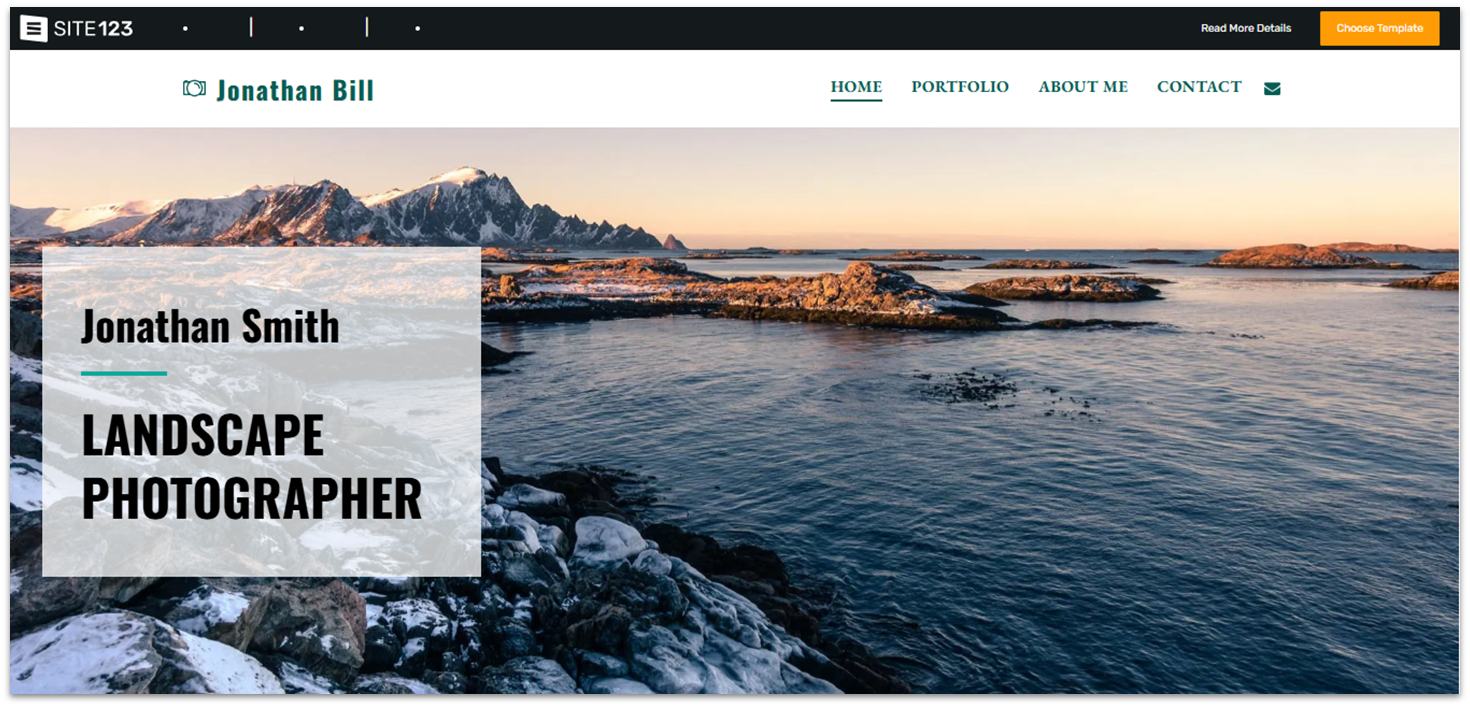
SITE123’s point-and-click editor is about as intuitive as it comes. It’s easy to adjust layouts, colors, fonts, and media, making it a great choice if you don’t want to spend hours customizing your site. While it’s not as flexible as Wix or other advanced builders, not every site needs parallax effects or complex animations.
SITE123 works great for single-page websites, like landing pages or portfolios. You can move content blocks to the homepage, and SITE123 automatically adjusts your navigation for a clean, simple layout. The free plan gives you a good sense of the platform, though some widgets are limited to paid plans.
Be aware that the “premium” plan advertised on SITE123’s site doesn’t actually exist. Instead, SITE123 offers 5 paid plans starting with the Basic plan at $12.80 per month, and you’ll need the Advanced plan at $12.80 per month (when billed annually) to remove branding. Even after renewal, SITE123 remains one of the most affordable options, especially if you choose a longer billing period of up to 10 years.

Get 40 % OFF SITE123
Save 40 % when you sign up for SITE123's annual plan
Features
- Multilingual Site Tools. If you want to reach an international audience, SITE123 offers tools for multilingual SEO, automatic site translation, and customizable language icons.
- Flexible galleries. SITE123 offers gallery templates to showcase your photos in all its glory, such as carousel and rounded. You can edit each image’s title and description and add external links.
- Solid app market. Choose from free and paid apps to boost your website’s functionality, such as photo galleries, live chat apps, and marketing tools.
- Custom form builder. The built-in form tool lets you choose from various layouts, customize fields, and create auto-reply messages to improve communication with site visitors.
Read our in-depth SITE123 review for more details.
| Free Plan | ✔ |
|---|---|
| Free Domain for One Year | ✔ (Basic plan and above, when paid annually) |
| Additional Expenses | SITE123 branding is removed from the Advanced plan onwards |
| Starting Price | $12.80 |

Another beginner-friendly, point-and-click website builder, Webador offers not only a forever-free plan but also makes all paid plans free for the first six months when billed annually. In other words, Webador offers a 50% discount on all plans for the first year (with annual billing).
Webador also stands out as an option for simple, affordable e-commerce sites. Webador is one of the only builders with no transaction fees on online sales, which can save small businesses a significant amount compared to the usual 3–5% commission. You’ll need at least the Pro plan ($9.00 per month with annual billing) to sell online, but even with that, Webador remains one of the most cost-effective e-commerce options.
You’ll get tools for managing shipping and inventory, plus the ability to create customer accounts and personalize your checkout for a smooth shopping experience. Aside from e-commerce, Webador includes marketing tools like Google Business Profile and Google Analytics to boost your online presence and track your site’s performance.


Save up to 20 % on your Webador plan!
Limited-time offer - Don't miss it!
Features
- Forever free plan. The free plan includes unlimited storage, access to all templates, over 100,000 free stock photos, and blogging tools. You’ll have a Webador subdomain, but it’s a good option for content-focused sites.
- Built-in media sharing tools. You’ll get handy widgets for media streaming, such as audio and video players. There’s also a document-sharing system to keep all your content in one place.
- Unlimited data traffic. On all plans, there’s no limit on how many visitors your website can have. Your site can grow without worrying about bandwidth limits or surprise overage fees.
- AI creation tools. On all plans, Webador offers AI-powered content generation for your site, making the process even easier.
Read our in-depth Webador review to learn more.
| Free Plan | ✔ |
|---|---|
| Free Domain for One Year | ✔ (Lite plan and above, when paid annually) |
| Additional Expenses | ✘ |
| Starting Price | $5.00 |

From the Business plan ($23.00 per month with annual billing) onward, Squarespace includes advanced marketing features that other builders often reserve for higher tiers. You can access intuitive and complete SEO customization, custom site merch, audience management tools, and customer accounts, all of which help you find and grow an audience.
For social media, Squarespace’s Unfold app lets you design eye-catching posts with custom templates and graphics. While Unfold has premium plans, its free version offers enough to maintain a cohesive and professional online presence.
Squarespace also stands out for its transparent pricing: the difference between monthly and annual billing is only about $5, the smallest gap among the builders on this list. Plus, even the entry-level Personal plan ($16.00 per month on annual billing) supports sending invoices and accepting payments – a feature typically reserved for higher tiers elsewhere. If you’re interested, Squarespace offers a 14-day free trial to help you decide if it’s right for you.
Features
- Free email marketing. Regardless of your plan, Squarespace lets you collect unlimited email subscribers. With an email marketing add-on, you can launch up to 3 free email campaigns.
- Built-in SEO tools. Includes an analytics tracker, AI-generated SEO-friendly text, and optimization suggestions. Plus, there are SEO tools for e-commerce like automatic product indexing.
- Powerful e-commerce. Build a fully-featured online store with tools for discounts, automatic tax calculation, and selling online courses.
- Stunning Template Selection. Squarespace offers 180+ professionally-designed templates to help you create sites with a strong visual identity.
Curious to learn more? Read our expert Squarespace review.
| Free Plan | ✘ (14-day free-trial) |
|---|---|
| Free Domain for One Year | ✔ |
| Additional Expenses | Unfold+ and Unfold Pro app cost extra |
| Starting Price | $16.00 |
5. Hostinger Website Builder: Powerful AI Tools on a Budget
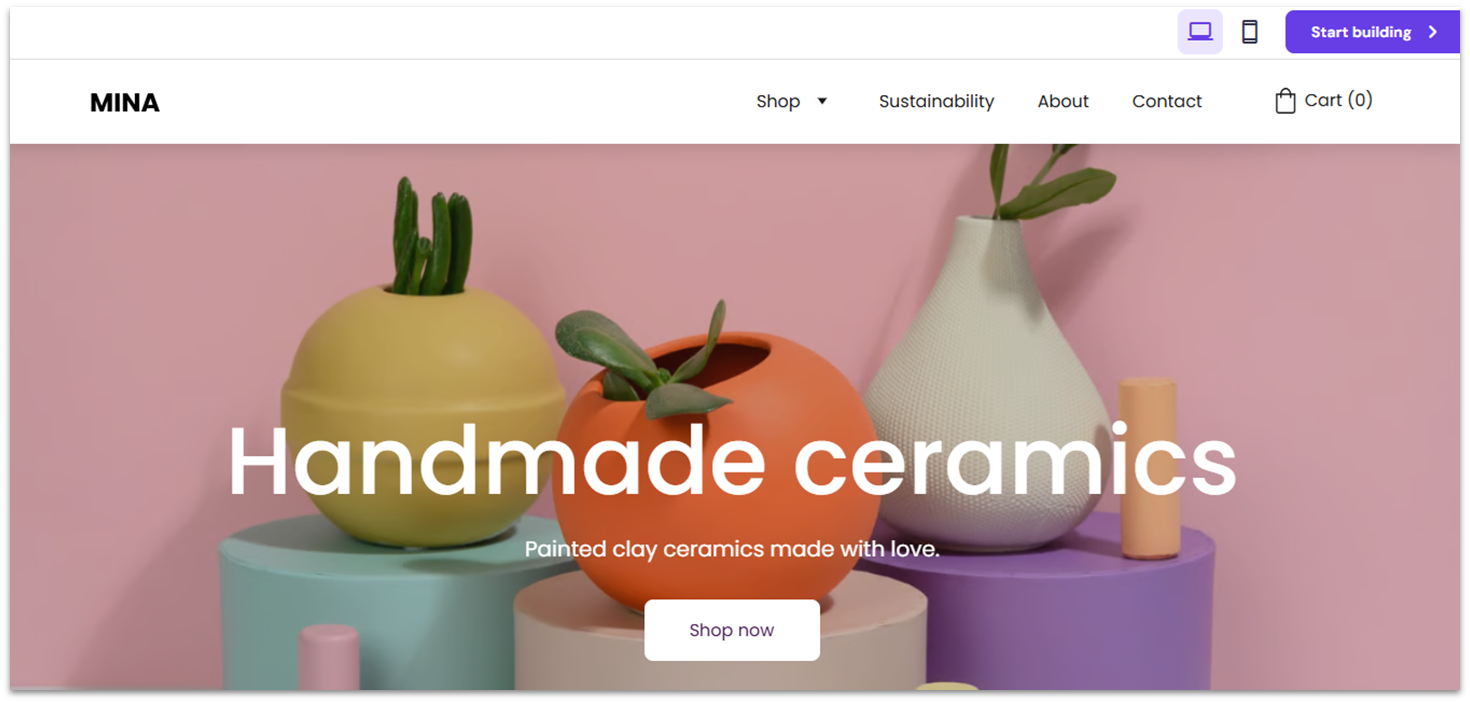
Hostinger Website Builder stands out for its powerful AI tools that make building a website fast and effortless. From the start, you can generate a unique site by answering a few questions and letting Hostinger’s AI do the rest. Unlike many builders that simply rearrange pre-made templates, Hostinger’s AI designs actually feel distinct and personalized.
You also get an AI Writer, AI Blog Generator, AI Image Generator, and a handy AI SEO Assistant that creates optimized titles, meta descriptions, and keywords to streamline your workflow. At just $2.99 per month (with annual billing) for the Premium Website Builder plan, Hostinger is one of the cheapest AI-driven builders around. You can lower the price further by choosing a 4-year plan, though renewal rates increase to about $11 per month after the first term.
Hostinger also offers complete e-commerce from the first plan, making it one of the most affordable options for online stores. While third-party integrations are limited compared to Wix or Squarespace, you can still connect useful marketing tools like Facebook Pixel and Google Ads to grow your business.
Features
- AI heatmaps. Analyze your website’s design and structure to predict user behavior, allowing you to adjust layouts and elements to highlight key content effectively.
- AI product generator. Upload your images and Hostinger’s AI will generate product details for you, including a title, subtitle, description, and a label.
- Cheap e-commerce. You can sell up to 500 products, choose from 100+ payment methods, and schedule client appointments. Also, Hostinger doesn’t take commission on your sales.
- Low renewal prices. Though Hostinger’s renewal prices are higher than the initial fees, they are still some of the cheapest on the market.
Find out more in our comprehensive Hostinger Website Builder review.
| Free Plan | ✘ (30-day money-back guarantee) |
|---|---|
| Free Domain for One Year | ✔ |
| Additional Expenses | Security features provided by NordVPN need to be upgraded for full safety |
| Starting Price | $2.99 |
6. IONOS Website Builder: Affordable and Made for Small Business Websites
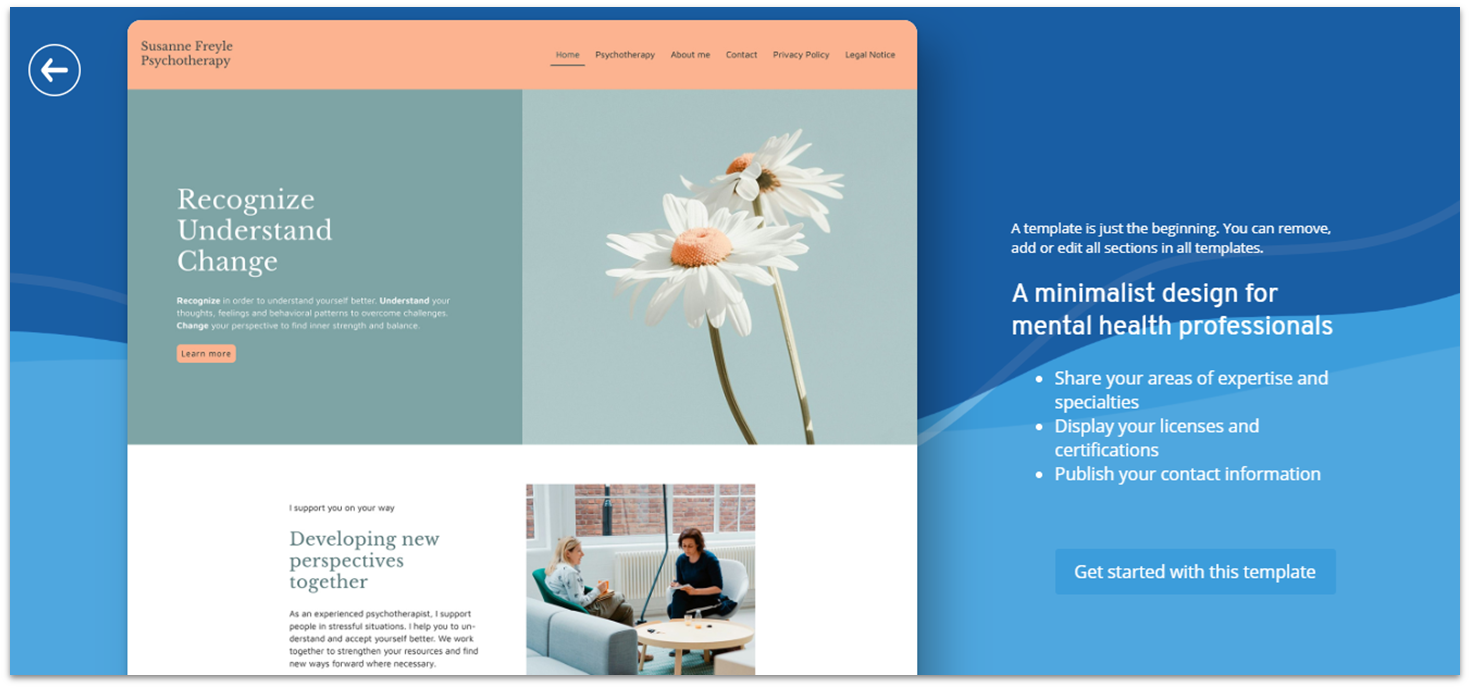
IONOS Website Builder is very clearly designed for professional, no-fuss websites rather than flashy, design-heavy projects. While IONOS offers fewer prebuilt sections and widgets than other builders, its user-friendly backend makes up for it with practical tools like analytics tracking, a project guidance dashboard, and even competitor insights.
That doesn’t mean that IONOS offers nothing on the visual side of things. All IONOS Website Builder’s designs are sleek and mobile-responsive, with different customization options for each plan. The Starter plan ($1.00 monthly on an annual billing cycle) includes prebuilt page sections and color palettes, while the Plus ($1.00) and Pro ($17.00) plans provide a more flexible editor that lets you add and rearrange elements to customize your layouts.
IONOS offers some of the most affordable introductory pricing available. You can extend your billing cycle up to three years, bringing the Starter plan down to about $4 per month, though renewals rise to $12 monthly after the first term. It’s an ideal choice if you want a simple, budget-friendly site and the freedom to migrate later since domain management is handled separately. You can test all plans risk-free with a 30-day money-back guarantee.
Features
- SiteAnalytics. A handy performance-checking tool to give you an insight into your site’s responsiveness, loading speed, security, and visitor statistics.
- Competitor monitoring. Track your competitors’ social media and Google activity to keep up with the latest trends and learn how to make your business more successful.
- Free business email. All plans include a professional email address that matches your domain. This looks professional and is useful for promoting your brand.
- Built-in image editing. Crop, resize, or add overlays to your images directly in its integrated photo editor. IONOS also provides automatic image optimization on all plans.
Want to learn more? Read our expert IONOS review.
| Free Plan | ✘ (30-day money-back guarantee) |
|---|---|
| Free Domain for One Year | ✔ |
| Additional Expenses | All plans nearly double in price for e-commerce features |
| Starting Price | $1.00 |
Other Notable Cheap Website Builders
Here are some other budget-friendly options that didn’t quite make it to the top of our list, but are still worth considering.
7. WordPress.com
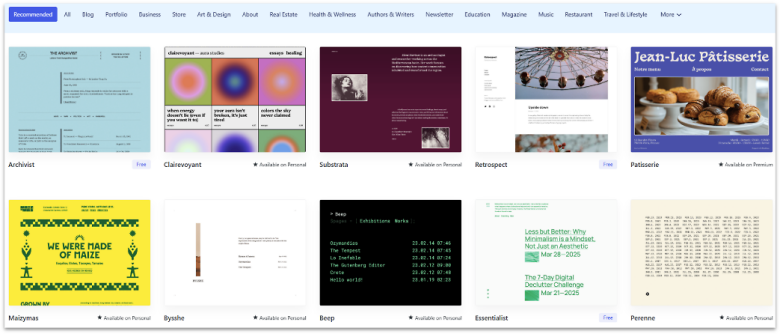
WordPress.com offers a completely free plan as well as an affordable Personal plan starting at $4.00 per month. Though it doesn’t come with very intuitive building tools (you need plugins for that), WordPress offers some of the best blogging features available.
WordPress’s content management system (CMS) allows you to control as much metadata as you want for your blog posts and updates. WordPress is a good option if blogging is your main concern, but be aware that if you want to customize your site further, you need a paid plan to install plugins, and most good page-builder plugins come at an extra cost themselves.
8. Network Solutions

The Network Solutions Website Builder offers a middle ground between complete customization and ease of use. It’s not quite as user-friendly as builders like SITE123, which means it takes some time to get used to it, and it’s not quite as customizable as Wix either.
That said, Network Solutions offers branding features like a logo builder, a decent built-in photo editor, and even mock-up creation tools. Combined with its built-in marketing tools, Network Solutions could be a good choice for small businesses trying to get noticed. Though the initial pricing is affordable enough, it does increase after the first billing cycle.
9. Duda
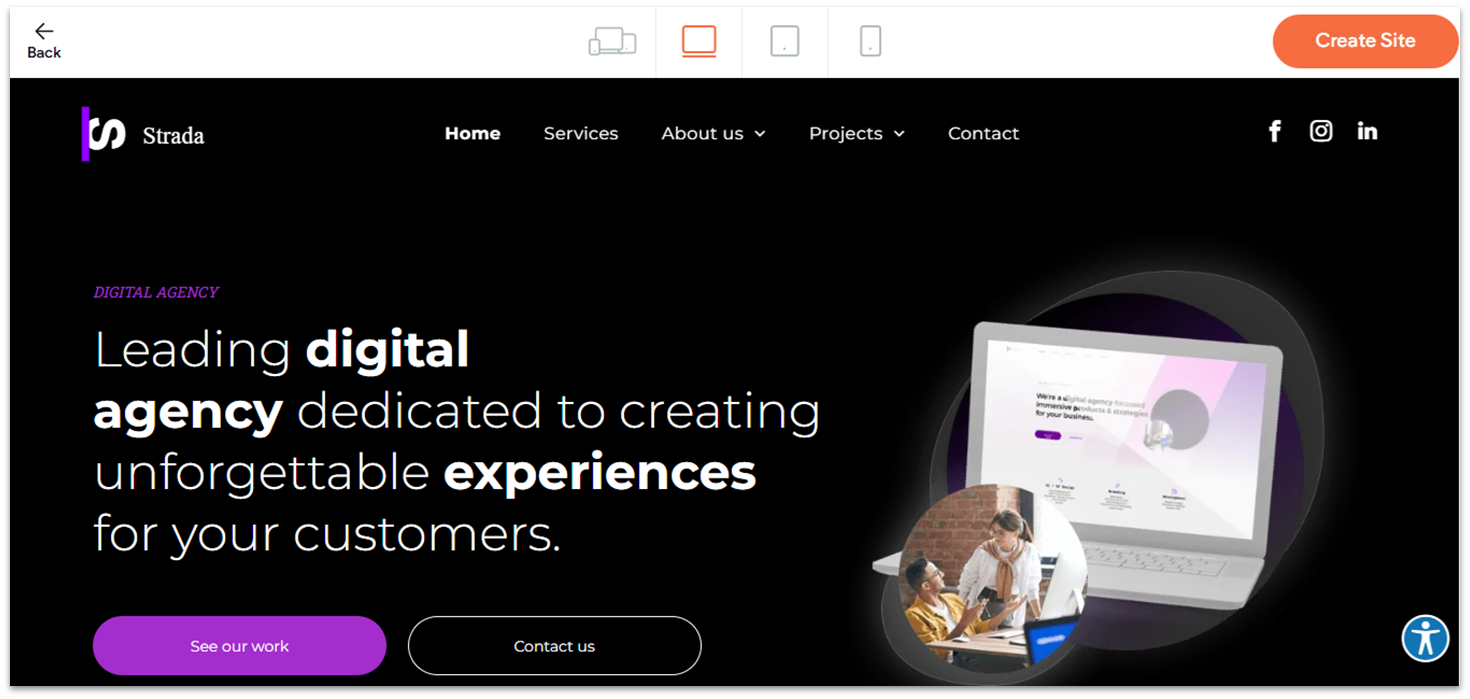
Duda is a powerful, flexible website builder with advanced design features. It works particularly well for professional designers and agencies, thanks to its strong set of client-oriented tools.
However, its feature-rich interface can be intimidating for newbies, so I wouldn’t recommend it unless you plan to invest some time and effort. Also, compared to other website builders on this list, Duda’s prices are slightly higher.
10. Shopify
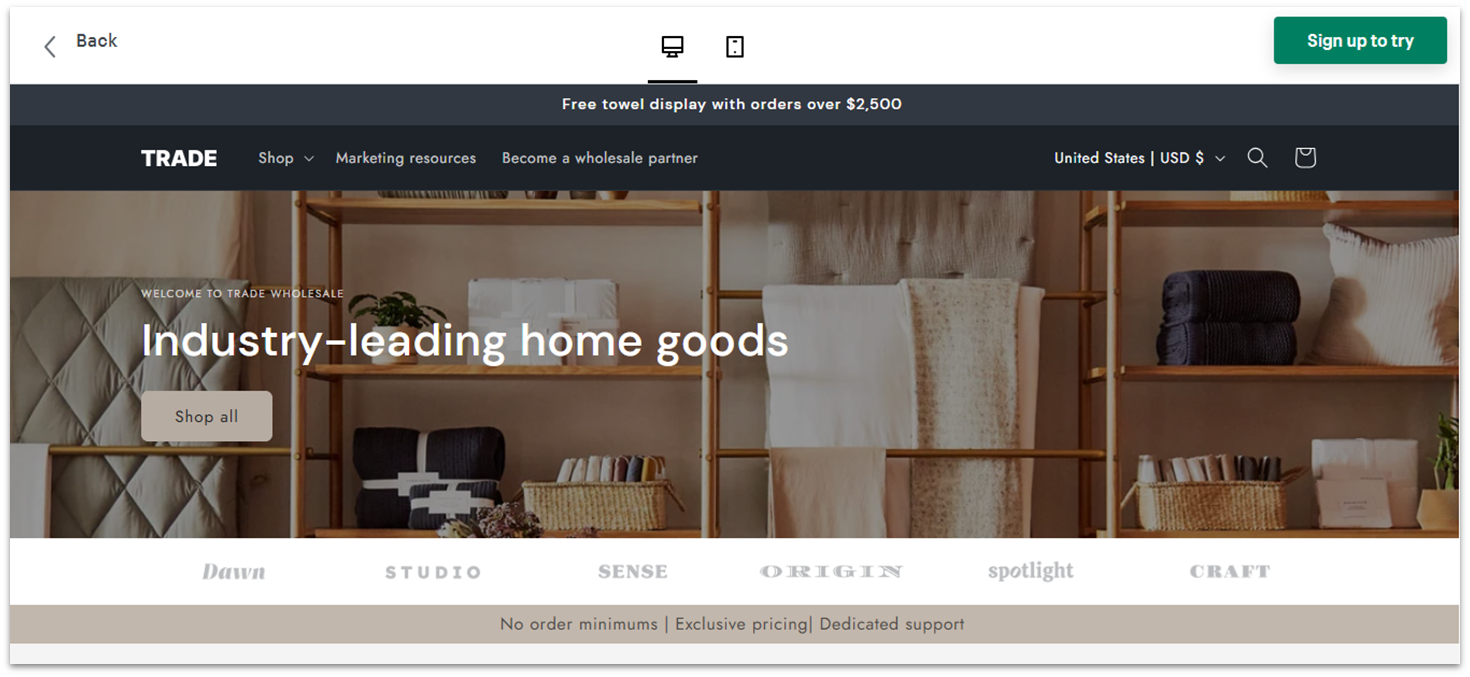
Shopify is the go-to platform for e-commerce, and with good reason. Shopify offers a robust infrastructure that gives you access to plenty of delivery services and payment methods worldwide, and its user interface allows you to oversee and manage each of your store’s transactions in detail.
That said, Shopify’s plans fall on the pricier side, and the 3-day free trial may not be enough to test the platform properly. Still, if you’re serious about online selling, Shopify has extensive built-in and third-party tools to help you monetize your website.
The Best Cheap Website Builders Also Offer Great Value
When choosing a website builder, you shouldn’t have to trade good quality for the sake of affordability. With the options on this list, you won’t have to sacrifice anything: you can have all the best features without going over budget. But which is the best one for your needs?
If you want plenty of functionality at affordable prices, Wix is my top recommendation. It offers many free and paid apps, and you can customize any of its 2500+ templates to match your style.
On the other hand, if speed and simplicity are your top priorities, SITE123 has what you need. It’s incredibly easy to use and an excellent choice for single-page websites.
For simple and effective e-commerce sites, Webador is a great option. Thanks to its strong selection of e-commerce tools and no transaction fees, it could be a great alternative if you’re looking to get started with e-commerce without worrying about blowing your budget.
If you’re still unsure which solution to choose, here’s a quick comparison of the different builders I tested.
| Free Plan | Best Feature | Best For | Starting Price | ||
|---|---|---|---|---|---|
| Wix | ✔ | Varied tools that can adapt to more niche websites | Users looking to create a unique website on a budget | $17.00 | |
| SITE123 | ✔ | Outstanding ease of use | Single-page websites and users who need to get online fast | $12.80 | |
| Webador | ✔ | No transaction fees on e-commerce | File sharing and e-commerce stores with a few products | $5.00 | |
| Squarespace | ✘ | Suite of marketing tools | Creatives focused on social media content | $16.00 | |
| Hostinger Website Builder | ✘ | Advanced AI tool for audience retention | Sites that need constant updates | $2.99 | |
| IONOS Website Builder | ✘ | Built-in site analytics and competitor monitoring tools | Basic business websites | $1.00 |
FAQ
Are free website builders reliable?
It depends on the builder, but if a high-quality builder offers a free plan, you can be confident that it will be a reliable service in terms of uptime, security, and customization. That said, they aren’t a reliable way to go if you are building a professional website, as they usually come with on-site ads and don’t let you connect to a custom domain name. I recommend Wix as the most complete free website builder available at the moment, but you might have to upgrade to a paid plan somewhere down the line.
What is the cheapest way to build a website?
It depends on the type of website and the features you want. SITE123 offers a cheap entry level plan that includes a free domain for one year and basic marketing and e-commerce tools. You also get access to its rich app market for additional functionality.
Can I set up an online store on a cheap website builder?
Absolutely! For instance, Webador is a cheap option that doesn’t charge transaction fees and offers fantastic e-commerce features, such as unlimited products and customer accounts. It’s a great pick if you’re watching your budget but don’t want to skimp on quality.
What kind of customer support can I expect from cheap website builders?
You might find yourself disappointed with the customer support quality of some cheap website builders, as there are many out there that skimp on quality to offer low prices. That said, cheap website builders with quality customer support do exist.For example, SITE123 has accessible and fast customer support, offering 24/7 live chat and email options, so you can reach out to them anytime.
Which website builder is cheaper than Wix?
Platforms like SITE123, Webador, and Hostinger have lower prices than Wix. However, they offer fewer templates, apps, and customization options, which could be a dealbreaker if you want more functionality and creative freedom. You can explore our top website builders for 2026 to find the ideal builder for your taste and needs.