
Website security is something every site owner wants, but it’s often vaguely defined. If you’re running an online store, institutional site, or membership portal, you need hosting that offers real protection – not just buzzwords. That means features like firewalls, DDoS protection, SSLs, malware scanning, backups, and 24/7 monitoring.
Many hosts advertise themselves as “the most secure” and charge inflated prices to match, when they only meet basic industry standards. I’ve tested all the top hosts to find the ones that offer truly strong security features at a fair price and while remaining user-friendly. But strong defenses mean little if your site slows down during peak traffic, so I paid close attention to hosts that didn’t compromise on performance.
As you may have guessed from the title, I found 10 providers that stand out. Of all, Hostinger impressed me the most, being both affordable and offering top-grade security for free with its managed shared and cloud plans. Read on to learn more and to discover the other hosts that made the list.
Short on Time? These Are the Best Secure Web Hosts in 2026:
- Hostinger – Strong security and performance for WordPress sites with LiteSpeed servers and auto backups.
- IONOS – Premium security features like a Wildcard SSL and daily backups for free with most plans.
- SiteGround – Reliable Google Cloud hosting with beginner-friendly tools to secure your site.
What We Look For in the Most Secure Web Hosts
Here’s a quick rundown of every security feature I expect to see from a hosting provider. These are the very basic necessities that I looked for and why they’re important.
- SSL certificates. Secure Sockets Layer (SSL) encrypts any data sent from your visitors to your site so that it can’t be intercepted easily. While it doesn’t prevent your site from being hacked, it safeguards your users – and by extension, your business.
- Useful security tools. A secure host should offer a range of security tools, though some may cost extra. Firewalls stop brute-force attacks and block unauthorized access to your server. Antivirus protection stops malware before it infects your site and visitors.
- Security certifications. Data centers follow strict security standards based on location, but some go further by obtaining security certifications like PCI, HIPAA, ISO, SSAE, NIST, and GDPR. If you handle sensitive data – such as financial or medical records – these certifications may be essential.
- DDoS protection. Distributed denial-of-service (DDoS) attacks can take websites offline for extended periods. DDoS protection gives your site temporary resources to handle the traffic surge, then identifies the attack source and blocks it, so that your site isn’t brought down.
- Good customer support. Sometimes you just want to speak to a human, rather than a bot – especially when your site is compromised. Whether it’s removing malware or dealing with an active attack, responsive and human tech support can make all the difference.
Bonus Points for the Hosts With the Following Features:
- Two-factor authentication (2FA). This adds an extra layer of protection by requiring you to enter a code (sent via email or phone) when logging into your hosting account. This significantly reduces the risk of unauthorized logins, even if your password is compromised.
- Automated website monitoring. Continuous monitoring helps detect unusual activity and potential threats before they become serious issues. Some hosts automatically take preventive measures, while others send real-time alerts so you can respond right away.
- Web application firewall (WAF). Unlike standard firewalls, a WAF filters, monitors, and blocks harmful traffic at the application level, making it especially useful for e-commerce sites, login portals, and other dynamic websites.
- Custom-developed security solutions. Third-party security solutions are good, but I always look for proprietary security features from the hosts themselves. They are often optimized for the host’s infrastructure and can provide an edge in protection.
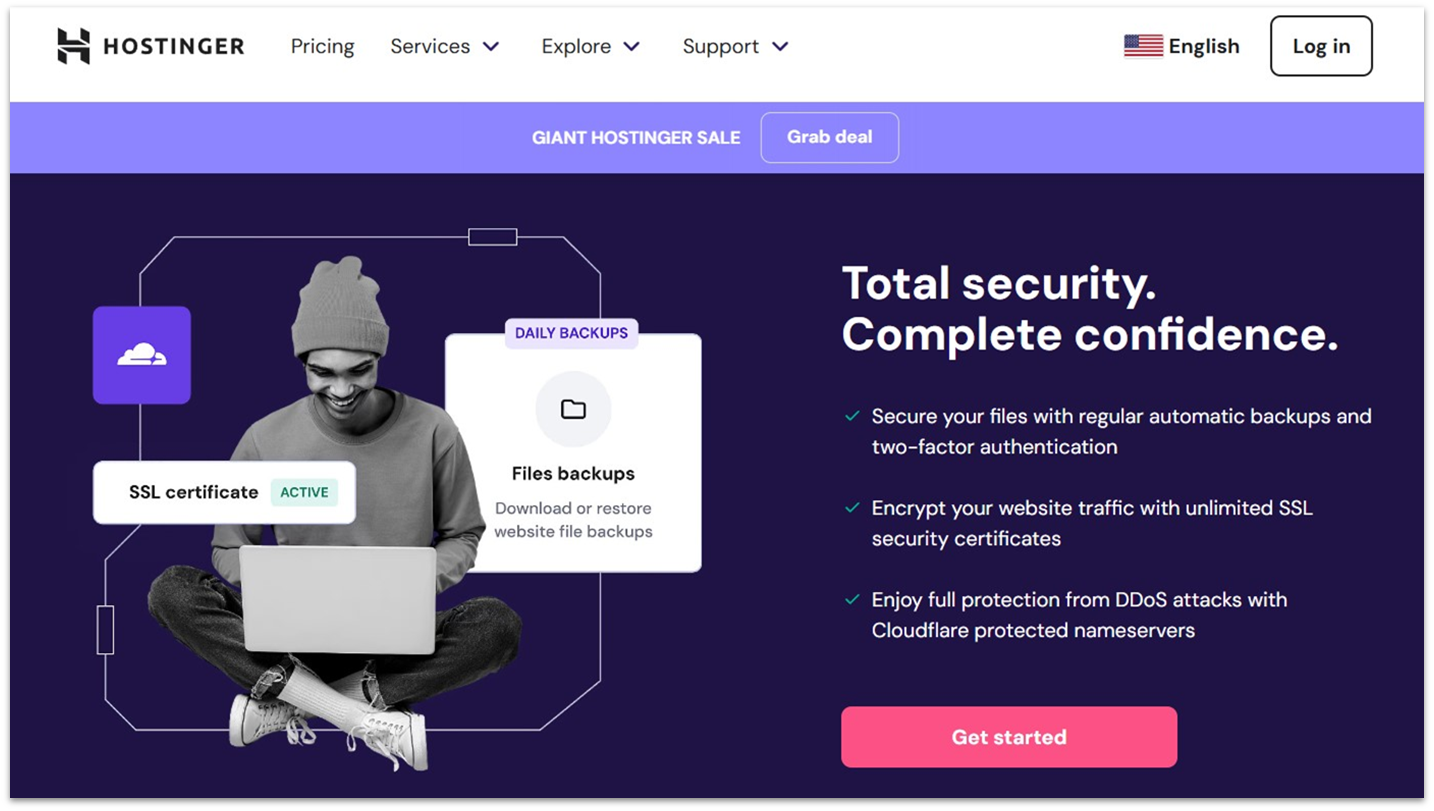
Hostinger is currently our top-rated secure budget hosting provider, and for good reason. Its beginner-friendly tools and low starting prices make it accessible to almost anyone looking to create their first website. The best part is you can lock in the significantly discounted intro price for up to 4 years. But low starting prices and easy-to-use features won’t stop a hacker.
Fortunately, Hostinger has equipped its servers with a wide range of effective security measures and tools. It follows OWASP secure coding practices and has a dedicated internal security team responsible for keeping the infrastructure secure. If you’re a small business that often involves outside devs, Hostinger’s Access Manager lets you share account access securely without handing over your main login – this makes collaboration safer and easier.
Additionally, Hostinger includes managed WordPress features like automatic backups and updates, along with a WordPress vulnerabilities scanner that further secures your WordPress sites. Of course, the host also includes the customary SSLs, firewall, DDoS protection, malware scanner, and other security must-haves for free.
Features
- PHP security modules. Hostinger thought ahead with mod_security, Suhosin PHP hardening, and PHP open_basedir protection. Since PHP powers many of the world’s websites – including WordPress, which runs over 40% of the web – securing the underlying code is critical.
- Free Hostinger CDN with DDoS protection. Hostinger’s in-house CDN is available with all Business web and cloud plans and up. It lets you speed up performance, and you can activate Under Attack mode to minimize the impact of suspected DDoS attacks.
- Custom-built VPS firewall. Hostinger has its own in-house firewall specifically for VPS customers, with Wanguard DDoS filtering at the network edge to block attack traffic early. VPS plans also include Monarx-powered malware scanning and the option for a dedicated IP.
- Malware identification and removal. All websites hosted with Hostinger benefit from Monarx malware protection. This service automatically detects and removes malware, and it’s enabled by default – you can just sit back and enjoy the peace of mind it offers.
Read our expert Hostinger review for more details.
| Free security features | Monarx malware protection, WordPress vulnerabilities scanner, WHOIS domain privacy, enterprise-grade email protection, Cloudflare protected nameservers, and an in-house CDN |
|---|---|
| Security certifications | ISO/IEC 27001:2017 |
| Customer support rating | 4.7 |
| Starting price | $2.49 |
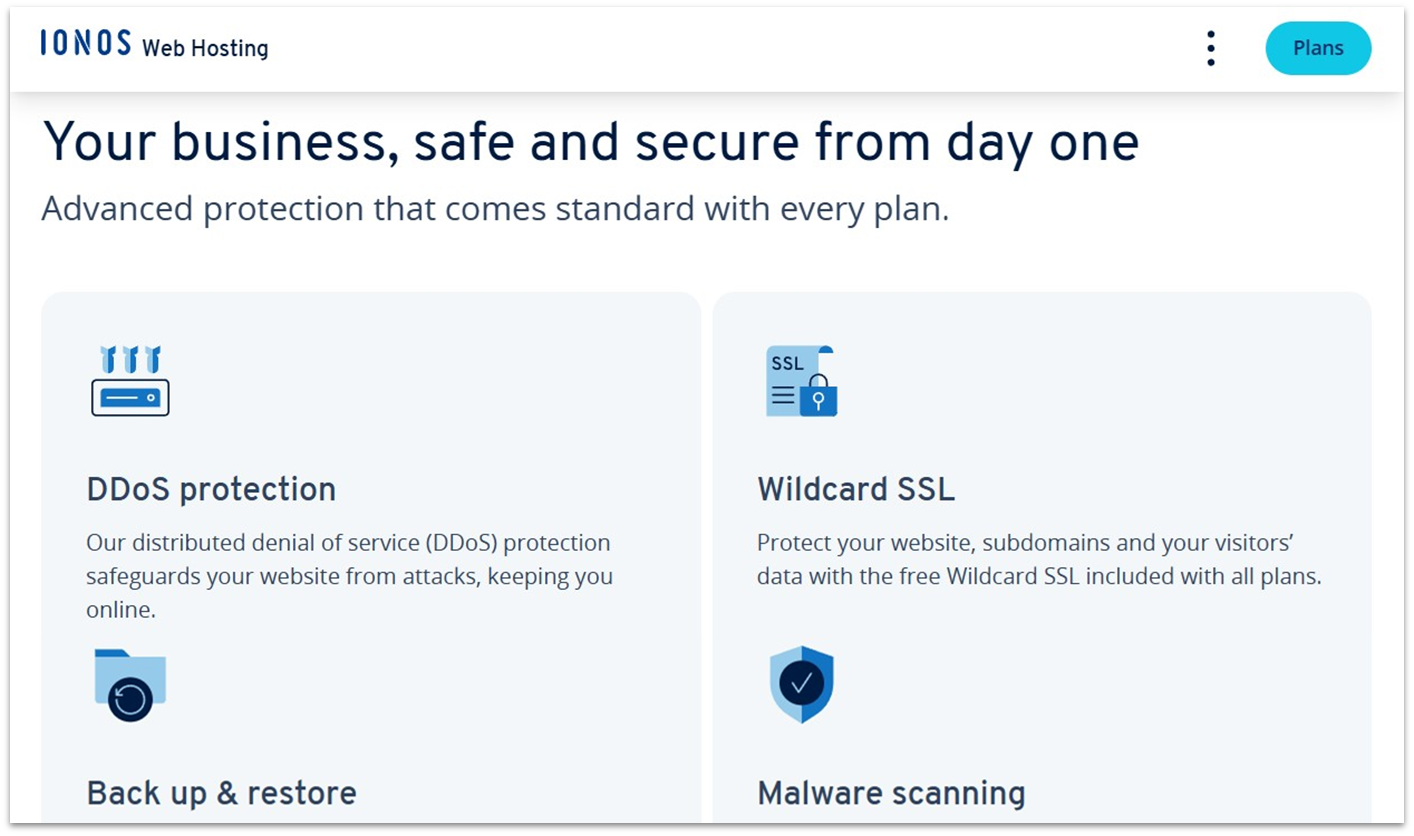
Like Hostinger, IONOS is a budget host with top-notch security – except that you can instantly scale RAM and PHP memory on shared plans without switching tiers. All data is mirrored across geo-redundant servers in separate data centers, so your sites stay online even if one location goes down. Plus, IONOS has self-managed VPS, dedicated, and Cloud Compute setups that give devs and enterprises full control.
Notably, the host offers a free Wildcard SSL/TLS certificate with shared plans, which allows you to secure not only your main site but also any additional sites or sections under subdomains. This SSL also features strong 256-bit encryption, improving the level of security. If you go with another host, you may need to pay extra for a similar grade of SSL.
IONOS also runs web servers on the HTTP/2 network protocol, which is more secure than HTTP/1.1. Alongside this, IONOS includes all the expected security tools and features with its plans – DDoS protection, backups, and site scanning, to name a few.
Features
- Unlimited features. Select IONOS plans include unlimited website limits, storage, and databases. These plans are perfect for running multiple smaller sites or basic WordPress Multisite networks.
- Protected directories (.htaccess). With IONOS, you can secure your core website files with a password and username.
- Free secure professional email account. You get a free email account with your IONOS plan that includes 2 GB of storage and anti-spam and anti-phishing protection. You can also upgrade to a paid mailbox to get more space, premium security, and team collaboration tools.
- Performance level upgrade. If you need more power, you can boost your shared plan with an affordable performance upgrade for just $3/month per performance level. If you no longer need the resources in the future, you can just as easily downgrade.
Is IONOS right for you? Check out our review to find out more.
| Free security features | Site scan, data recovery, geo-redundancy, anti-phishing, and anti-spam |
|---|---|
| Security certifications | ISO, SSAE, AICPA, PCI, and FISMA. HIPAA, FDIC, FRB, NERC-CIP on request (exact certification varies per data center). |
| Customer support rating | 4.4 |
| Starting price | $1.00 |
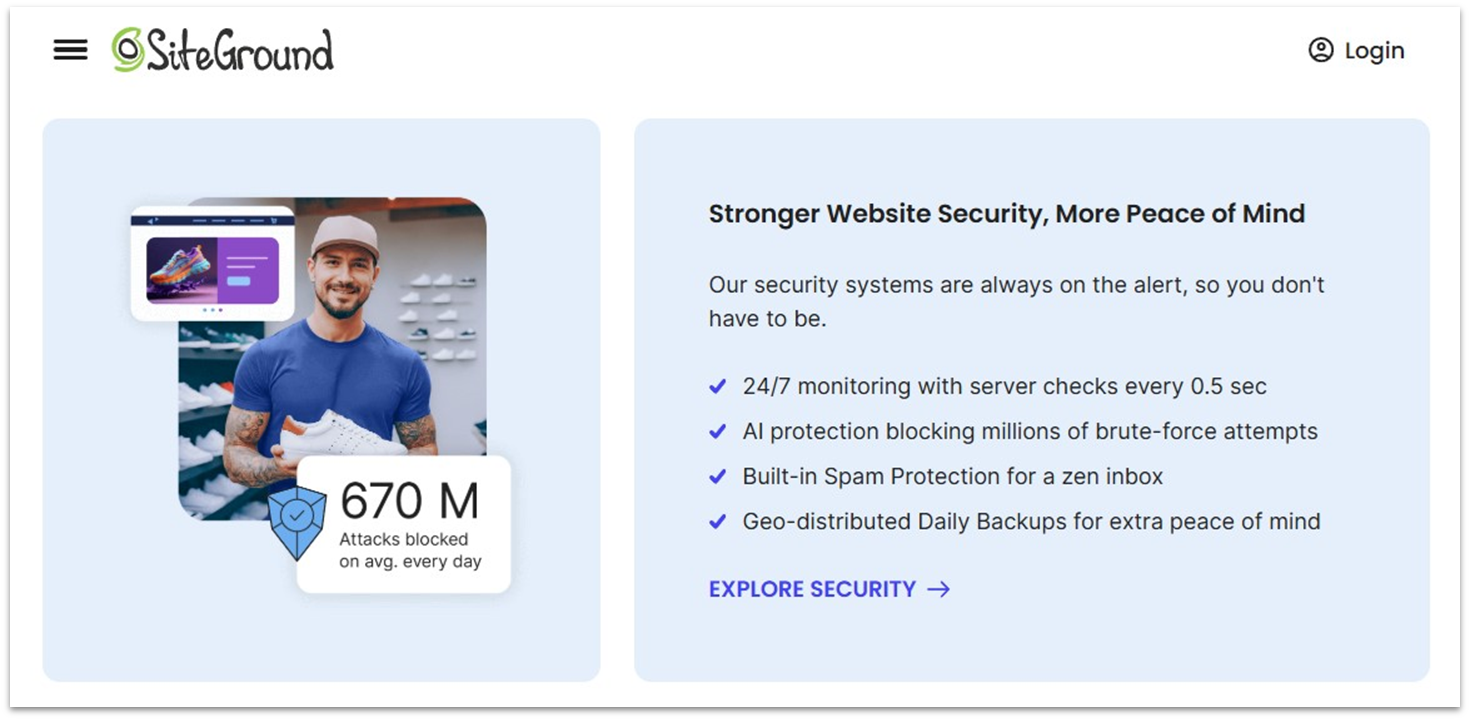
With a smart WAF, AI-driven anti-bot, 24/7 server monitoring, and free SSL (Let’s Encrypt), SiteGround stays one step ahead of hackers and malware. Its real-time monitoring software checks servers every half-second, while a 24/7 team keeps watch to fix issues fast. For added protection, you can also get the Site Scanner plugin (an advanced malware scanner) for an extra fee.
All of SiteGround’s web hosting plans offer free unlimited email accounts. It’s useful if you need different addresses for different purposes, from sales to technical support and customer or business inquiries. You also get built-in spam filters for email, with SPF, DKIM, and DMARC support to fight spoofing and keep your inbox clean.
All SiteGround plans are hosted on the ultra-secure Google Cloud Platform, which gives you top-notch security, low-latency networking, and autoscaling to keep your site responsive. And if a disaster affects the data center hosting your site, you’re still covered – geographically distributed backups allow for fast recovery and restoration of your site data.
Features
- Managed PHP. SiteGround automatically updates you to the latest PHP version. However, it also ensures the update only takes place when the new PHP version is stable.
- White label service. If you’re looking for a secure white-label hosting solution, consider SiteGround. It offers its hosting plans and Site Tools interface without branding for you to resell to your customers or clients. You do need to have a GoGeek plan to get access to this, though.
- HTTP/2 enabled servers. SiteGround’s servers support the most commonly used HTTP/2 protocol, which is more secure than HTTP/1 and offers wider compatibility than the latest HTTP/3 protocol.
- Account isolation. SiteGround isolates each and every shared hosting account on its servers to ensure maximum security and performance.
Read our full SiteGround review for more.
| Free security features | Automatic patching & updates, custom-built, in-house NGINX security module, geo-redundancy, AI anti-bot system, and an in-house CDN |
|---|---|
| Security certifications | GDPR, but other certifications are not specified. SiteGround plans are built on the Google Cloud data center network, so expect similar security certifications. Enquire with SiteGround support for the details. |
| Customer support rating | 4.8 |
| Starting price | $2.99 |
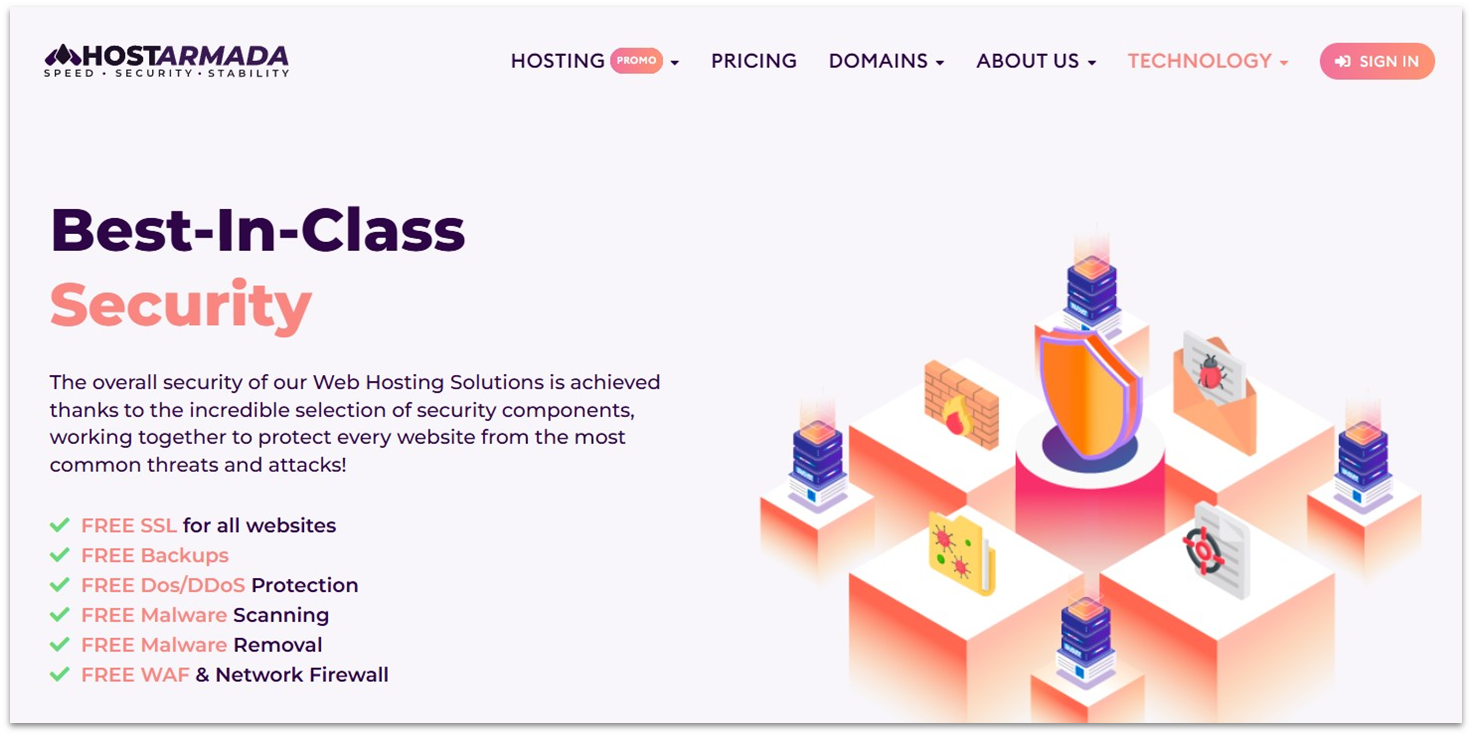
If you’re on the hunt for affordable, secure web hosting for a variety of applications – from WordPress to e-commerce apps – HostArmada comes highly recommended. The host offers competitively priced, more-powerful-than-average cloud hosting, which includes shared, VPS, and dedicated configurations. Shared hosting and VPS plans come with a generous 45-day and 7-day money-back guarantee, respectively.
A major bonus is the free Imunify360 AI-Based Web Application Firewall, which is included with all its plans. HostArmada also includes a full suite of essential security tools and features, covering everything from encryption and backups to hack protection and recovery. And with cloud SSD tech and fewer clients per server, you get super-fast load times and stability.
To improve its security, HostArmada has also separated its security operations and tools between two fleets: the Web Server Security Fleet and the Environment Security Fleet. The Web Server Security Fleet focuses on securing its web servers, including surveilling traffic and blocking incoming attacks. In contrast, the Environment Security Fleet is responsible for tasks related to identifying and mitigating existing threats, such as malware scanning and removal.
Features
- Daily backups. You get 7–21 (depending on your plan) free daily backups per month. Backups are stored remotely and can be restored via cPanel or by the HostArmada team (by request).
- Free malware scanning and removal. HostArmada automatically scans for and removes malware for you, keeping your site safe and secure.
- Patching. HostArmada will patch all server-level vulnerabilities as soon as they are reported.
- User account isolation. All shared hosting plans from HostArmada are isolated on its servers, minimizing the risks posed by other users.
See our complete HostArmada review to find out more.
| Free security features | Malware removal, automatic patching, user account isolation, advanced firewall with herd immunity, proactive defense, hardened PHP, hacked website restore, free Sectigo SSLs. |
|---|---|
| Security certifications | Not specified |
| Customer support rating | 4.9 |
| Starting price | $1.49 |
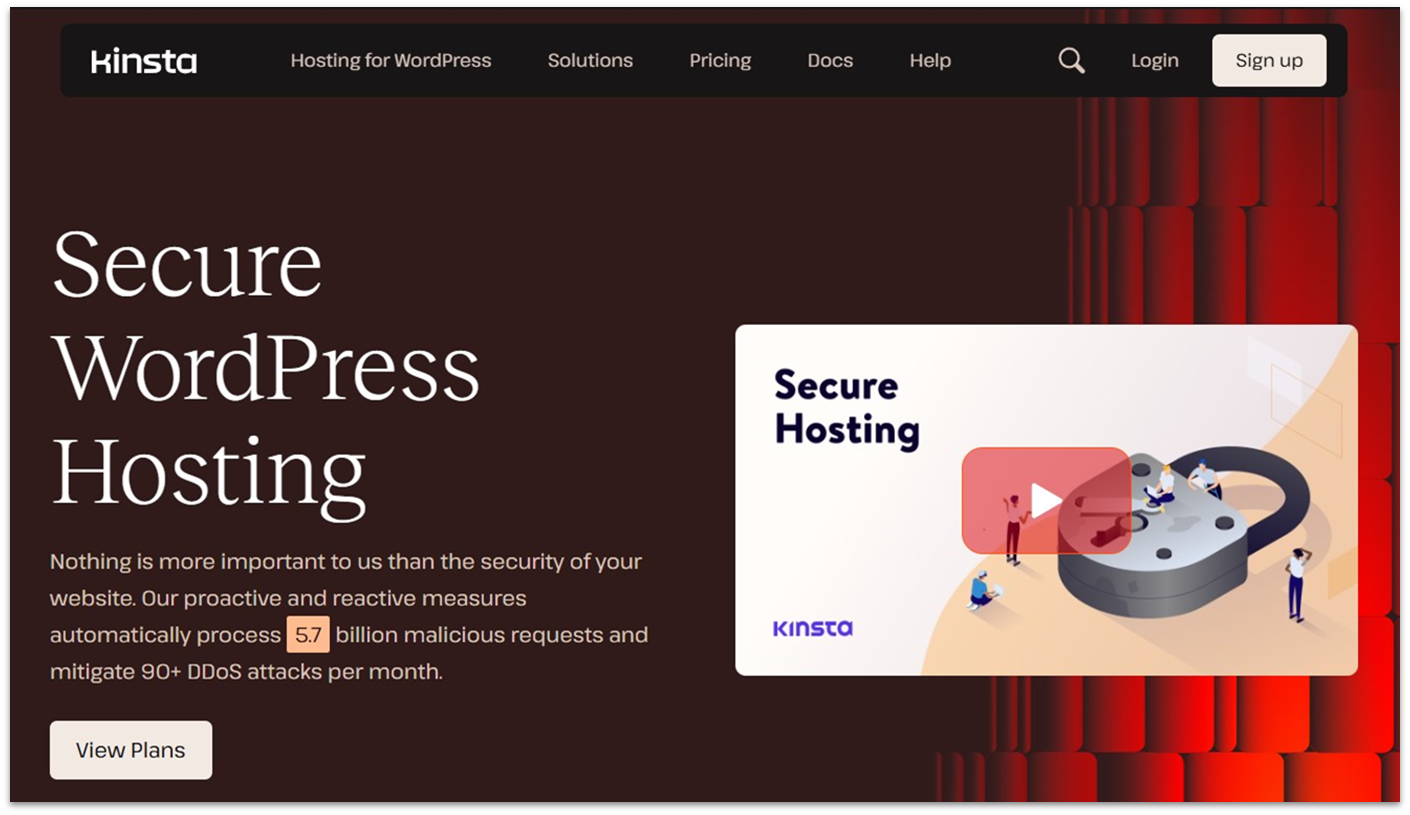
Kinsta only hosts WordPress, WooCommerce, and static sites, as well as applications and databases. That’s right, nothing else. And it costs more than any other host on this list. It ranks lower on this list primarily due to its high price point and limited scope.
That said, there’s a strong case for choosing Kinsta. Its fully managed, cloud-based hosting runs on the ultra-secure Google Cloud, paired with Cloudflare CDN in 300+ locations. The CDN is HTTP/3-enabled and automatically serves your static assets worldwide from your main domain. Edge caching and SSD storage further boost global performance, while Kinsta’s built-in application performance monitoring (APM) tool helps you quickly spot and fix site slowdowns.
Since Kinsta specializes exclusively in WordPress, its team is highly experienced and knows exactly how to secure a WordPress site. They handle core security tasks for you, while extra features like the IP Deny tool and granular user roles (with unlimited accounts) make it easier for SMBs and agencies to manage access and block threats. In short, Kinsta charges more, but you get a premium experience with less work on your end.
Features
- Two-factor authentication. I’d like to reiterate how important it is that your actual hosting account doesn’t get hacked, as stolen accounts can be a real pain to get back. Kinsta has two-factor authentication to help you avoid that.
- Enterprise-grade firewall and DDoS protection. Kinsta comes with everything you need to protect your business, blog, or magazine site. This includes GCP’s IP-based protection firewall and Cloudflare’s enterprise-level firewall.
- A full-on security guarantee with expert help. The Kinsta support team will manually remove malware for you if needed. This service forms part of Kinsta’s security guarantee, which comes standard with all plans. But there’s a caveat: the guarantee will not be honored if your site uses pirated plugins or themes.
- Site backups & monitoring. Kinsta-hosted sites, applications, and databases are monitored for uptime and performance. They’re also backed up automatically every day. If you wish, you can purchase more frequent or external backup services.
Find out more in our Kinsta review.
| Free security features | Enterprise-level firewall, Google Cloud Premium Tier network security, isolated software containers, dedicated malware team, proactive monitoring. |
|---|---|
| Security certifications | GDPR, CCPA, ISO 27001, and PCI |
| Customer support rating | 4.8 |
| Starting price | $25.00 |
6. Hosting.com (Formerly A2 Hosting): Best Secure Hosting for High-Traffic Sites
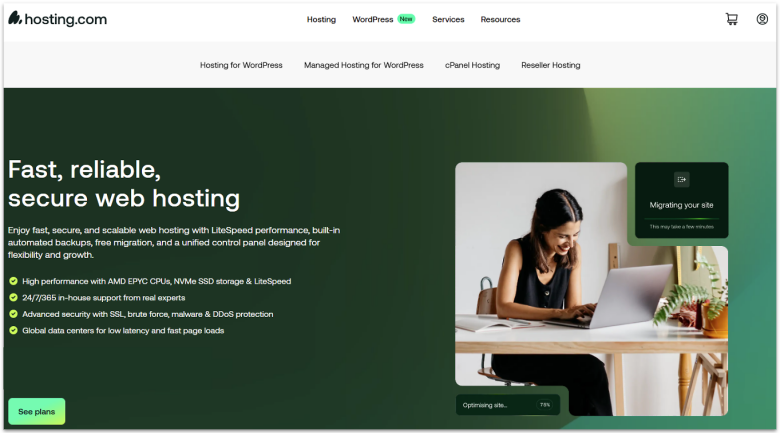
Hosting.com doesn’t just rely on standard patch cycles where the server operator reboots or schedules downtime. Instead, it uses KernelCare support, meaning the server kernel itself gets security updates applied without rebooting. Kernel vulnerabilities can allow hackers to bypass normal security boundaries, and by patching the kernel live, Hosting.com significantly reduces the chances of zero-day exploits.
On top of this, Hosting.com includes HackScan, a real-time malware and intrusion detection service. It constantly monitors for suspicious files, scripts, and hacking attempts across hosted accounts. If it finds anything malicious, it blocks and quarantines it automatically. Paired with a firewall and DDoS protection, Hosting.com gives your site full-spectrum protection.
It doesn’t stop at security. In terms of performance, Hosting.com’s servers use NVMe SSD storage. When combined with LiteSpeed-based caching and HTTP/3 support, it gives you super-fast page-load times while maintaining stability during high-traffic spikes. In our tests, its loading speeds varied between 0.8 to 2.2 seconds. My only reservation was that Hosting.com’s support can be a hit or miss despite being responsive.
Features
- Proactive patch management. Hosting.com’s Patchman auto-scans for outdated or vulnerable WordPress, Joomla, and Drupal installations. It can patch known security vulnerabilities in these CMSs without changing your core files.
- CloudLinux with CageFS account isolation. On shared hosting, one compromised site can sometimes take down others on the same server. Hosting.com prevents that with CloudLinux and CageFS, which keep every user in a separate secure container.
- Two-layered firewall. Instead of relying on one firewall like many hosts do, Hosting.com uses both ModSecurity and ConfigServer Firewall (CSF). Together they filter out brute-force attacks, SQL injections, and other malicious requests before they ever touch your website.
- Two-factor authentication. This feature helps ensure that one person’s website doesn’t become someone else’s due to weak password choices. Let’s be honest – using your pet turtle’s birthday as a password is not the most secure option.
For more details, see our expert hosting.com review.
| Free security features | Perpetual Security initiative, 24/7/365 scanning, brute force defense, auto-heal protection, and 2FA. |
|---|---|
| Security certifications | PCI-DSS, and SSAE-18 |
| Customer support rating | 4.5 |
| Starting price | $1.99 |
Other Notable Secure Hosts
7. Liquid Web
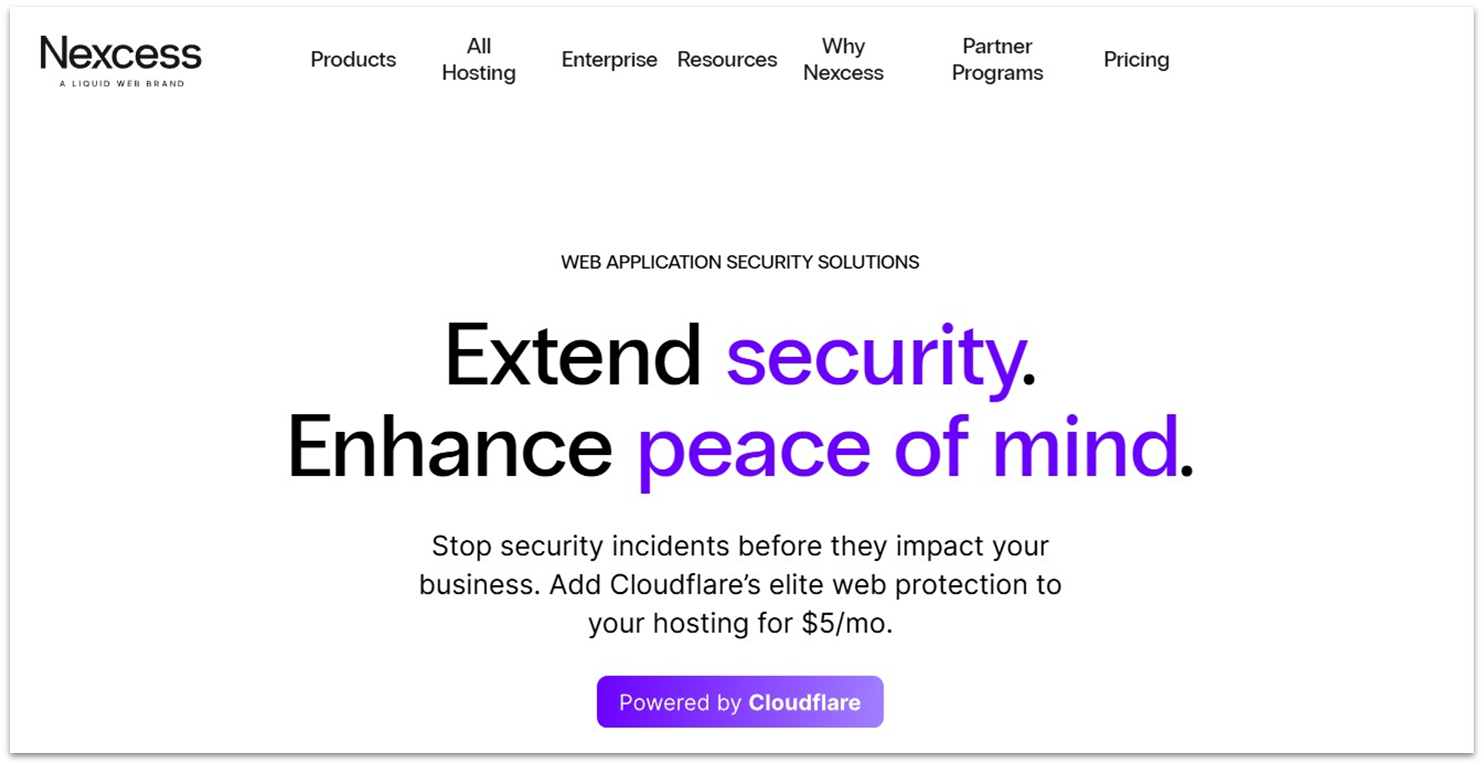
While a bit pricier, Liquid Web’s Nexcess product suite makes up for this by being easier to use overall. It offers incredibly reliable servers, advanced security features, and one of the best support teams around – they’re always ready to step in when you need help. It’s the ideal choice for anyone who wants to focus on design and content while leaving the technical side to the experts.
Liquid Web’s fully-managed, CMS-specific plans are ultra-secure, partially because it manages its own global, PCI-compliant, Tier 4 data center facilities. All plans also include the Solid Security Pro plugin, which significantly enhances protection. Built specifically for WordPress sites, this plugin works 24/7 to protect your site from malware, brute force attacks, spam, bots, and more.
8. InterServer
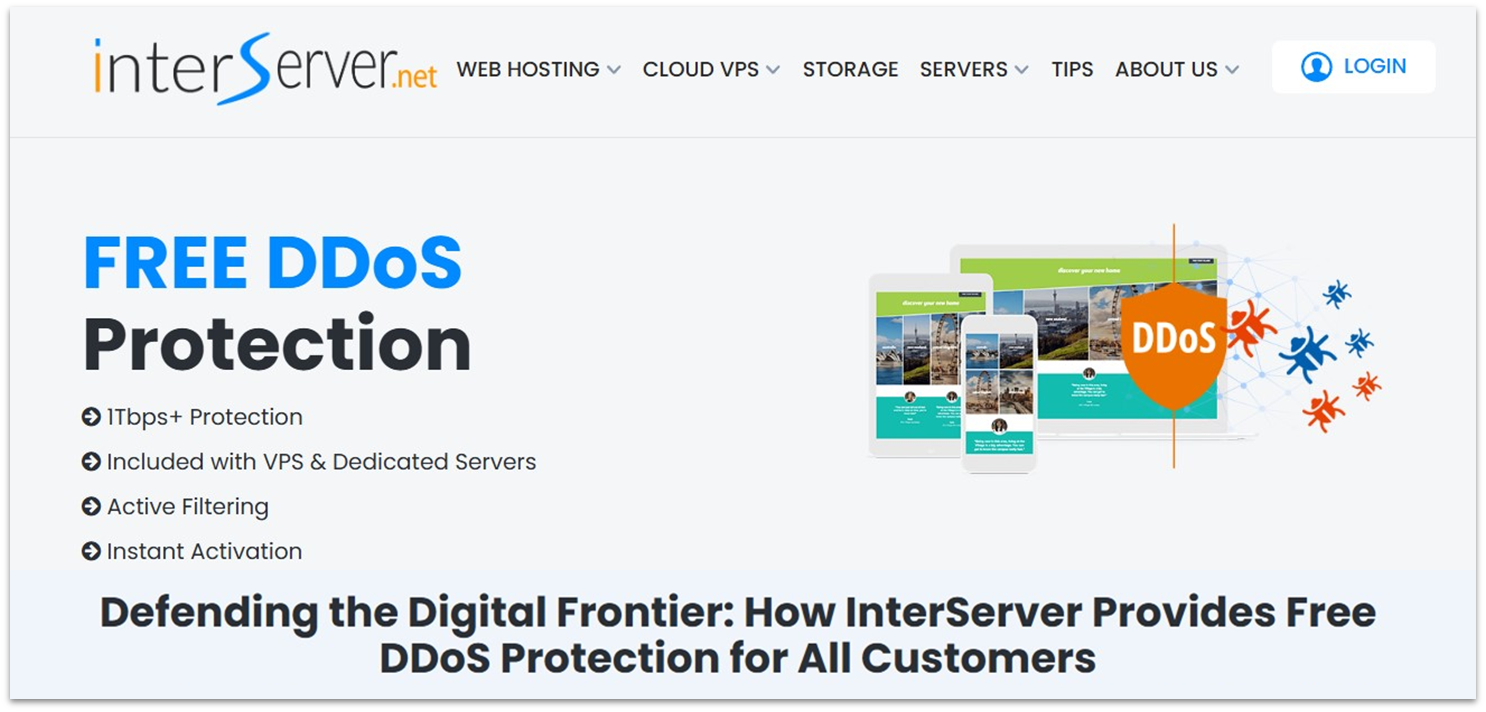
Want cheap, reliable, and secure hosting with all the trimmings? InterServer offers all of that and more, including an easy way to install hundreds of popular web apps in one click. It also has its own in-house InterShield Security suite, which is included free with all plans. This includes IP blocking, account isolation, threat scanning, PHP privilege controls, and more.
InterServer is not low on this list because it’s inferior in terms of security, but because its data centers are all in North America. This means InterServer is a great option for serving customers in Canada, the US, and Mexico – and even some parts of Western Europe. But if you’re targeting users farther afield, site loading times may be slower. A CDN, however, can easily mitigate this.
9. ScalaHosting
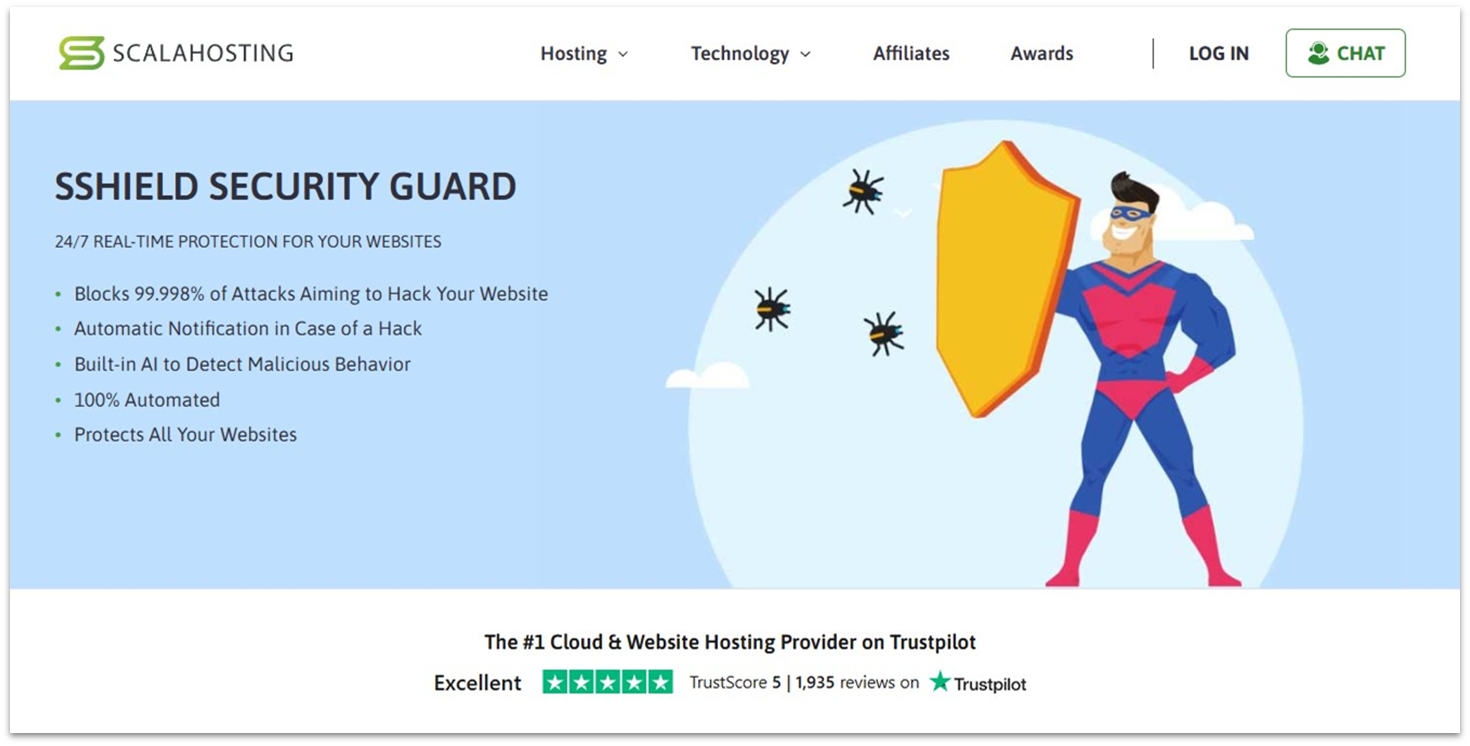
ScalaHosting ups the defence of its hosting services with its security suite. Just like HostArmada’s firewall, the entire ScalaHosting SShield suite is AI-driven, automatically detecting suspicious behavior via machine learning without relying on manually maintained virus databases.
With ScalaHosting’s proprietary hosting panel – SPanel – users can also manage their site’s security. However, all SShield tools are automated for you – this includes its 24/7/365 monitoring, 99.998%-accurate attack blocking, and real-time notifications. You’ll also receive a report if suspicious activity is detected, so you can act quickly if needed.
10. GreenGeeks
GreenGeeks provides affordable and eco-friendly hosting with data centers in North America, Europe, and Asia. It has pledged to plant a tree for every new account and returns 3x its energy usage to the grid in the form of renewable energy. As far as security goes, its plans have all the necessities, like SSLs, daily backups, a firewall, DDoS protection, malware clean-ups, 24/7 monitoring, and regular updates and patches.
It has also concentrated on improving account access security. GreenGeeks sends email alerts for successful new logins, as well as one-time password (OTP) requests for unrecognized devices. You can also enable two-factor authentication (2FA) to further secure your account, and create user accounts with restricted permissions for safer team collaboration.
So, Which Host Should You Go With?
That decision depends on your specific needs. However, the fact that this listicle even exists means some options are better than others, and you should start by looking closely at the top three:
Hostinger has all the security features you’ll need and is very cheap for new website owners. But despite this, it still incorporates above-average security measures into its plans.
IONOS keeps things real with free premium security tools on its budget shared plans, including a Wildcard SSL and daily backups. Georedundant servers and unlimited plans are other unique IONOS features.
On the other hand, SiteGround offers ultra-secure hosting on the Google Cloud network with extra in-house security tools like the convenient Security Optimizer plugin.
Okay, that was a lot of information. For your convenience, here’s a quick rundown of all the hosts and what makes them special.
| Standout Feature | Backups | Custom security solutions | Starting Price | ||
|---|---|---|---|---|---|
| Hostinger | Advanced PHP and WordPress security at low prices | ✔ (weekly/daily on select plans) | Hostinger CDN, VPS firewall, and a WordPress vulnerabilities scanner | $2.49 | |
| IONOS | Free wildcard SSL secures your domain and all subdomains | ✔ (daily on select plans) | Site Scan & Repair security solution (paid add-on) | $1.00 | |
| SiteGround | Secure hosting on Google Cloud with free in-house security features | ✔ (daily on select plans) | Security Optimizer plugin, Site Scanner, and SiteGround CDN | $2.99 | |
| HostArmada | AI-powered security suite with excellent human-driven teams and support | ✔ (daily on select plans) | Advanced firewall with herd immunity | $1.49 | |
| Kinsta | Fully managed, high-performance WordPress security on Google Cloud’s Premium Tier network | ✔ (daily on select plans) | In-house security management | $25.00 | |
| Hosting.com | Ultra-fast hosting paired with comprehensive security tools | ✔ (daily on select plans) | 24/7/365 HackScan and KernelCare auto-updates | $1.99 |